Landing page template picks for 2026: where to find good ones for free
A landing page template is a ready-made page layout you can edit with your own words, images and links
instead of starting from scratch. For a free option, look at both the template and the publishing plan:
a free design doesn't always come with free publishing, your own domain or permission to remove the
builder's branding.
Heya is made by the team that wrote this guide, so read its row with that in mind. Prices come from each
company's own pages, checked on November 9, 2026.
The short answer
Simple site starting point Carrd suits someone who wants a free starting point and a
choice of paid plans for custom domains, forms and other features.
Drag and drop editing Wix suits someone who wants lots of templates and a no-code
editor they can use on a free plan.
Free template testing Webflow suits someone who wants to customize a template for
free before deciding whether to pay for a custom domain.
Paid campaign pages Unbounce suits someone who's open to a paid landing page tool
after a free trial.
Small sites on mobile Heya suits someone who wants a one-page or small site they can
build and edit fully on a phone.
Landing page template libraries compared
Compare the free options, editing features and paid publishing choices for Carrd, Wix, Webflow, Unbounce
and Heya side by side.
Free; Pro Lite $9, Pro Standard $19, Pro Plus $49 a year
Carrd has a free Basic plan, while every Carrd Pro plan includes premium templates, video uploads,
slideshows and other extras. Carrd Pro Lite costs $9 a year for 3 sites and removes Carrd branding;
Carrd Pro Standard costs $19 a year for 10 sites and adds custom domains with SSL, forms and widgets
from Stripe, PayPal, Gumroad and Typeform. You can try Carrd Pro for 7 days without payment or a
credit card.
Better at
One-page sites and landing pages.
Watch out
Pro Lite does not include custom domains.
Wix
Free; Light $17, Core $29, Business $39 a month (yearly)
Wix's Free plan includes hosting, a drag and drop editor, no-code design features and 1000's of
templates, with no credit card required. Wix offers over 2000 business-ready templates that can be
customized manually or with AI, and Premium plans let you connect your own domain and remove Wix
branding. The cheapest paid plan, Light, is $17 per month; Wix displays USD prices for yearly
subscriptions paid in full at purchase.
Better at
Big template library and business tools.
Watch out
Listed prices are for yearly plans paid up front.
Webflow
Free; Basic $15, Premium $25 a month billed yearly
Webflow offers free and paid templates, and you can build and customize a template for free on a
Starter workspace. The free Starter site plan includes 2 static pages, limited Webflow CMS, 1 GB
bandwidth and 50 form submissions, but keeps the Made in Webflow badge and doesn't allow a custom
domain. Webflow Basic adds a custom domain, 300 static pages and unlimited form submissions for $15
a month billed yearly or $25 a month billed monthly, in USD per site plus applicable taxes.
Better at
Custom layouts with full design control.
Watch out
Free Starter sites get 2 static pages and 50 form submissions.
Unbounce includes templates, free hosting, customer support, unlimited conversions and unlimited
subdomains with every plan. Its free option is a 14-day trial, rather than an ongoing free plan.
Starter costs $29 a month billed monthly or $22 a month billed yearly, with 5 pages, up to 500
visitors, 1 user and 1 root domain.
Better at
Landing pages for ad campaigns.
Watch out
Starter is capped at 5 pages and up to 500 visitors.
Heya
Free; Pro Lite $3, Pro Standard $6, Pro Plus $15 a month
Heya is a no-code builder with 68 templates for one-page and small sites, and you can build and edit
fully on a phone, starting without an account while drafts stay in your browser. Heya Free costs $0
with no time limit or credit card and allows up to 3 sites with up to 5 pages per site on a Heya
subdomain with a small "Made with Heya" badge; publishing requires Google sign-in, the only sign-in
option. Heya Pro Standard costs $6 a month and includes 1 custom domain per account, while buttons
can send visitors to Google Form or Tally forms for sign-ups, Calendly for bookings, or a shop,
ticketing or payment page.
Better at
One-page landing pages started from a template.
Watch out
Free sites show a small "Made with Heya" badge.
Templates to start from
These are Heya templates. Each one is live: open the demo, or start your own from it.
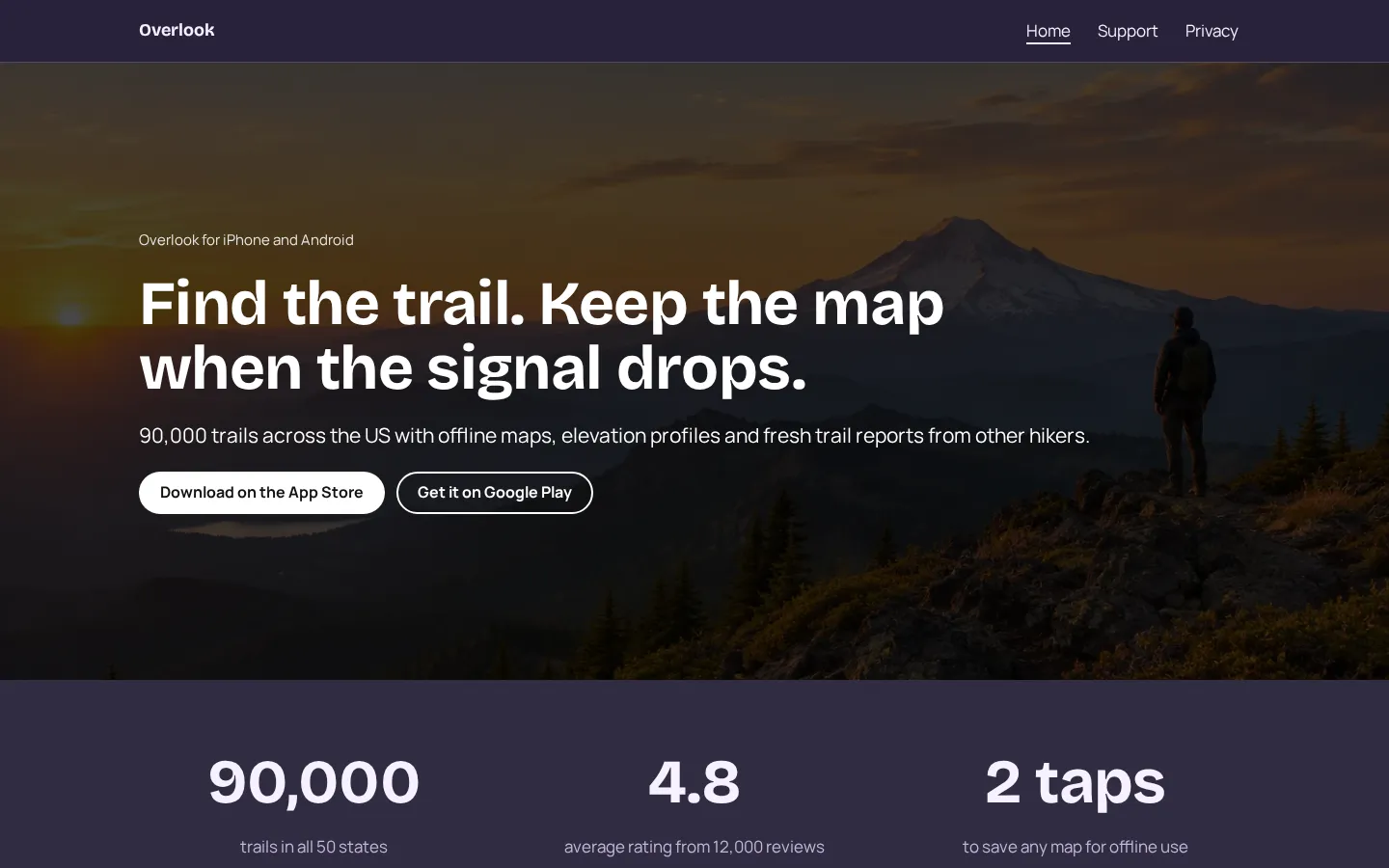
App websiteA free app website template with App Store and Google Play buttons, features, pricing, reviews,
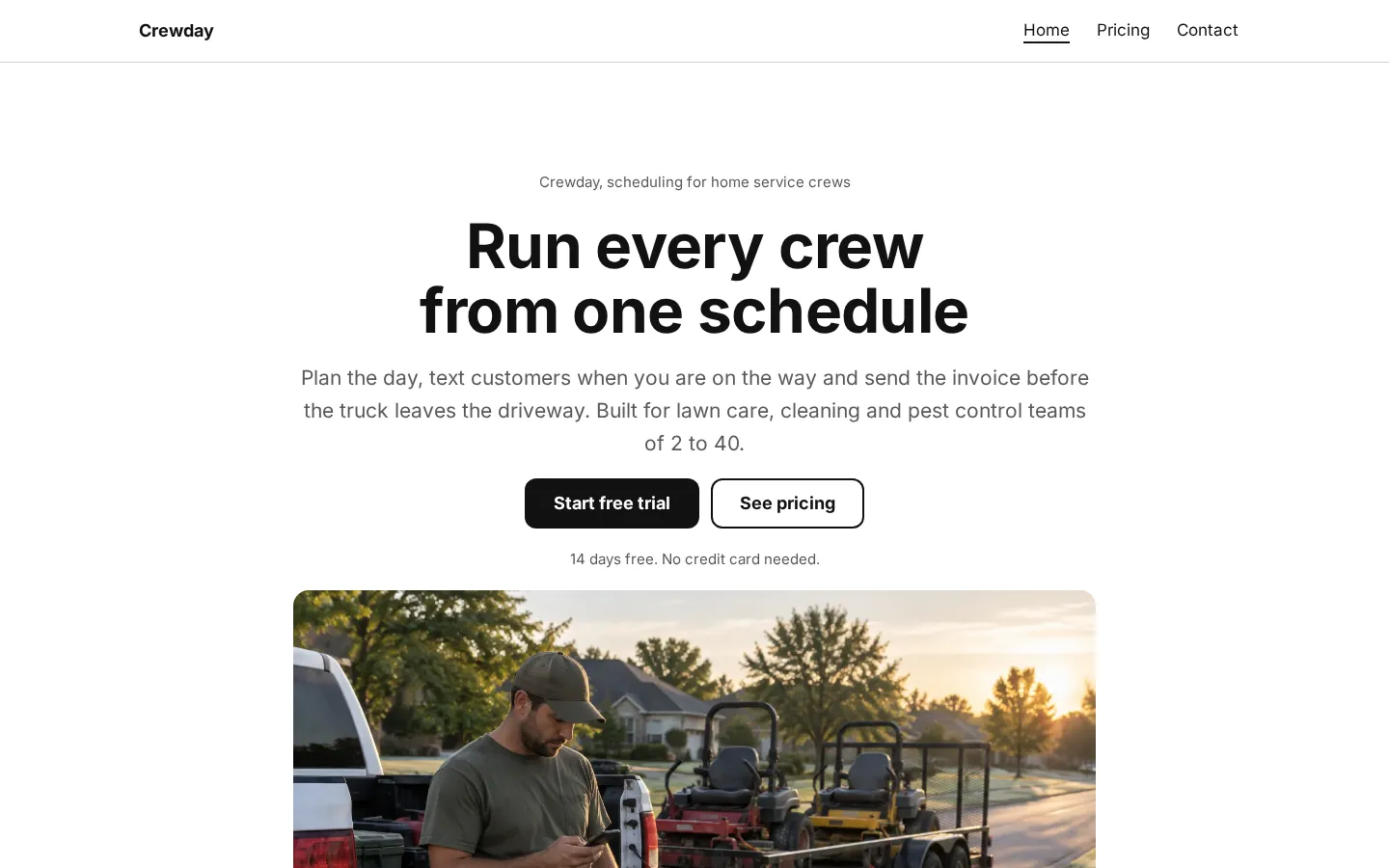
support and a privacy policy.Open the live demoStart from itSaaS websiteA free SaaS website template with features, numbers, a customer story, 3 pricing plans and
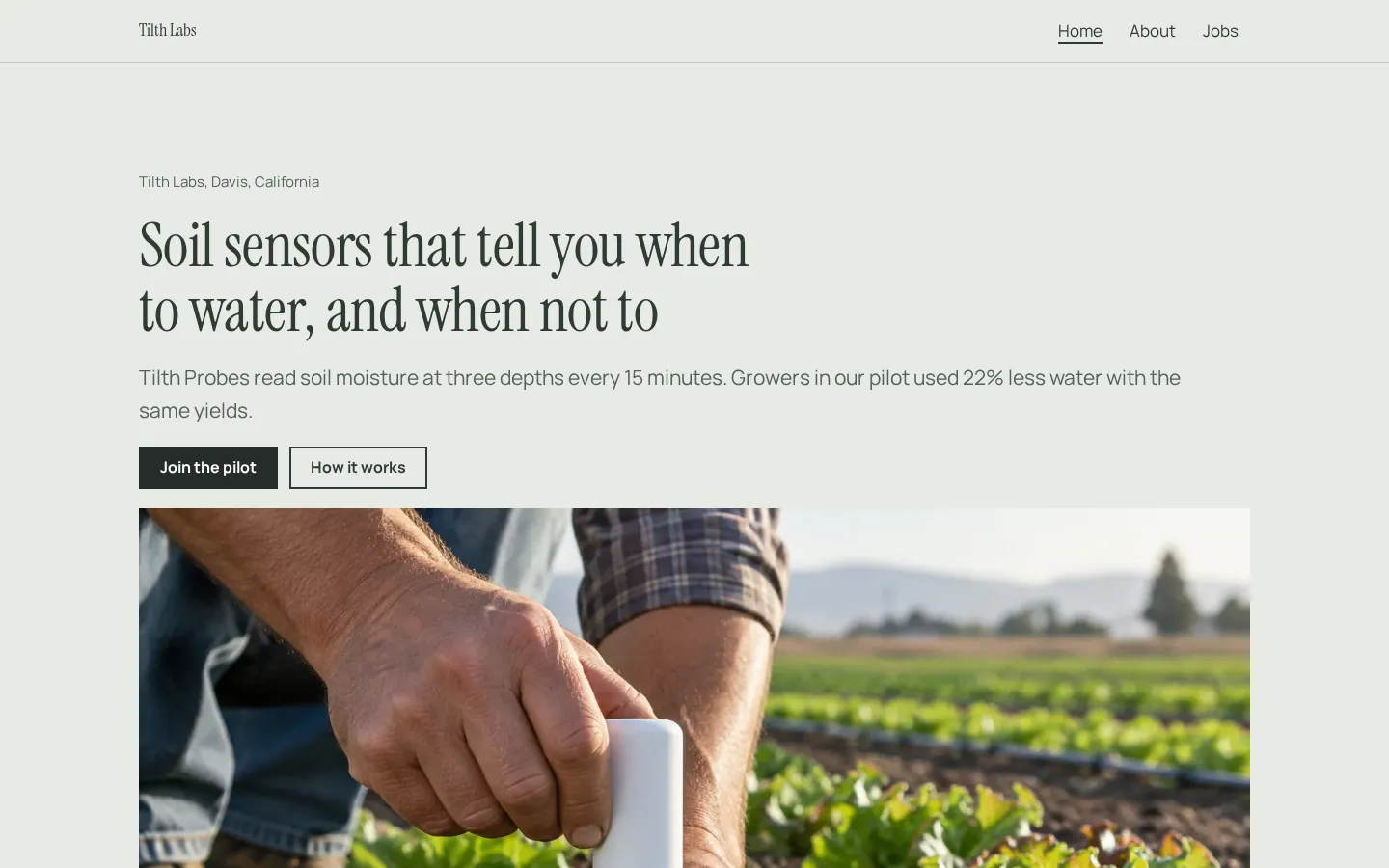
contact.Open the live demoStart from itStartup websiteA free startup website template with how it works, traction, a pilot offer, quotes, the team and
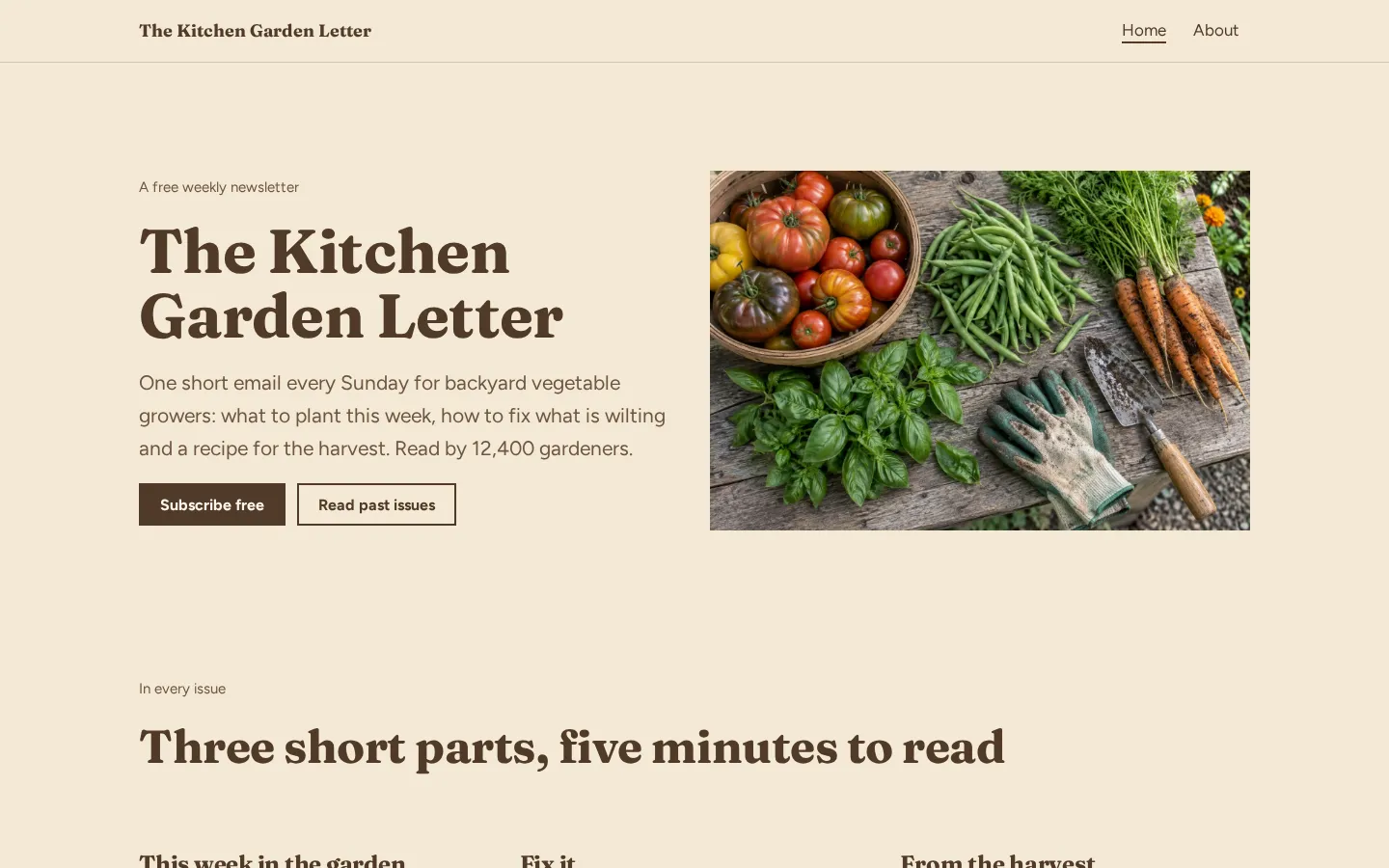
open jobs with salaries.Open the live demoStart from itNewsletter websiteA free newsletter website template with signup buttons, what is in each issue, recent issues and
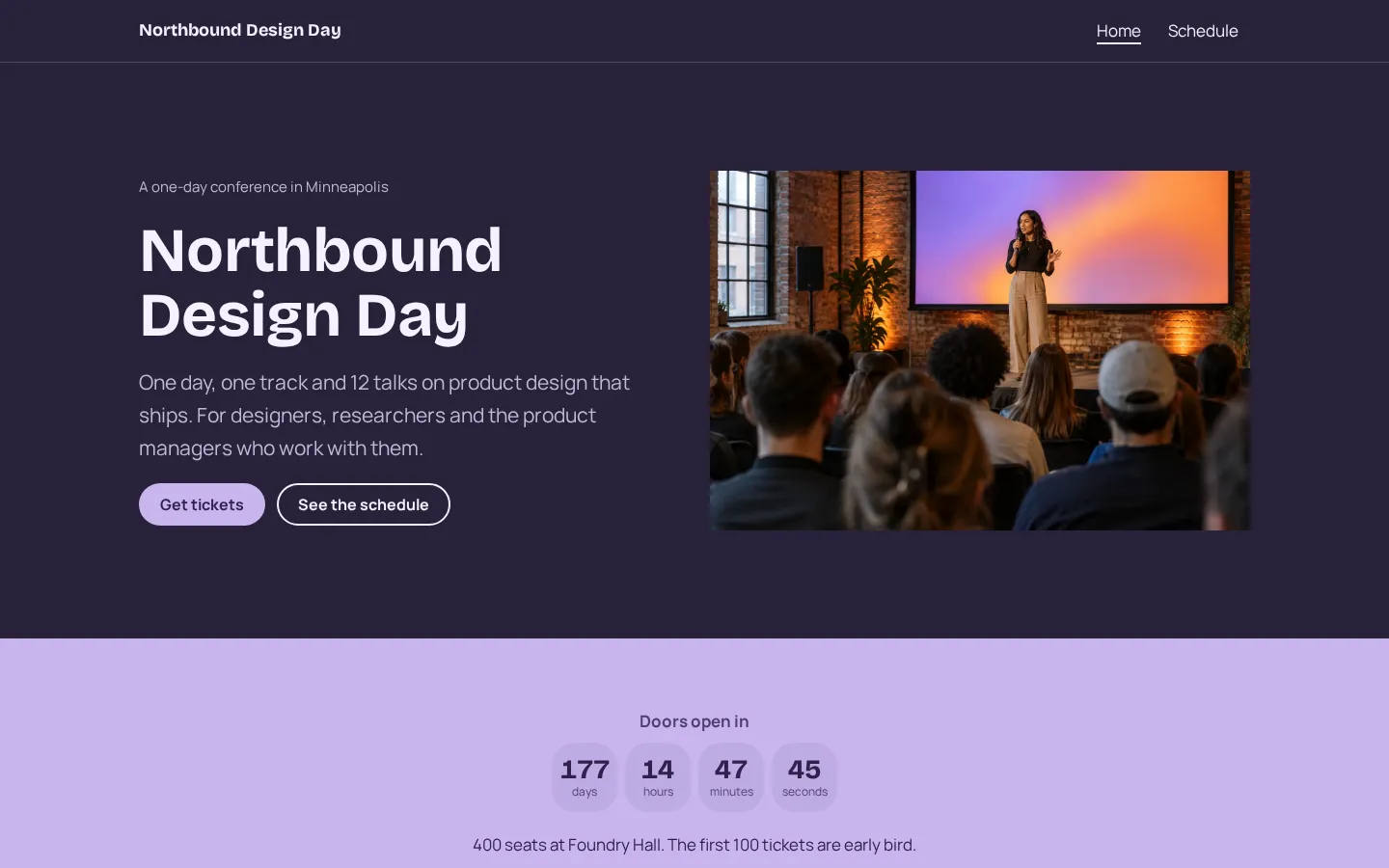
sponsor info.Open the live demoStart from itEvent websiteA free event website template for a one-day conference with a countdown, speakers, schedule,
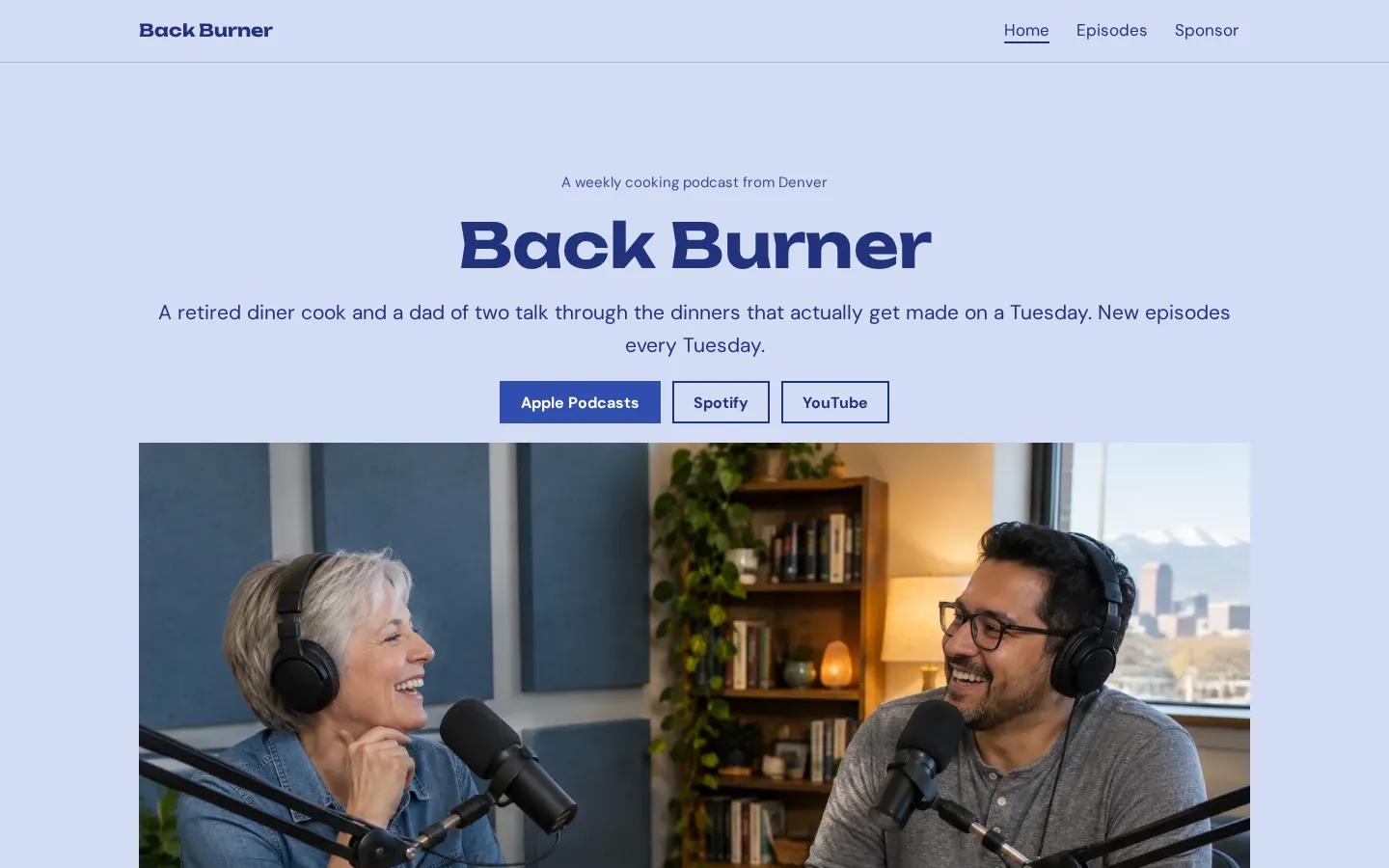
tickets and venue.Open the live demoStart from itPodcast websiteA free podcast website template with listen links, the newest episode, an episode list, hosts and
a sponsor page.Open the live demoStart from it
What a good landing page template includes
Look for room to say what you're offering and a clear place for the visitor to act. Start with the
words. Can you put your offer in the main heading without squeezing it into a layout that was made for
something else?
Keep the useful parts.
A template should give you space for the details your reader needs before clicking: what they're
getting, who it's for, anything they need to know before signing up or buying. Use images that belong
to your offer, rather than keeping the sample pictures just to fill the space.
Check the action itself, too. If the page needs a form, look at the plan that includes it, not just
the template preview. If you're sending people to an outside booking or payment page, check that you
can put that link where you want it.
Picking a template for your goal
What do you need the visitor to do? Choose around that, then look at the design. For a sign-up page,
check how you'll collect responses. Carrd Pro Standard includes forms, Webflow Starter includes 50
form submissions, and Heya buttons can point to a Google Form or Tally form.
For a small site you'll edit on your phone, consider Heya. For a broad template collection and drag
and drop editing, look at Wix. Webflow lets you build and customize a template for free before paying
for a custom domain.
Keep the publishing choice separate from the design choice. You might like a template but still want a
different plan for the finished page (especially if you want your own domain). And if free publishing
is a firm requirement, don't treat Unbounce's 14-day trial as an ongoing free option.
Making a template your own
Replace the sample heading with your offer, then work down the page. Write the button text to match
what happens after the click. If it opens a booking page, say that; if it takes someone to a sign-up
form, make that clear before they leave.
Delete what you don't need.
You don't have to fill every section the template gives you, and you don't need to keep a sample
section just because it looks finished, especially when you have nothing useful to put there. Add your
own images and check the links.
Does the page still read clearly on your phone? Look at the heading, the text and the button together,
then try the action yourself. Before publishing, check the address and branding included with your
chosen plan. If you're using Heya, remember that you'll need to sign in with Google to publish.
Plans change often. If a number here is out of date, email hello@heya.page and we'll fix it.
FAQ
Where can I find free landing page templates?+
Start with Carrd's free Basic plan, Wix's Free plan, Webflow's free templates or Heya's template
collection. Check the publishing terms alongside the design: Webflow Starter keeps its badge, and
free Heya sites have a small badge too. Unbounce offers templates through a 14-day free trial, not
an ongoing free plan.
What is the difference between a landing page and a one page website?+
A landing page is built around a particular action, such as signing up, booking or buying. A one
page website can cover a person or business more broadly on a single page. The same layout might
work for either; choose the sections and links around what you want the visitor to do.
Can I use a landing page template without coding?+
Yes. Wix includes a drag and drop editor and no-code design features on its Free plan. Heya is
also a no-code builder, and you can edit a whole site on your phone. Start by changing the
template's text, images and links, then check the publishing plan before committing to it.
What should a landing page template include?+
Look for a clear heading, space to explain the offer and a button or form that fits the action you
want. Keep the details a visitor needs before deciding, and remove sample content that doesn't
apply. Check the page on your phone and test the sign-up, booking or purchase link before
publishing.
Start from the Orbit design or any of the 68 templates, edit it on your phone or laptop, and publish
on Heya's Free plan for $0, with no time limit and no credit card.