Landing page examples for 2026 and what makes them work
Landing page examples worth looking at include a product launch, a creator's booking page, an event RSVP
page and a waitlist. Each gives the visitor a specific next step. Here's how Carrd, Wix, Framer, Webflow
and Squarespace fit those kinds of pages, plus what to borrow when you build your own.
Heya is made by the team that wrote this guide, so read its row with that in mind. Prices come from each
company's own pages, checked between October 29 and November 9, 2026.
The short answer
Low yearly cost Carrd suits someone who wants template starting points and a choice
of low-cost yearly plans.
Plenty of templates Wix suits founders and marketers who want a large template
library they can customize manually or with AI.
Paid custom domain Framer suits someone happy to publish with Framer and upgrade when
they need their own domain.
Room for content Webflow suits someone choosing between a simple landing page and a
site with CMS content.
Build on your phone Heya suits creators and small businesses who want to build a
small site, including entirely from a phone.
Builders for a simple landing page
Compare Carrd, Wix, Framer, Webflow, Heya and Squarespace side by side on free access, paid plans,
domains and publishing options.
Builder
Free plan
Paid from
Custom domain
Best for
Carrd
Free Basic plan
$9/year (Pro Lite, 3 sites)
Pro Standard ($19/year) and Pro Plus
One-page sites and landing pages
Wix
$0 Free plan, no credit card
$17/mo (Light), yearly price
Connect one on Premium plans; 1 year free domain voucher on most
Big template library and business tools
Framer
$0, for non-commercial use
$10/mo (Basic, yearly billing)
Paid plans
Design-heavy marketing sites
Webflow
Free Starter plan, 2 static pages
$15/mo billed yearly (Basic)
From the Basic plan
Custom layouts with full design control
Heya
Free: 3 sites, 5 pages each, yourname.heya.bio
$3/mo (Pro Lite)
Pro Standard (1) or Pro Plus (up to 10)
Small sites built and edited on a phone
Squarespace
14-day free trial, no credit card
$19/mo (Basic)
Free custom domain on Basic and Core (terms apply)
Polished designer templates
Swipe the table sideways to see every column.
Each option up close
Carrd
Free; Pro Lite $9, Pro Standard $19, Pro Plus $49 a year
Carrd offers a free Basic experience, a free 7-day Pro trial without payment details, and premium
starting templates and custom user-built templates on its Pro plans. Pro Lite costs $9 / year for up
to 3 sites without Carrd branding, but custom domains start with Pro Standard at $19 / year, which
allows up to 10 sites and includes SSL support via Let's Encrypt. Pro Plus costs $49 / year and lets
you download your site's unminified HTML, CSS, JS and images, excluding server-side code.
Better at
One-page sites and landing pages.
Watch out
Pro Lite does not include custom domains.
Wix
Free; Light $17, Core $29, Business $39 a month (yearly)
Wix has over 2000 business-ready templates you can customize manually or with AI, plus a Free plan
for $0 with no credit card required. Light starts at $17 per month with 2 GB of storage and 2 site
collaborators; Wix's displayed USD prices are for yearly subscriptions paid in full at purchase.
Premium plans let you connect your own domain and remove Wix branding, and most include a 1 year
domain voucher for a new domain bought from Wix; there's also a 14-day money-back guarantee.
Better at
Big template library and business tools.
Watch out
Listed prices are for yearly plans paid up front.
Framer
Free; Basic $10, Pro $30 a month
Framer's Free plan costs $0, includes a Framer domain and is intended for non-commercial use.
Connecting your own domain requires a paid plan: Basic starts at $10 per month with yearly billing,
and Pro costs $30 per month. Check your hosting plans before committing: Framer doesn't support HTML
export for self-hosting.
Better at
Design-heavy marketing sites.
Watch out
The free plan is meant for non-commercial use.
Webflow
Free; Basic $15, Premium $25 a month billed yearly
Webflow's free Starter plan has no time limit and publishes on a Webflow subdomain, with a limited
CMS, 2 static pages, 1 GB bandwidth and 50 form submissions. Basic costs $15/mo billed yearly,
includes a custom domain and is designed for simple sites that don't need a CMS. For a content-rich
site with CMS and traffic needs, Premium costs $25/mo billed yearly.
Better at
Custom layouts with full design control.
Watch out
Free Starter sites get 2 static pages and 50 form submissions.
Heya
Free; Pro Lite $3, Pro Standard $6, Pro Plus $15 a month
Heya is a no-code builder for one-page and small sites, with 68 templates, a blank-page option and
editing that works fully on a phone; you can start without an account, with drafts saved in your
browser, then sign in with Google to publish. Free costs $0 with no time limit or credit card and
includes up to 3 sites with up to 5 pages each on a Heya subdomain with a small badge; Pro Lite
costs $3 a month for badge-free publishing and up to 20 pages per site on up to 3 sites, while Pro
Standard costs $6 a month for up to 5 sites and 1 custom domain per account. Buttons can send
visitors to an outside form, booking page or checkout, and Pro Plus costs $15 a month for up to 25
sites, up to 20 pages per site, up to 10 custom domains per account and an HTML ZIP download.
Better at
Small sites built and edited on a phone.
Watch out
Free sites show a small "Made with Heya" badge.
Squarespace
Basic $19, Core $29, Plus $49, Advanced $99 a month
Squarespace lets you start with Blueprint AI or a designer template, then design, edit and publish
with Fluid Engine drag-and-drop tools without writing HTML, CSS or JavaScript. Its free trial lasts
14 days, requires no credit card and lets you design a full site before choosing a plan to connect a
custom domain and go live. Basic costs $19 per month and includes a free custom domain*, while Core
costs $29 per month, Plus costs $49 per month and Advanced costs $99 per month; annual payment can
save up to 36%.
Better at
Polished designer templates.
Watch out
You pick a paid plan to connect a custom domain and go live.
Templates to start from
These are Heya templates. Each one is live: open the demo, or start your own from it.
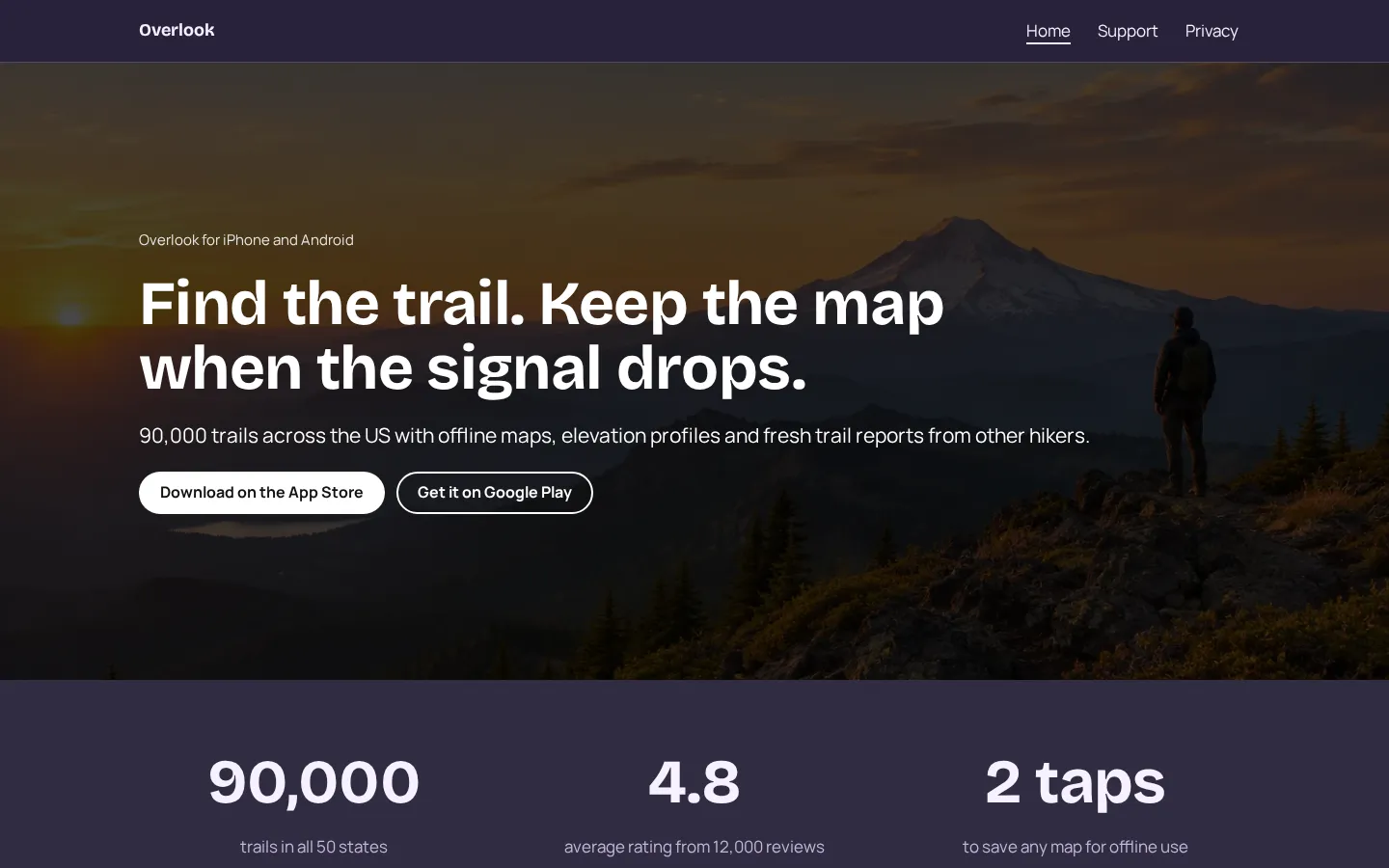
App websiteA free app website template with App Store and Google Play buttons, features, pricing, reviews,
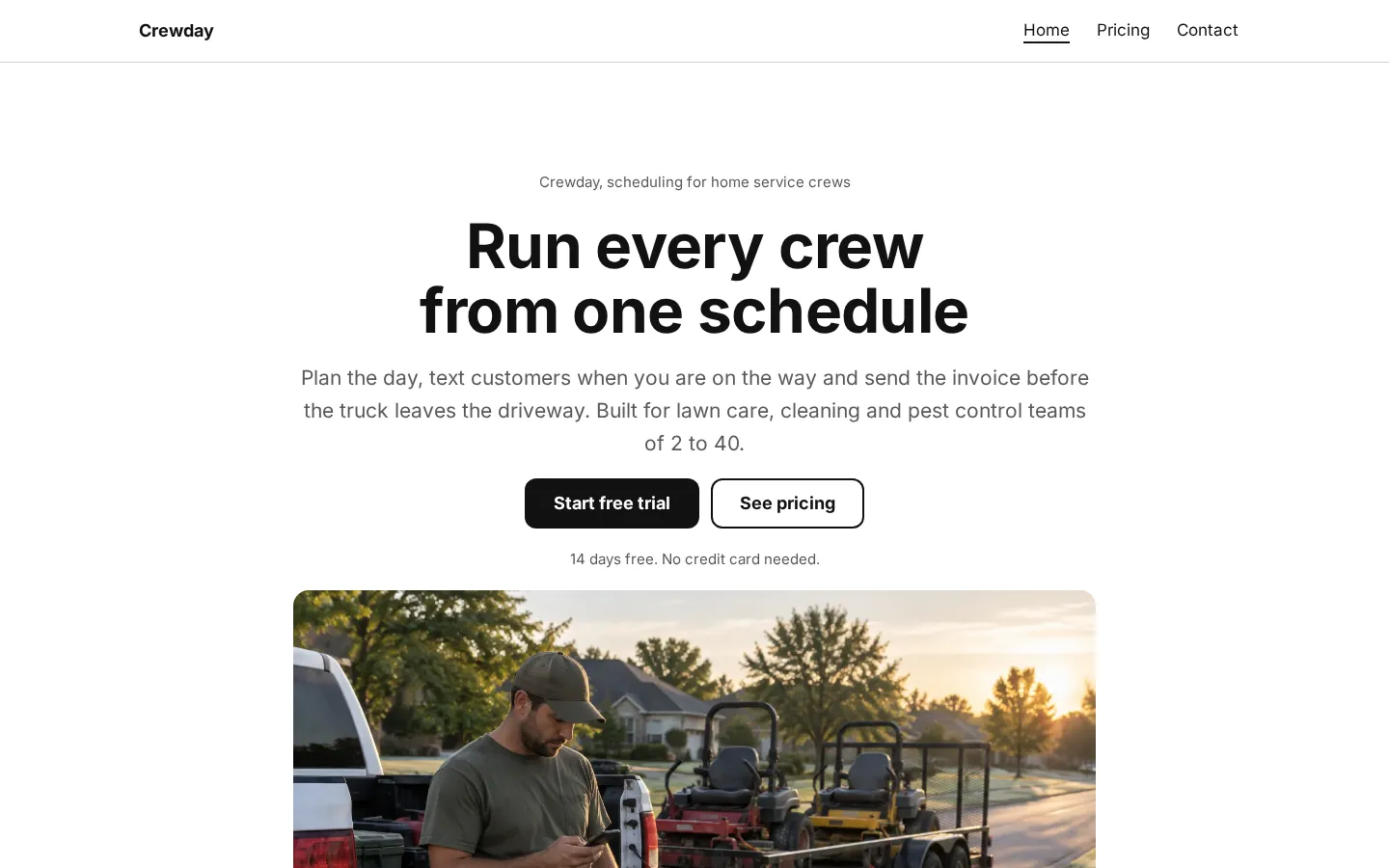
support and a privacy policy.Open the live demoStart from itSaaS websiteA free SaaS website template with features, numbers, a customer story, 3 pricing plans and
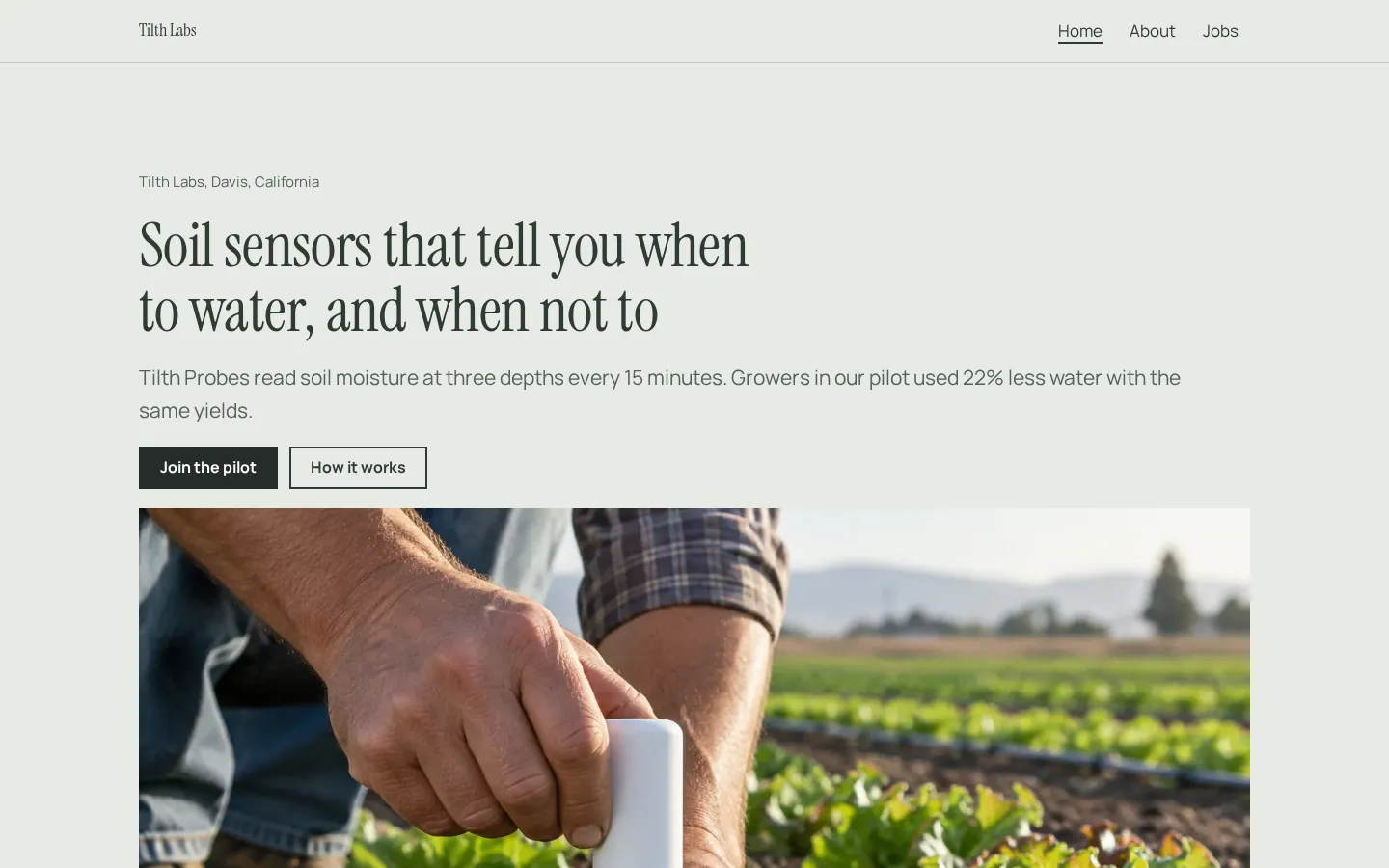
contact.Open the live demoStart from itStartup websiteA free startup website template with how it works, traction, a pilot offer, quotes, the team and
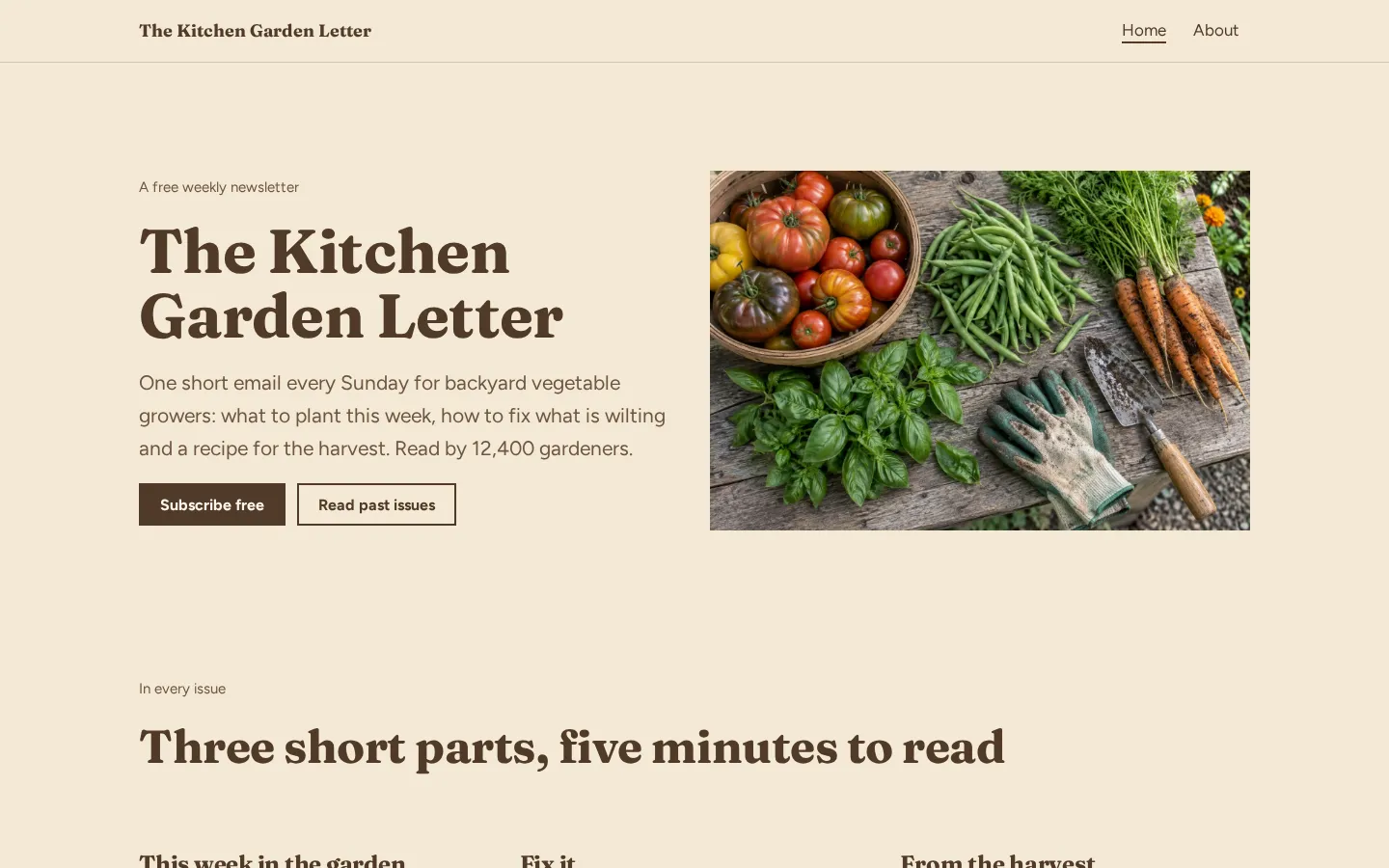
open jobs with salaries.Open the live demoStart from itNewsletter websiteA free newsletter website template with signup buttons, what is in each issue, recent issues and
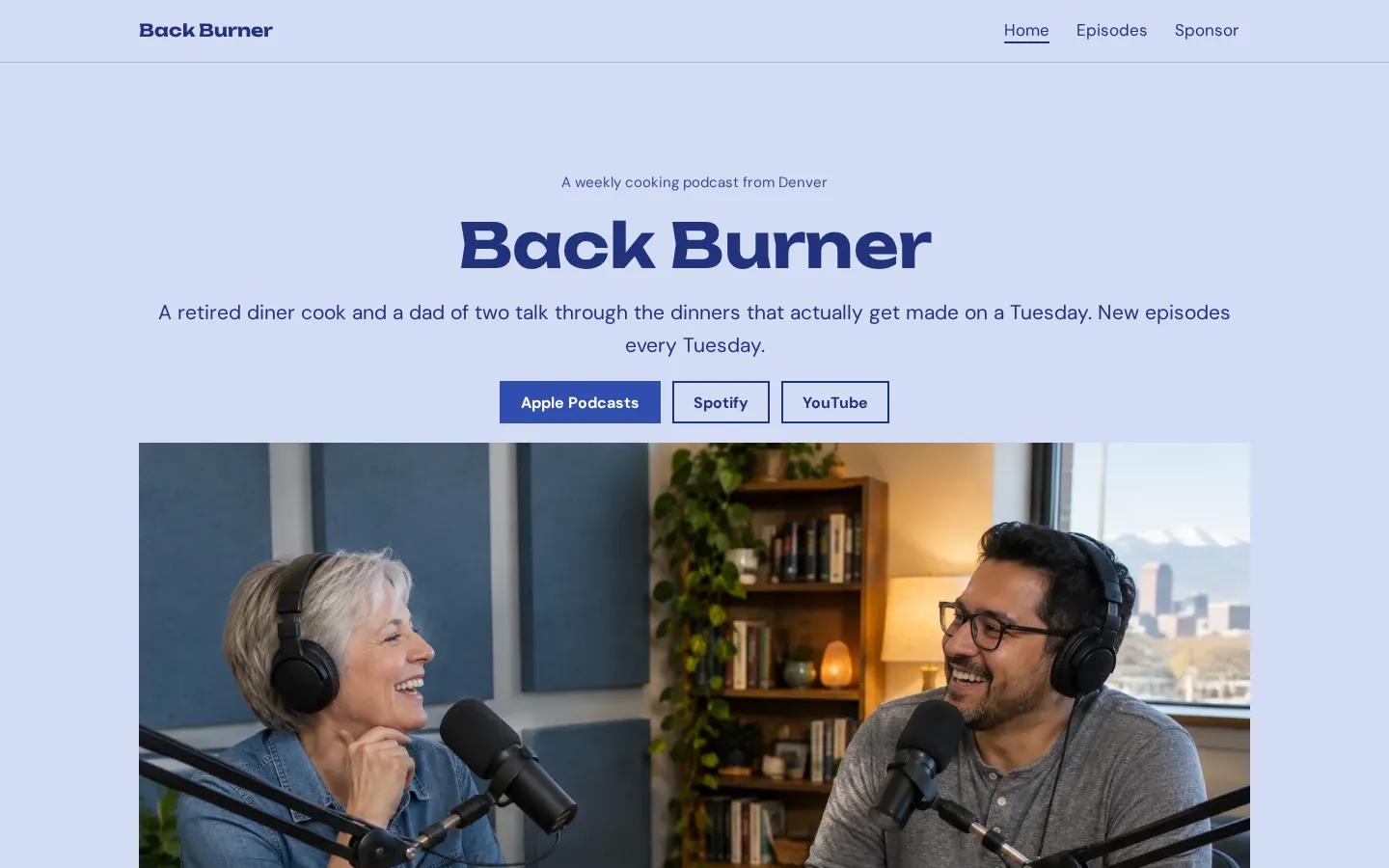
sponsor info.Open the live demoStart from itPodcast websiteA free podcast website template with listen links, the newest episode, an episode list, hosts and
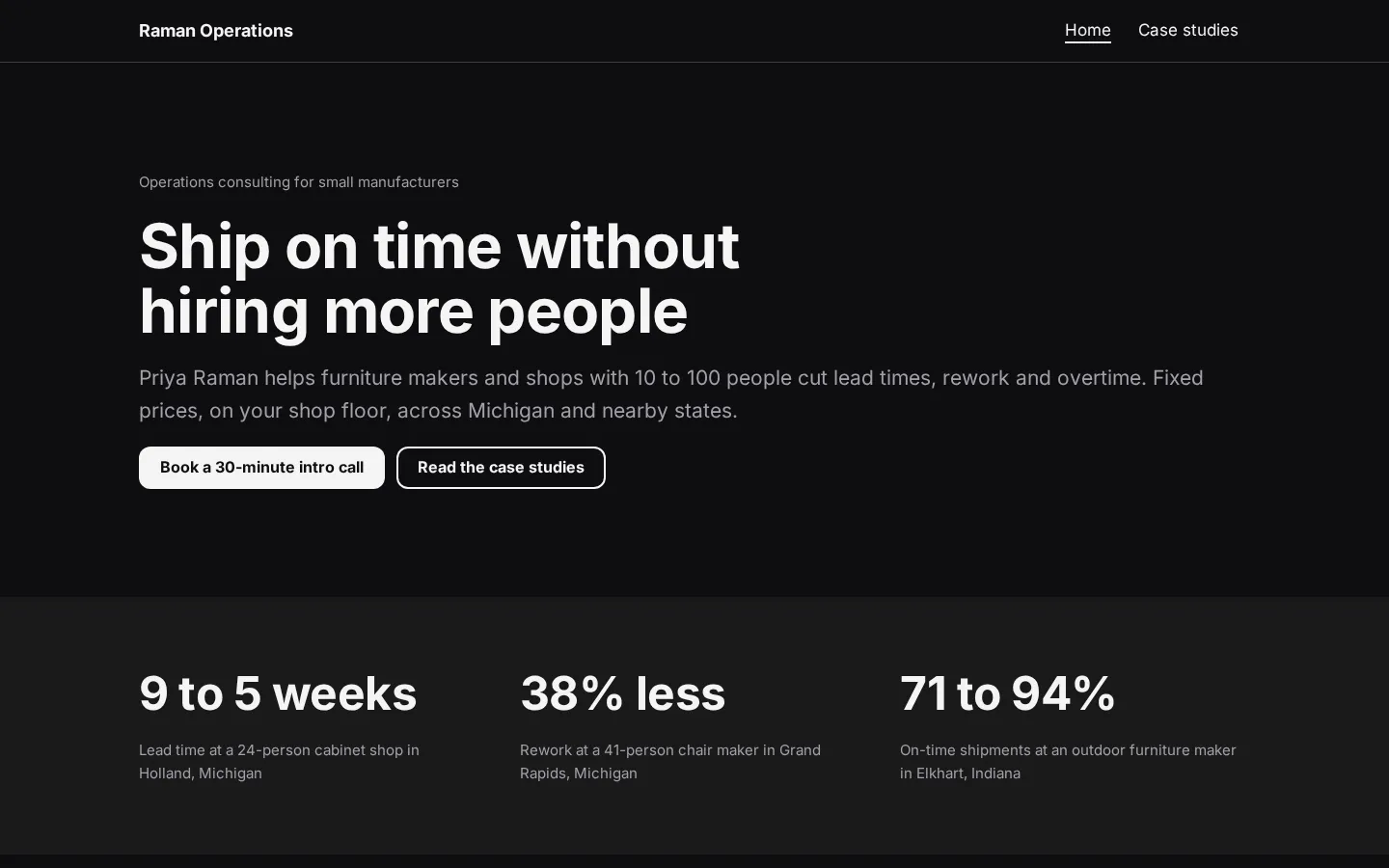
a sponsor page.Open the live demoStart from itConsulting websiteA free consulting website template with packages, client results and case studies, which you edit
in your browser and publish free.Open the live demoStart from it
What good landing pages have in common
When you look at landing page examples, look past the template. Read the headline, find the offer,
then look for the action you're being asked to take. Can you name it without guessing?
Keep that test simple.
For your own page, put the offer into plain words and choose details that belong to it. A booking page
should tell people what they're booking. An event page should tell them what they're responding to. A
product page should say what the product does, not leave that job to a screenshot.
Before you publish, read the page from top to bottom on your phone, tap the button, check where it
goes and make sure the wording still describes what happens after the tap.
And check your claims. If you can't back up a promise, cut it. You don't need to fill every space in
the template (including the sections it came with).
One goal per page
Pick the action before you pick the template. Do you want someone to book, join a waitlist, RSVP or
buy? Write that down and use it to decide what belongs on the page.
One goal is enough.
For a booking page, make booking the main action. Put the details someone needs before booking on that
page, and send the button to the booking destination. If you're building in Heya, that can be a button
linking to Calendly; for an RSVP or sign-up, it can link to Google Forms or Tally.
But don't turn every available destination into another main button. You can have a shop, a mailing
list and social accounts without giving them equal weight on this particular page.
Read the draft again with your chosen action in mind, and mark anything that asks the visitor to do
something else before they've done the thing you built the page for. Keep what's needed (contact
details may still belong); cut the detours.
Writing the headline and the button
Start with a headline that names the offer. What would you call it if someone asked what the page was
for? Use that answer as your draft, even if it feels less clever than the line you wanted to write.
Plain is fine.
For a booking page, name the service people can book. For an event, name the event. For a waitlist,
say what people are waiting for, then use the text underneath to explain the offer without repeating
the headline in different words.
Try button labels such as "Book an appointment," "Join the waitlist" or "RSVP." Match the label to the
destination, and don't use "Buy" if the next step is joining a list rather than making a purchase.
And read the headline and button together, without the rest of the page: does the offer lead into the
action, or have you changed the subject between them? Fix that before polishing the smaller bits (the
headline can stay plain).
Plans change often. If a number here is out of date, email hello@heya.page and we'll fix it.
FAQ
What is a landing page?+
A landing page is a page built around a particular offer or action, such as booking a service,
joining a waitlist or responding to an event invitation. It can stand on its own or sit inside a
larger website. When you build one, choose the action first and write the page around it.
What makes a good landing page?+
Start with a clear offer, the details someone needs to consider it and a button that says what
happens next. Keep claims specific and check that you can support them. When reviewing examples,
ask yourself: can I tell what's offered and where the button will take me? Use that same check on
your own draft.
Is a landing page the same as a website?+
Not quite. A landing page can be the whole site, but it can also be a page within a larger site.
The distinction is its purpose: you're building it around a particular action. You don't need to
add more pages just to make it a website, or put every part of your business on the landing page.
Can I make a landing page for free?+
Yes. Carrd has a free Basic experience, Wix has a Free plan, and Framer has a Free plan intended
for non-commercial use. Webflow's free Starter plan has no time limit. Heya Free also has no time
limit, with up to 3 sites and up to 5 pages per site. Squarespace offers a 14-day free trial
rather than an ongoing free plan.
Pick one of 68 templates or a blank page, edit it on your phone or laptop, and publish on Heya's
Free plan for $0, with no time limit and no credit card.