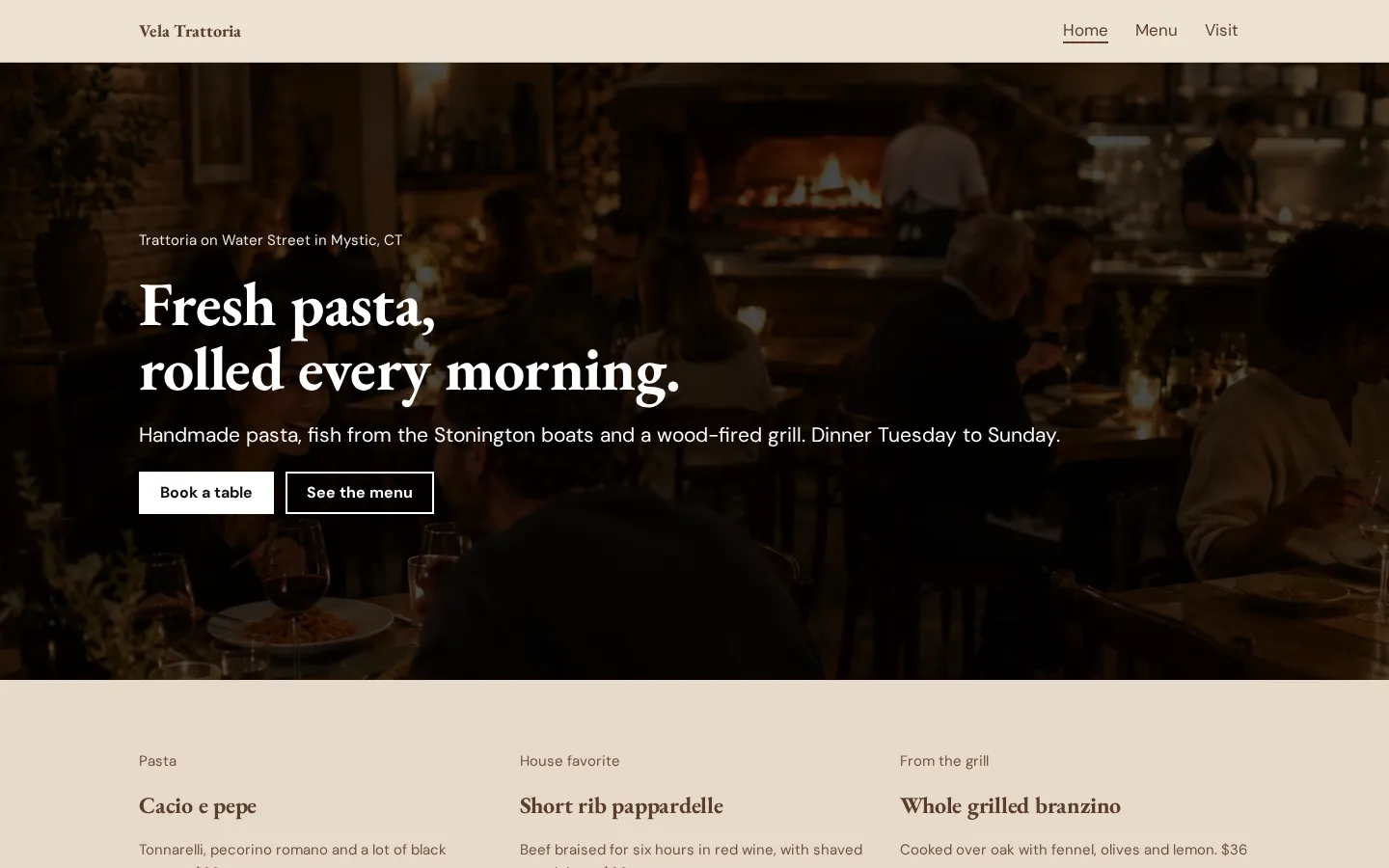
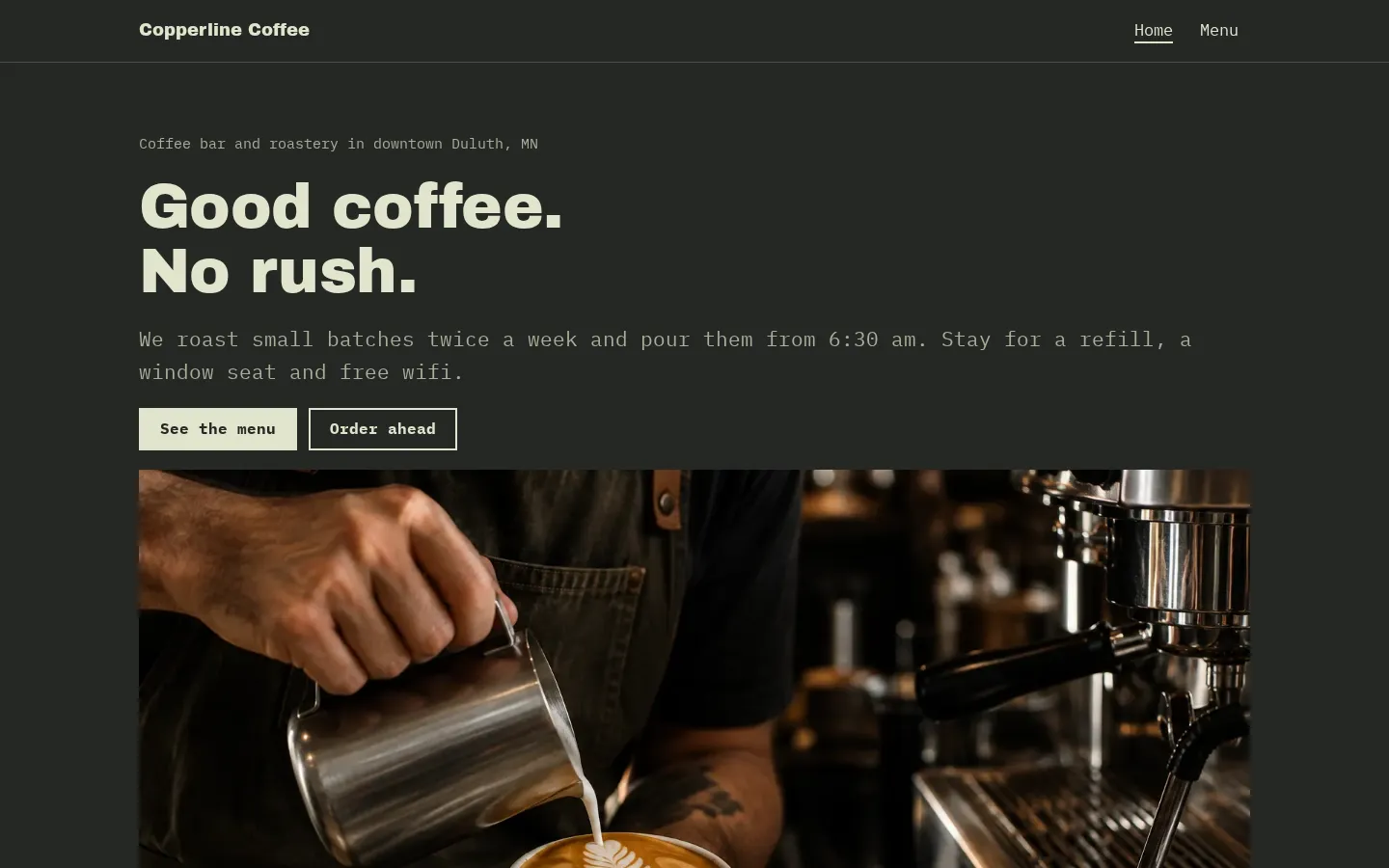
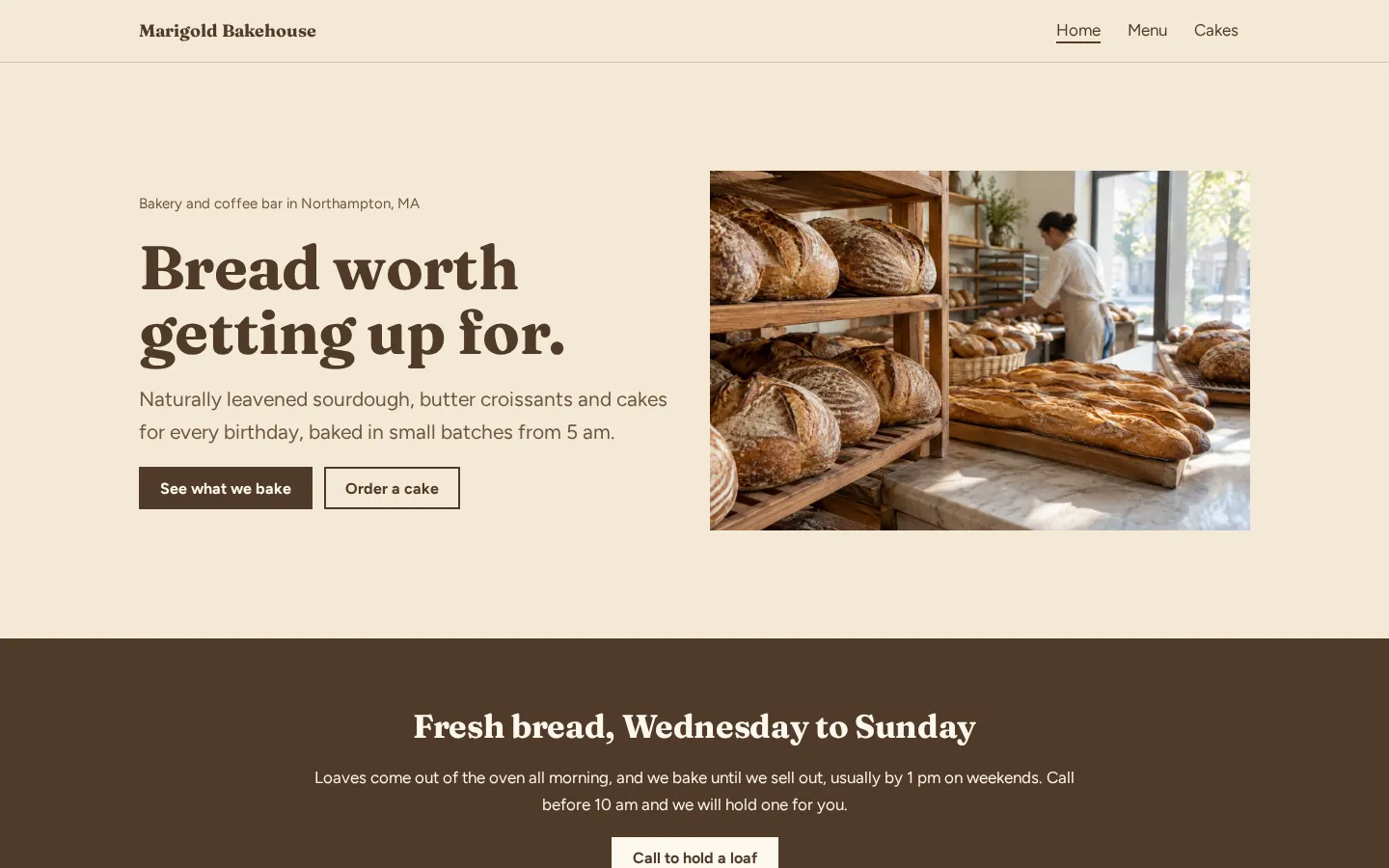
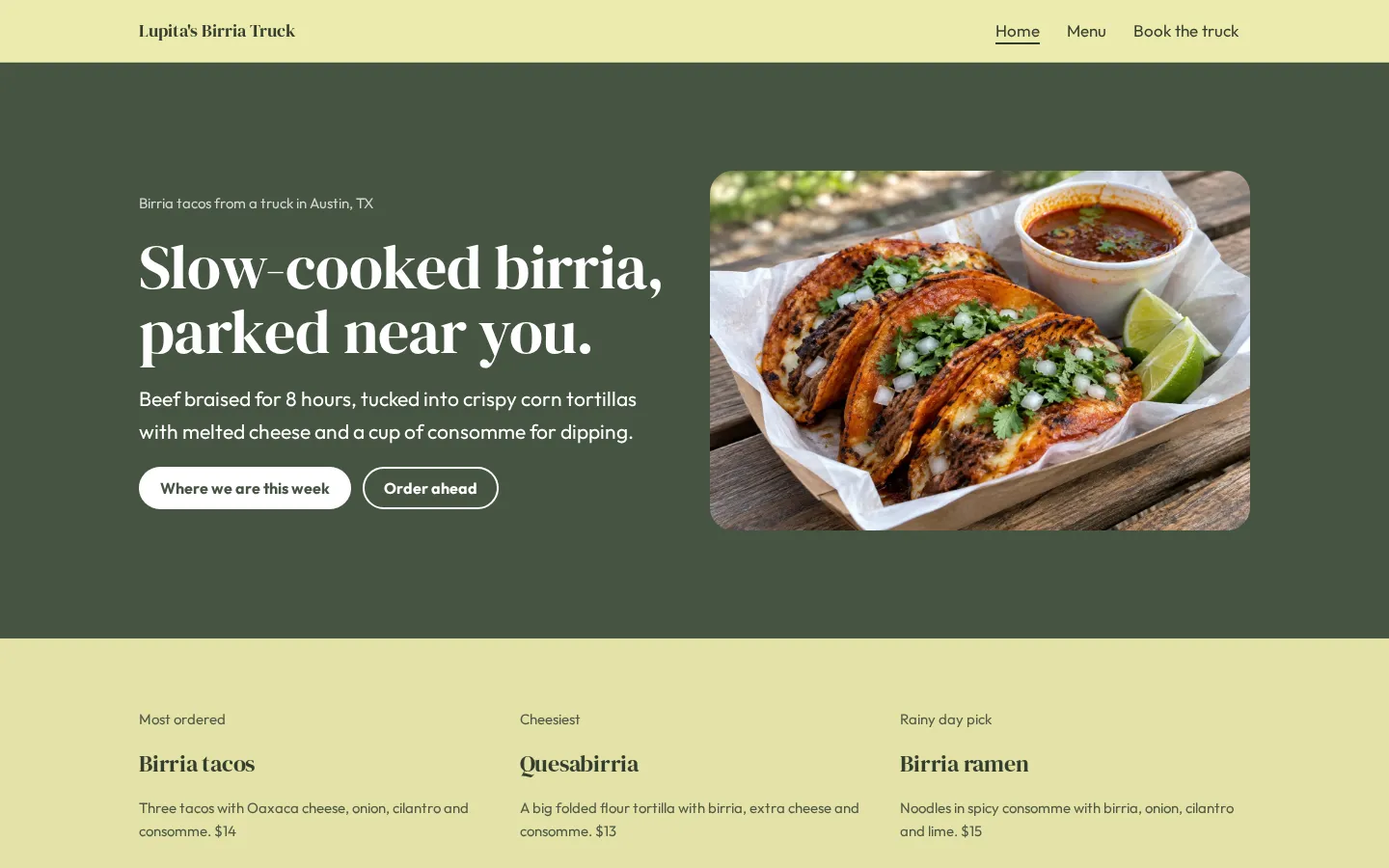
Free menu maker options in 2026: online menus, QR menus and menu pages
A free menu maker can help you design a menu, build a menu page, or put a menu on a free website. Those
aren't quite the same job. For a menu customers can open at the table, choose where it'll live online,
then use a free QR code generator to point to that page.
Heya is made by the team that wrote this guide, so read its row with that in mind. Prices come from each
company's own pages, checked between October 29 and November 9, 2026.
The short answer
-
Design a menu Canva suits owners who want to lay out a menu and export it as a PDF or
image.
-
Build a website Wix suits owners who want a free website with a menu page and
templates they can customize.
-
Restaurant website tools Popmenu suits owners looking for a paid restaurant website
with an interactive menu and Google Business Profile sync.
-
Make a small site Heya suits owners who want a free menu website they can build and
edit on a phone.
How to put your menu online
-
Gather your menuGet your current dishes, descriptions and prices together. Check
what's available before you start laying it out.
-
Choose the formatDecide between a designed file and a web page. If you make a file,
you'll also need somewhere online for customers to open it.
-
Build the menuAdd your menu text and any images you want to use. Keep section names
and prices easy to pick out.
-
Put it onlinePublish the page or put your exported menu at a publicly accessible
link. Open that link without signing in to check it.
-
Make the QR codeAny free QR code generator can point at the menu page link. Download
the code and test it on your phone before printing it.
-
Check after changesWhen you update a dish or price, open the customer-facing menu
again. Scan the printed code too if you've changed its destination.
Menu makers and restaurant website tools
The table compares Canva, Wix, Popmenu, Heya and Owner.com by their free options, paid prices and
menu-related features.
| Builder |
Free plan |
Paid from |
Custom domain |
Best for |
| Canva |
Canva Free, US$0 |
Pro plan, billed monthly or yearly |
Not stated |
Designing graphics, PDFs and print pieces |
| Wix |
$0 Free plan, no credit card |
$17/mo (Light), yearly price |
Connect one on Premium plans; 1 year free domain voucher on most |
Big template library and business tools |
| Popmenu |
Not stated |
$159/mo prepaid annually (Starter) |
Not stated |
Restaurants that want marketing tools |
| Heya |
Free: 3 sites, 5 pages each, yourname.heya.bio |
$3/mo (Pro Lite) |
Pro Standard (1) or Pro Plus (up to 10) |
Small sites built and edited on a phone |
| Owner.com |
Not stated |
$249/mo plus 5% per order (Flexible) |
Not stated |
Online ordering for restaurants |
Swipe the table sideways to see every column.
Each option up close
Canva
Free; Pro and Business are paid plans
Canva is a design tool with a drag-and-drop editor, 1,000+ design types and 1.6M+ templates, and its
Free plan costs US$0 per year for one person. It exports PDF, JPG, PNG and print-ready CMYK designs.
The Free plan includes 1 Brand Kit limited to 3 colors and 5GB of cloud storage; for an online menu,
plan where you'll put the exported file.
- Better at
- Designing graphics, PDFs and print pieces.
- Watch out
- The free plan has 1 Brand Kit and 5GB of storage.
Wix
Free; Light $17, Core $29, Business $39 a month (yearly)
Wix offers a Free plan for $0 with no credit card required, plus over 2000 business-ready website
templates you can customize manually or with AI. Its cheapest paid plan, Light, is $17 per month and
includes 2 GB of storage and 2 site collaborators; the displayed USD price is for a yearly
subscription paid in full at purchase. Premium plans let you connect your own domain and remove Wix
branding.
- Better at
- Big template library and business tools.
- Watch out
- Listed prices are for yearly plans paid up front.
Popmenu
Starter $159 a month, prepaid annually
Popmenu's Starter plan includes an SEO-driven website, an interactive menu and Google Business
Profile sync. It's the cheapest listed paid plan at $159 per month, prepaid annually, while
Essentials costs $269 per month when prepaid annually. Annual billing gives a 10% discount compared
with monthly billing, so treat this as a paid option rather than a free menu maker.
- Better at
- Restaurants that want marketing tools.
- Watch out
- The Starter plan is prepaid annually.
Heya
Free; Pro Lite $3, Pro Standard $6, Pro Plus $15 a month
Heya is a no-code builder for one-page and small sites, with 68 templates, including restaurant
templates, and full building and editing on a phone; you can start without an account, with drafts
saved in your browser until publishing. Heya Free costs $0 with no time limit or credit card and
includes up to 3 sites with up to 5 pages per site on a Heya address, plus a small "Made with Heya"
badge; publishing requires Google sign-in. Pro Lite costs $3 a month and removes the badge, while
Pro Standard costs $6 a month and includes 1 custom domain per account; a button can link to your
ordering or delivery page.
- Better at
- Small sites built and edited on a phone.
- Watch out
- Free sites show a small "Made with Heya" badge.
Owner.com
Flexible $249 a month plus 5% per order
Owner.com offers a Flexible plan at $249 per month plus a 5% restaurant fee per order, or a Flat
Rate plan at $499 per month with no additional restaurant fees. Guests pay a 5% order support fee on
both plans. Billing is month-to-month with no cancellation fees, so this belongs in the paid
ordering comparison, not the free menu shortlist.
- Better at
- Online ordering for restaurants.
- Watch out
- Guests pay a 5% order support fee on both plans.
What a good online menu shows
Start with what you're serving and what it costs. Use the dish names your customers will recognize,
add descriptions where they're needed, and put each price beside the right item. If something isn't
available, change the menu rather than leaving customers to ask.
Keep it readable.
Give each section a clear name. If you've got different menus for different times, label them, and
make it clear which one the customer is looking at, rather than putting everything together under a
general menu heading.
What does someone need before they order? Include the choices they have to make, any extras and their
prices, and the dietary or allergen information you've confirmed for your dishes.
Photos are optional. If you use them, check that the menu text still gets enough room on a phone
(including the prices). And if the page includes an ordering button, give it a plain label that says
where it goes.
QR code menus
A QR code points customers to a link. You still need to put the menu online first, either as a web
page or as a file customers can open without signing in.
Any free QR code generator can point at the menu page link. Copy the published link, create the code
and test it before you put it on the tables. Does it open the menu you meant to share? Check the
actual destination, not just whether your camera recognizes the code.
Try it as a customer.
Open the menu on your phone and check the text, prices and any buttons. If you've used a PDF, open
that too and see how it looks on the screen.
Keep the same menu link when you make edits, where your setup allows it. And if you replace the page
or move the file, scan your printed code again (the one already on the table). Don't assume it points
to the new location.
Online ordering and delivery
Putting your menu online and taking an order are separate tasks. Decide whether you want customers to
read the menu, go to an existing ordering or delivery page, or use a paid service for ordering.
Already have an ordering page? Link to it from the menu. A Heya button can send visitors to your
ordering or delivery page, and you can keep the menu's dishes and prices on the site itself.
Check the fees separately.
Owner.com's Flexible plan costs $249 per month plus a 5% restaurant fee per order. Its Flat Rate plan
costs $499 per month with no additional restaurant fees, but guests still pay a 5% order support fee
on either plan.
For Popmenu, the Starter features listed here are its SEO-driven website, interactive menu and Google
Business Profile sync. Compare those with what you need rather than treating an interactive menu as an
ordering service.
And before you share your menu, follow the ordering button yourself (all the way to its destination).
Check that it opens the page you want customers to use.
How we checked
We took every price, limit and feature from each company's own pages, collected on October 29, 2026.
We checked the Wix pages again on November 9, 2026. Heya's details come from its pricing page and
docs, checked on October 30, 2026. The facts come from
canva.com/pricing,
wix.com/plans, wix.com,
get.popmenu.com/pricing,
owner.com/pricing,
heya.page/pricing and
heya.page/docs.
Plans change often. If a number here is out of date, email hello@heya.page and we'll fix it.
FAQ
How do I make a menu online for free?+
Choose the format first. Canva Free lets you design a menu and export it as a PDF or image, which
you'll need to put online. Wix has a free website plan. Heya Free lets you publish a small site
with menu text and images, with Google sign-in required to publish. Start with your current dishes
and prices, then check the finished menu on your phone.
How do I make a QR code menu?+
Put your menu online and copy its public link. Any free QR code generator can point at the menu
page link. Create the code, download it and scan it before printing. Check that the destination
opens without an account and shows the right menu. If you later change the page address, check the
printed code again.
Should my menu be a PDF or a web page?+
Use a PDF if you want a designed menu file; Canva supports PDF exports. Choose a web page if you
want to present your menu as page content. With Heya, you can build the menu using text and images
and edit it on your phone. Whichever format you choose, open it on a phone before sharing the link
or printing a QR code.
How do I keep my online menu up to date?+
Keep the editable design or page handy, and change it whenever your dishes, availability or prices
change. For an exported menu, replace the online file as well as editing the original design. For
a website, check the published page after editing. Keep its address unchanged where possible, and
scan your table's QR code after any change to the link.
Try Heya free
Start from the restaurant website template, edit it on your phone or laptop, and publish on Heya's
Free plan for $0, with no time limit and no credit card.