Carrd examples, page ideas, and one-page site builders compared in 2026
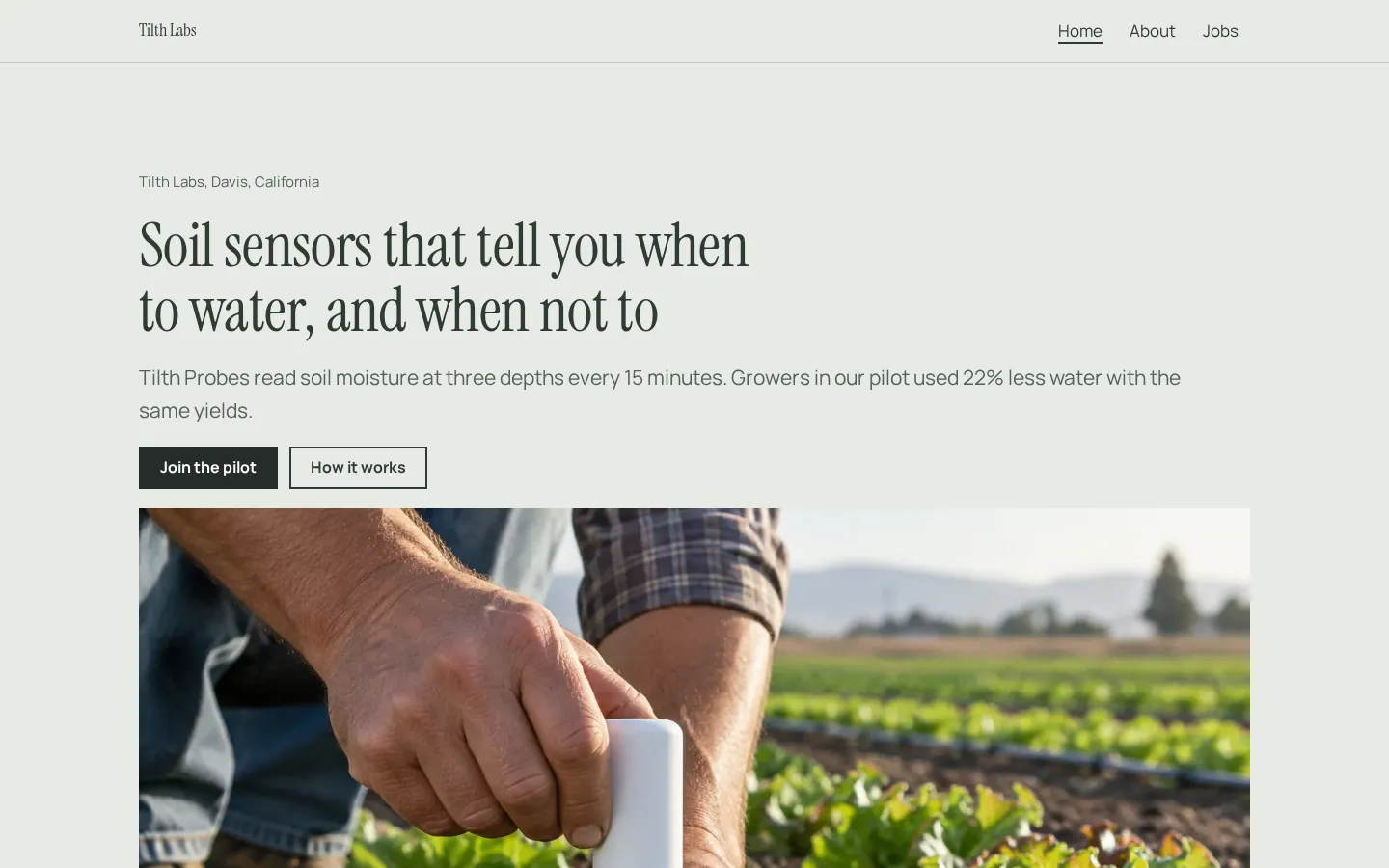
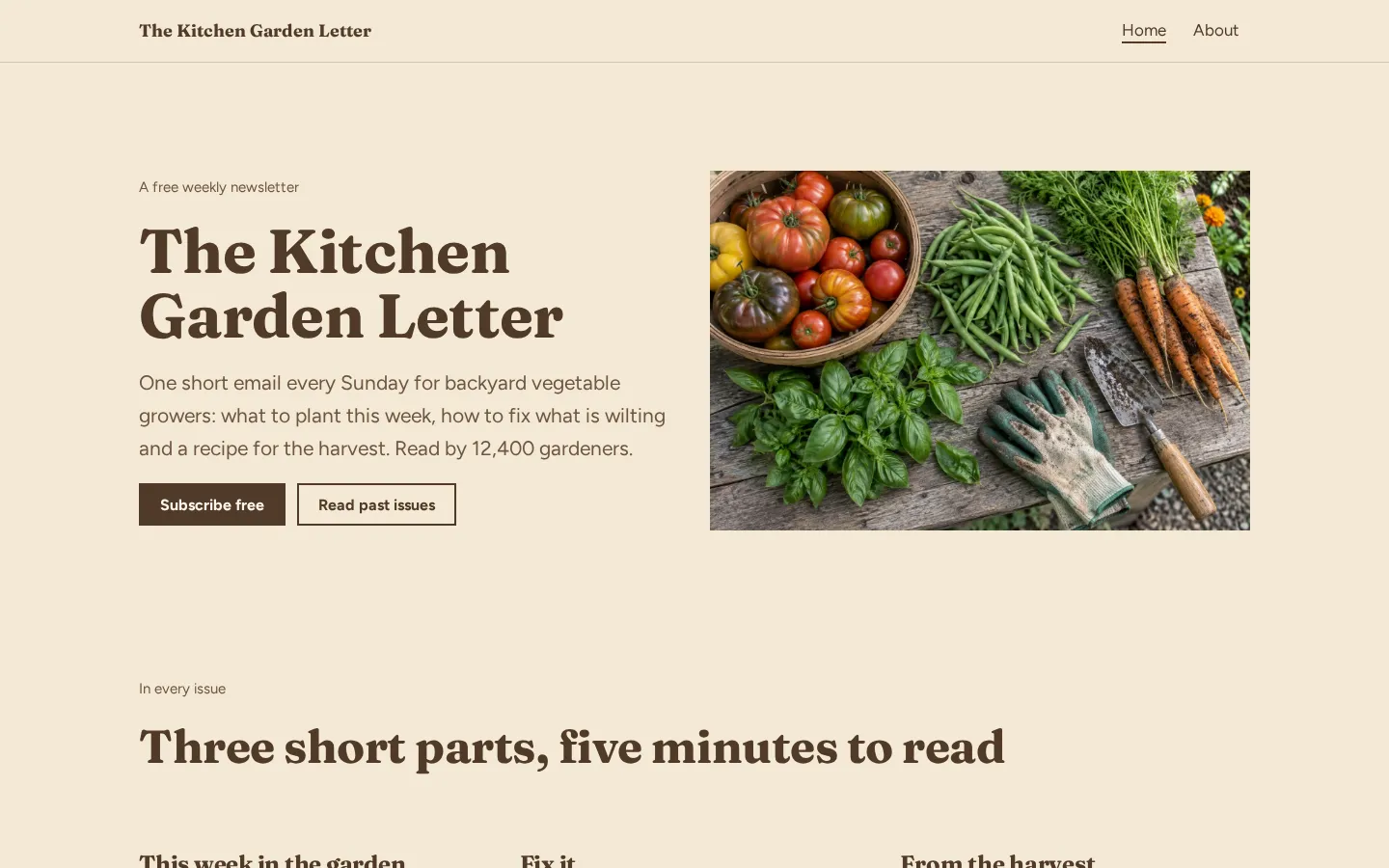
Common Carrd-style one-page websites include personal bios, link lists, portfolios, landing pages, and
waitlists. Below, you will see real Heya templates from our library of 68 templates as visual examples,
followed by layout advice and a comparison of Carrd ($9 to $49 a year), Heya ($0 or from $3 a month),
Linktree, Google Sites, and Framer.
Heya is ours, so read its row with that in mind. Every other number comes from each company's own pages,
checked on October 29, 2026.
The short answer
Clear single goal The best one-page examples focus on one primary action, such as
booking a call, joining a waitlist, or viewing a portfolio, instead of mixing unrelated topics on the
same screen.
Scannable phone layout Strong single-page sites keep headings short, put the main
call-to-action button near the top of the screen, and stack sections cleanly so visitors on phones do
not need to pinch or zoom.
Best for forms and low yearly cost Carrd Pro Standard costs $19 a year for up to 10
sites with custom domains, contact forms, email signup forms, and third-party payment or widget
embeds.
Best for phone editing and templates Heya lets you start building on a phone without
an account, choose from 68 templates, and publish up to 3 sites for $0 on yourname.heya.bio.
One-page site examples you can open
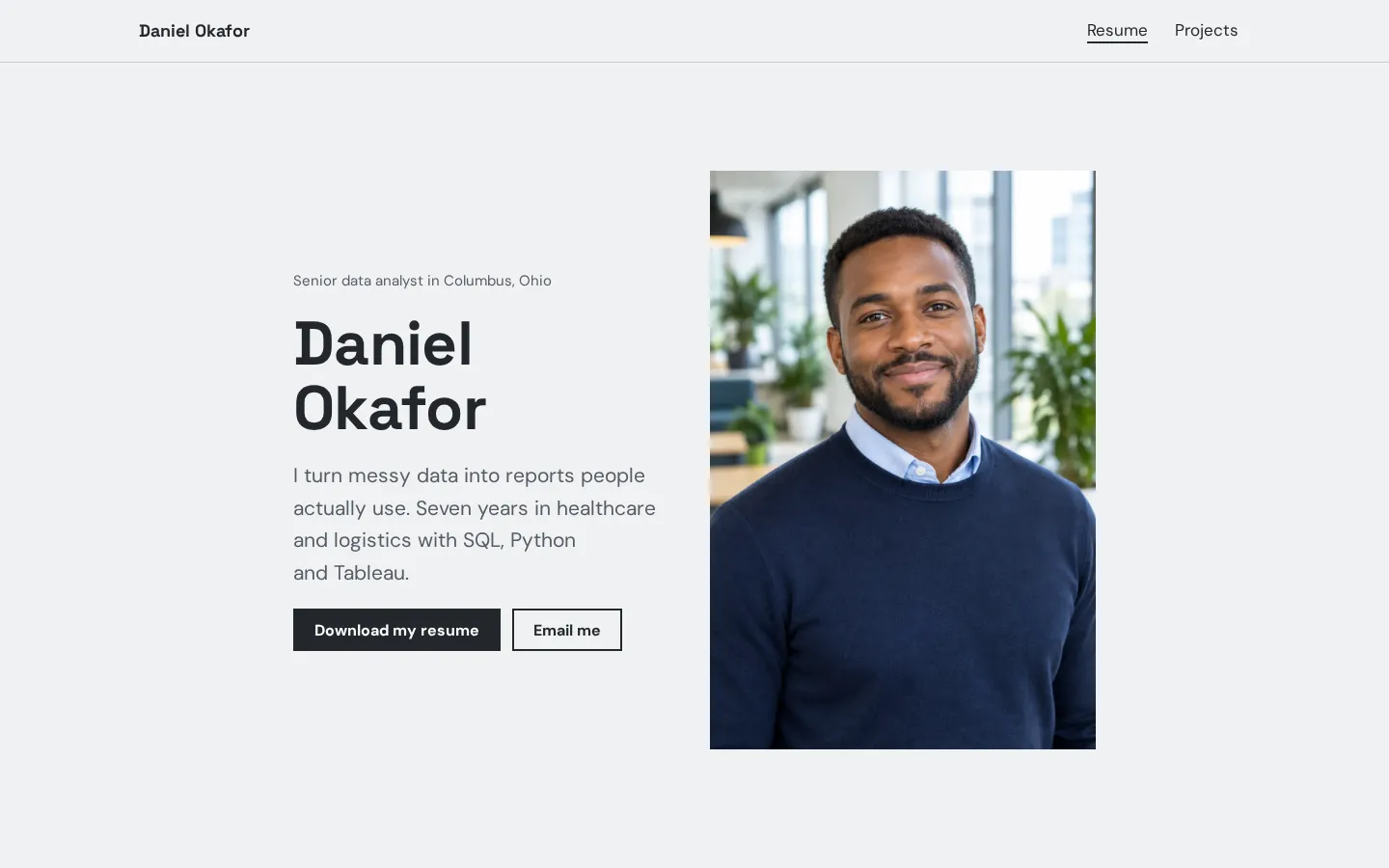
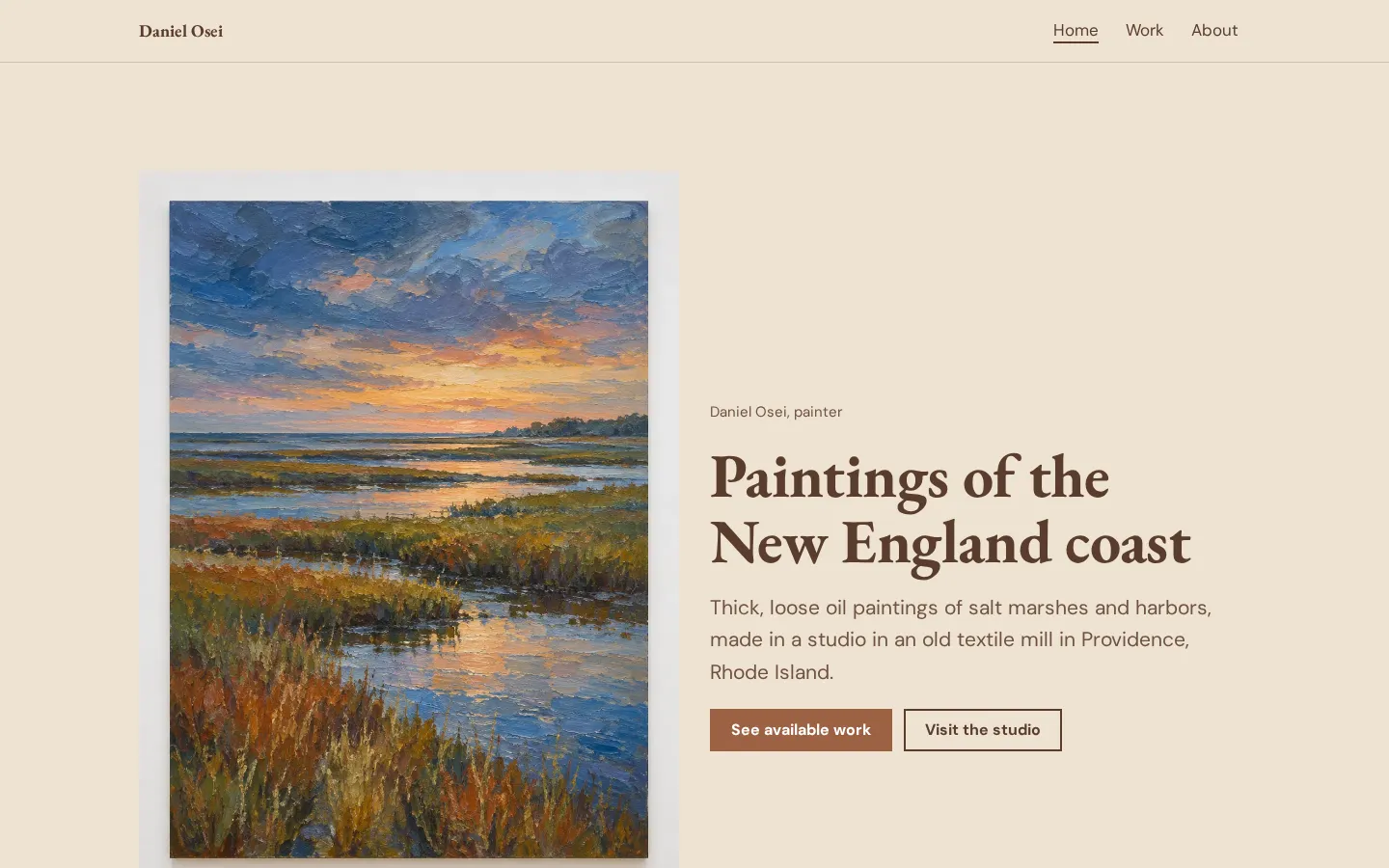
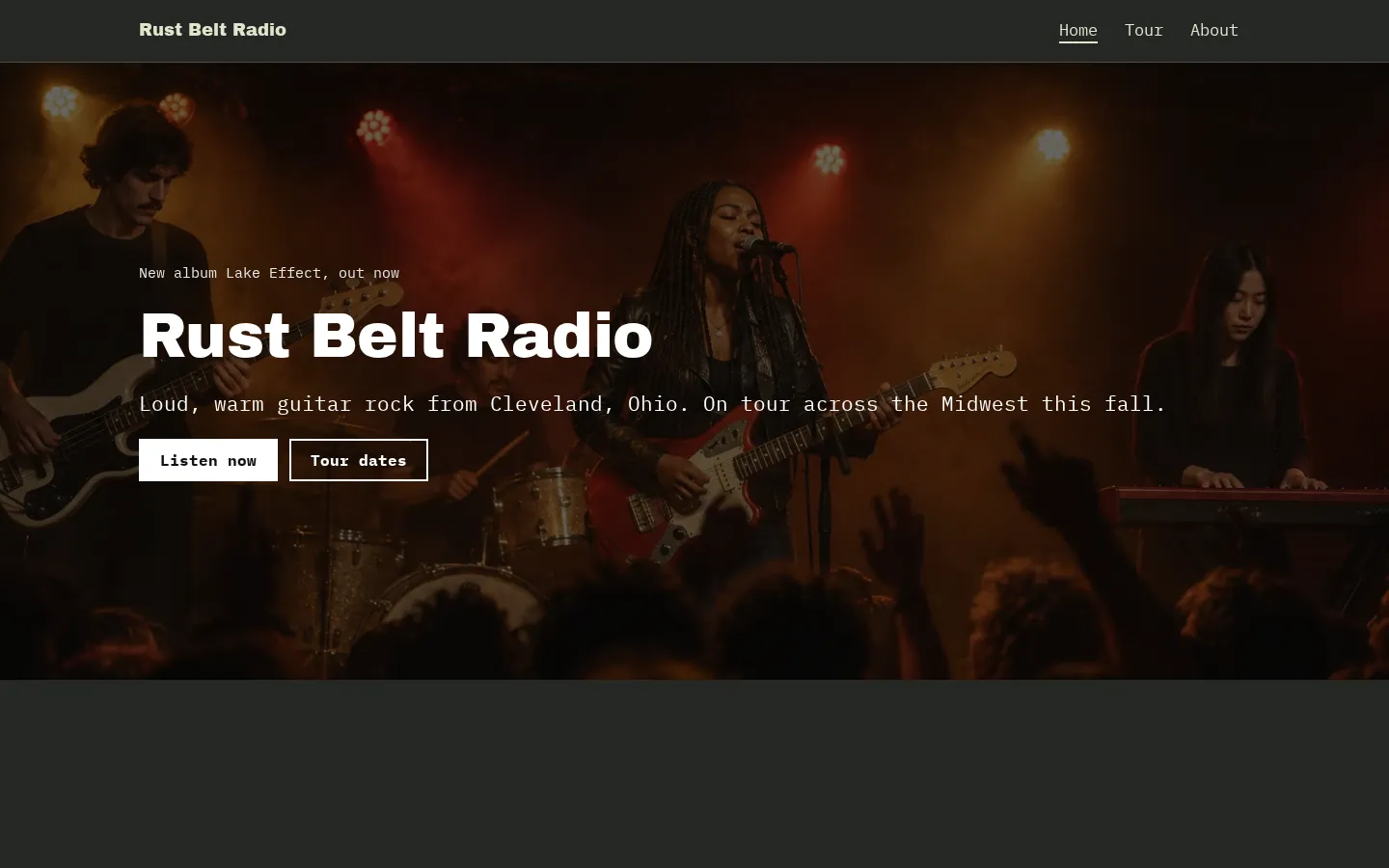
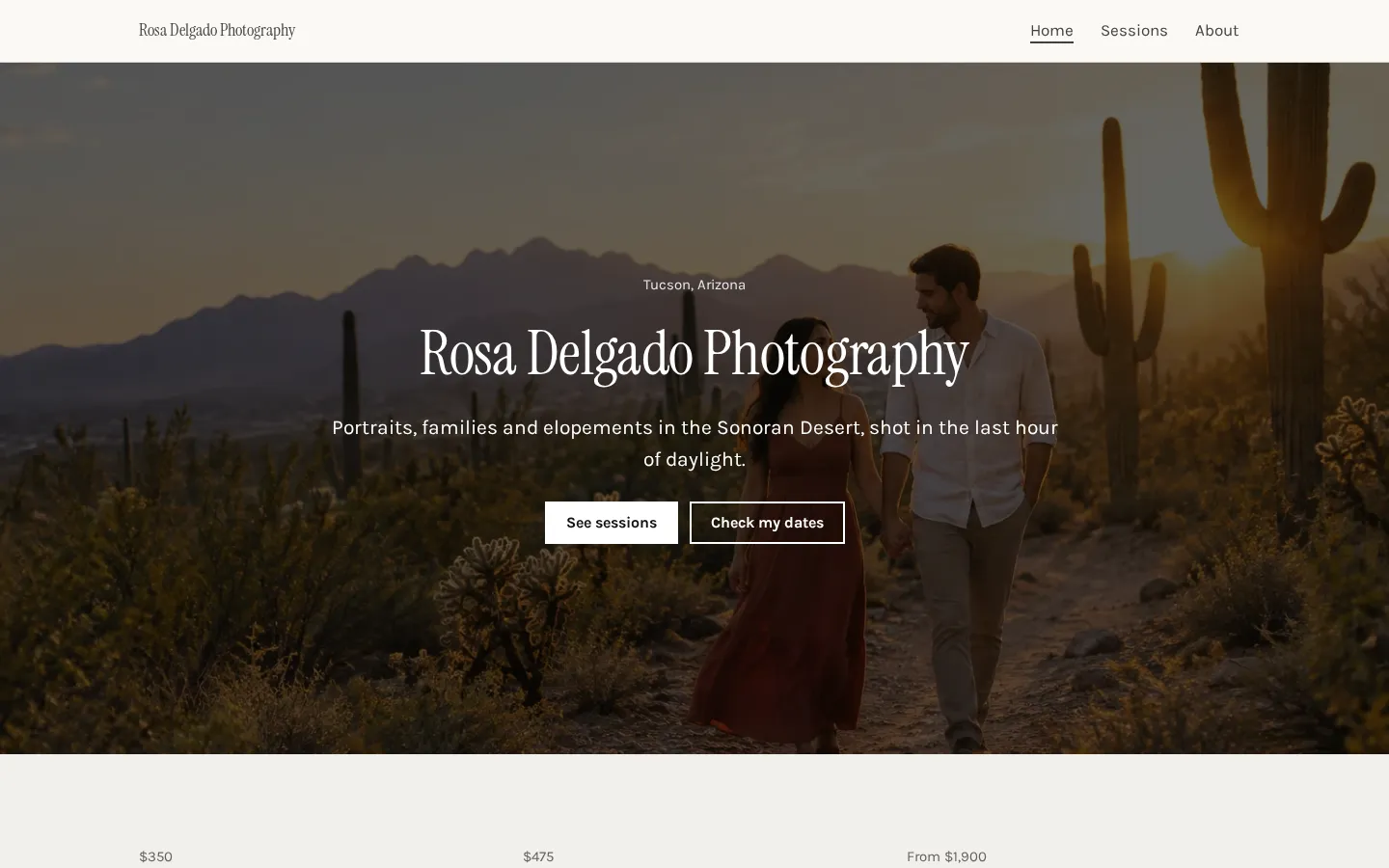
These are Heya templates, not Carrd sites. Each one is live: open the demo, or start your own from it.
Pro Plus ($15/mo), as a ZIP with HTML, styles, fonts, and images
Linktree
Free with unlimited basic links and email/phone sign-ups
Not stated (paid plans from $7/mo to $30/mo billed annually)
Unlimited featured links on Starter; custom designs on Pro
Not stated (data export on Premium)
Google Sites
Not stated
Up to five custom domains per site (requires subdomain like www)
Pre-made design templates and automatic grid layout
Not stated
Framer
$0 for non-commercial use on a Framer domain
Basic at $10/mo (yearly billing) or Pro at $30/mo
Up to 10 CMS collections and 1,000 pages on Free
Not supported; cannot export standalone HTML files
Swipe the table sideways to see every column.
Not stated means the provided product facts do not specify that detail.
How each website builder compares for one-page sites
Carrd
Free Basic; Pro from $9/year to $49/year
Carrd has a free Basic experience, a 7-day Pro trial with no credit card needed, and paid plans at
$9 a year (Pro Lite), $19 a year (Pro Standard, with custom domains, forms, and widgets), and $49 a
year (Pro Plus, with HTML/CSS/JS download).
Better at
Lower yearly price for custom domains, built-in forms, payment embeds, and custom code.
Watch out
HTML export requires the $49/year Pro Plus plan.
Heya
Free; paid from $3/mo
Heya is our no-code builder for one-page and small sites. Start without an account, edit on your
phone, and use 68 templates and 10 block types. Free is $0 for up to 3 sites, and Pro plans cost $3,
$6, or $15 a month.
Better at
Start without an account, edit on a phone, choose from 68 templates, and create up to 20 pages
per site on Pro.
Watch out
Publishing requires Google sign-in, Free sites show a small badge, and custom domains start on
Pro Standard ($6/mo).
Linktree
Free; paid from $7/mo billed annually
Linktree focuses on link lists and creator monetization. The Free plan gives you unlimited basic
links plus email and phone sign-ups, while paid plans billed annually cost $7 per month (Starter),
$14 per month (Pro), and $30 per month (Premium).
Better at
Built-in digital product checkout, email and SMS collection, and social media scheduling on
Premium.
Watch out
Built around link lists rather than general multi-section or multi-page websites.
Google Sites
Price not stated
Google Sites lets you build websites with no programming, using drag-and-drop tools, pre-made
templates, and an automatic grid layout. It ties into Google Workspace with Google Docs-style
sharing permissions, and supports up to five custom domains per site via a subdomain like www.
Better at
Google Workspace integration, Docs-style sharing permissions, and high simultaneous visitor
capacity.
Watch out
Work or school accounts need an administrator for custom domains, and bare domains without a
subdomain are not supported.
Framer
Free (non-commercial); paid from $10/mo billed yearly
Framer offers a $0 Free plan for non-commercial sites, plus paid custom-domain plans at $10 per
month billed yearly (Basic) and $30 per month (Pro). It supports team editing, though sites rely on
Framer's backend and can't be exported as standalone HTML.
Better at
CMS collections, team collaboration, staging environments, and built-in analytics.
Watch out
Free plan is for non-commercial use only, and HTML export for self-hosting is not supported.
Five common Carrd-style page ideas and what to put on each
When you look up Carrd examples, you're usually planning one of five single-page formats. You might
want a personal bio page with a photo, a two-sentence summary, social icons, and a contact button, or
a link-in-bio list stacking articles, videos, and booking links. The other three common setups are a
one-page portfolio with work samples, skills, and hiring info, a service or product landing page
explaining a single offer and its price, and an event or launch waitlist with a headline, release date
or countdown timer, and call to action.
Just so you know, the visual examples at the top of this page are templates from our library of 68
Heya templates, not Carrd sites. We show them here to illustrate how clean one-page layouts are put
together.
Wording and layout tips that work well on phones
Most people opening your bio, link list, or portfolio from social media are on a phone. Put your name,
what you do, and your main call-to-action button near the top so they get it without scrolling, and
write specific labels like Book a consultation call or View wedding packages instead of Click here.
It also helps to group things into separate blocks: prominent buttons for your top two or three
actions, a compact links list for secondary pages, and icon-only social links at the bottom. On our
builder, a buttons block holds up to 6 buttons, a links block holds up to 50 links, and a socials
block connects to 29 networks plus email, phone, and website, plus there's a countdown block for
launches.
Common mistakes to avoid on a one-page website
A one-page site loses focus when you cram unrelated projects onto one URL. Build separate sites for
separate audiences instead: Carrd Pro Lite and Heya Free both allow up to 3 sites, while Carrd Pro
Standard allows 10 and Heya Pro Standard allows 5. Watch out for heavy media slowing down phones too
(we automatically resize images to 2048 pixels on the long edge and convert them to WebP up to 20 MB,
while Carrd Pro supports 16MB images and 64MB videos), and always set your page title, description,
tab icon, and social share image.
Finally, match the builder to what your page actually needs. On Heya, you can link a button to a
Google Form, Tally form, or your checkout page, and embed a Calendly scheduling page.
How to start from an example template on Heya
If you like our template examples on this page, you can start building without an account and your
drafts save in your browser until you publish. Pick from 68 templates (12 general designs and 56 for
specific uses like photographers, plumbers, restaurants, and weddings) or a blank page. You can edit
the whole site on your phone with 10 block types, 42 fonts, 14 theme presets, and a 5-color palette,
plus embeds for YouTube, Vimeo, Spotify, SoundCloud, Google Maps, and Calendly.
When you're ready, sign in with Google to publish for $0 on a yourname.heya.bio address with up to 3
sites and 5 pages per site. Or upgrade to Heya Pro Standard at $6 a month to drop the badge, get 20
pages per site, and connect 1 custom domain per account.
Plans change often. If a number here is out of date, email hello@heya.page and we'll fix it.
FAQ
Are the website examples on this page built with Carrd or Heya?+
The examples shown on this page are built with Heya, using real templates from our library of 68
templates rather than Carrd sites. Heya builds one-page and small websites, while Carrd Pro plans
include access to premium starting point templates and custom user-built templates.
How much does Carrd cost compared with Heya?+
Carrd is cheaper per year if you want a custom domain. Carrd has a free Basic experience and paid
plans at $9 a year (Pro Lite), $19 a year (Pro Standard, with custom domains), and $49 a year (Pro
Plus). Heya has a $0 Free plan, and Pro plans at $3 a month, $6 a month (1 custom domain), and $15
a month (up to 10 custom domains).
Which builder is better for a waitlist or contact form?+
On Heya, you can link a button to a Google Form or Tally form for sign-ups and inquiries. Carrd
Pro Standard ($19 a year) and Pro Plus ($49 a year) include built-in contact and email forms, and
Linktree includes email and phone sign-ups on its Free plan.
Can I build a portfolio with more than one page?+
Yes, you can build a multi-page portfolio with Heya or Framer. Heya Free gives you up to 5 pages
per site and Heya Pro plans support up to 20, while Framer allows up to 1,000 pages on Free and
150 pages on its $30 per month Pro plan.
Can I download the HTML code of my one-page site?+
Yes, both Heya and Carrd let you download your HTML code on their top plans, while Framer does
not. Heya Pro Plus ($15 a month) lets you download a ZIP with an index.html per page, styles,
fonts, and images, and Carrd Pro Plus ($49 a year) lets you download unminified HTML, CSS, JS, and
images.
What can I embed on a Heya site vs a Carrd site?+
On Heya, our embed block supports YouTube, Vimeo, Spotify, SoundCloud, Calendly, and Google Maps.
On Carrd, the Pro Standard ($19 a year) and Pro Plus ($49 a year) plans let you embed third-party
widgets from Stripe, PayPal, Gumroad, Typeform, and Facebook, along with custom code and script
tags.