Online memorial pages in 2026: free options and what to include
An online memorial is a web page where family and friends can read about someone who has died, find
service details and share memories. It can be a short tribute with a photo or a longer collection of
stories. You can start with the details you have and add more when you're ready.
Heya is made by the team that wrote this guide, so read its row with that in mind. Prices come from each
company's own pages, checked on October 29 and 30, 2026.
The short answer
Free memorial website Ever Loved suits families who want a free, ad-free memorial
website or obituary that stays online until they choose to remove it.
Photo tribute options ForeverMissed suits families who want an ad-free memorial with
a free starting plan and paid options for unlimited photos.
Obituary and memories Legacy.com suits families who want a paid online obituary with
unlimited text and photos, plus an optional Guest Book.
Build your own page Heya suits families who want to arrange a small website
themselves, including from a phone, and link to forms for memories or replies.
How to make an online memorial
Choose a toolCompare the free options, photo limits and any paid features you want.
Check the publishing requirements before you start.
Gather the basicsBring together the person's name, a photo and the words you'd like
to share about their life. It's fine to begin with a short tribute.
Add service detailsInclude the confirmed date, time and location if there's a service
people can attend. Leave out anything that's still undecided.
Choose how people can contributeUse the tool's memory-sharing option, if available,
or add a link to a form. Say what you'd welcome, such as a story or a message for the family.
Check the pageAsk someone close to the person to read it before you publish. Check
names, dates, directions and any links.
Publish and shareSend the page to the people you want to reach. Keep the service
information current if plans change.
Online memorial sites compared
The table below compares Ever Loved, ForeverMissed, Legacy.com and Heya by cost, page features and the
details to check before publishing.
Site
Free option
Paid option
How long it stays up
Best for
Ever Loved
Free memorial websites, no ads
$199.99 one time (Premium)
Until the family takes it down
Free memorials with donations
ForeverMissed
Basic plan, no credit card
$79.95/year (Premium)
Lifetime plan ($159.95 one time) keeps it online
Memorials with music and video
Legacy.com
Not stated
$159 to publish an obituary
Not stated
Obituaries with a guest book
Heya
Free: 3 sites, 5 pages each, yourname.heya.bio
$3/mo (Pro Lite)
The free plan has no time limit
A simple memorial page with photos and a map
Swipe the table sideways to see every column.
Not stated means the company's own pages we checked don't give that detail.
Each memorial site up close
Ever Loved
Free; Premium $199.99 one time
Ever Loved offers standard memorial websites and obituaries that are 100% free and ad-free, and both
free and Premium memorial websites stay active indefinitely until the family takes them down.
Premium costs a one-time fee of $199.99 and includes a free 24-hour trial. For donations, Ever Loved
charges no service fee, but deducts payment processing fees of 2.9%+30¢ from each contribution.
Better at
Free memorials with donations.
Watch out
Payment processing fees of 2.9% + 30 cents come off each donation.
ForeverMissed
Free; Premium $79.95 a year
ForeverMissed's free Basic plan needs no credit card and allows 5 photos; paid plans allow unlimited
photos, and every plan is ad-free. Premium costs $79.95 per year, equivalent to $6.65 per month. The
Lifetime plan costs a one-time payment of $159.95 and keeps the memorial online permanently with all
features and no future bills or renewals.
Better at
Memorials with music and video.
Watch out
The free Basic plan limits the photo gallery to 5 photos.
Legacy.com
$159 per obituary
Legacy.com charges a fixed price of $159 to publish an online obituary, including unlimited text and
unlimited photos. It also includes an interactive Memorial Page with an optional Guest Book for
memories and condolences, making it an option for families who want the obituary and responses
together.
Better at
Obituaries with a guest book.
Watch out
Publishing an obituary is a fixed $159.
Heya
Free; Pro Lite $3, Pro Standard $6, Pro Plus $15 a month
Heya is a no-code builder for one-page and small sites that can be built and edited entirely on a
phone; you can start without an account, with drafts saved in your browser until publication. Heya
Free costs $0 with no time limit or credit card, includes up to 3 sites with up to 5 pages each, and
shows a small "Made with Heya" badge; publishing requires Google sign-in, the only sign-in option. A
button can link to a Google Form for memories, and a Google Maps embed can show the service
location.
Better at
A simple memorial page with photos and a map.
Watch out
Free sites show a small "Made with Heya" badge.
Templates to start from
These are Heya templates. Each one is live: open the demo, or start your own from it.
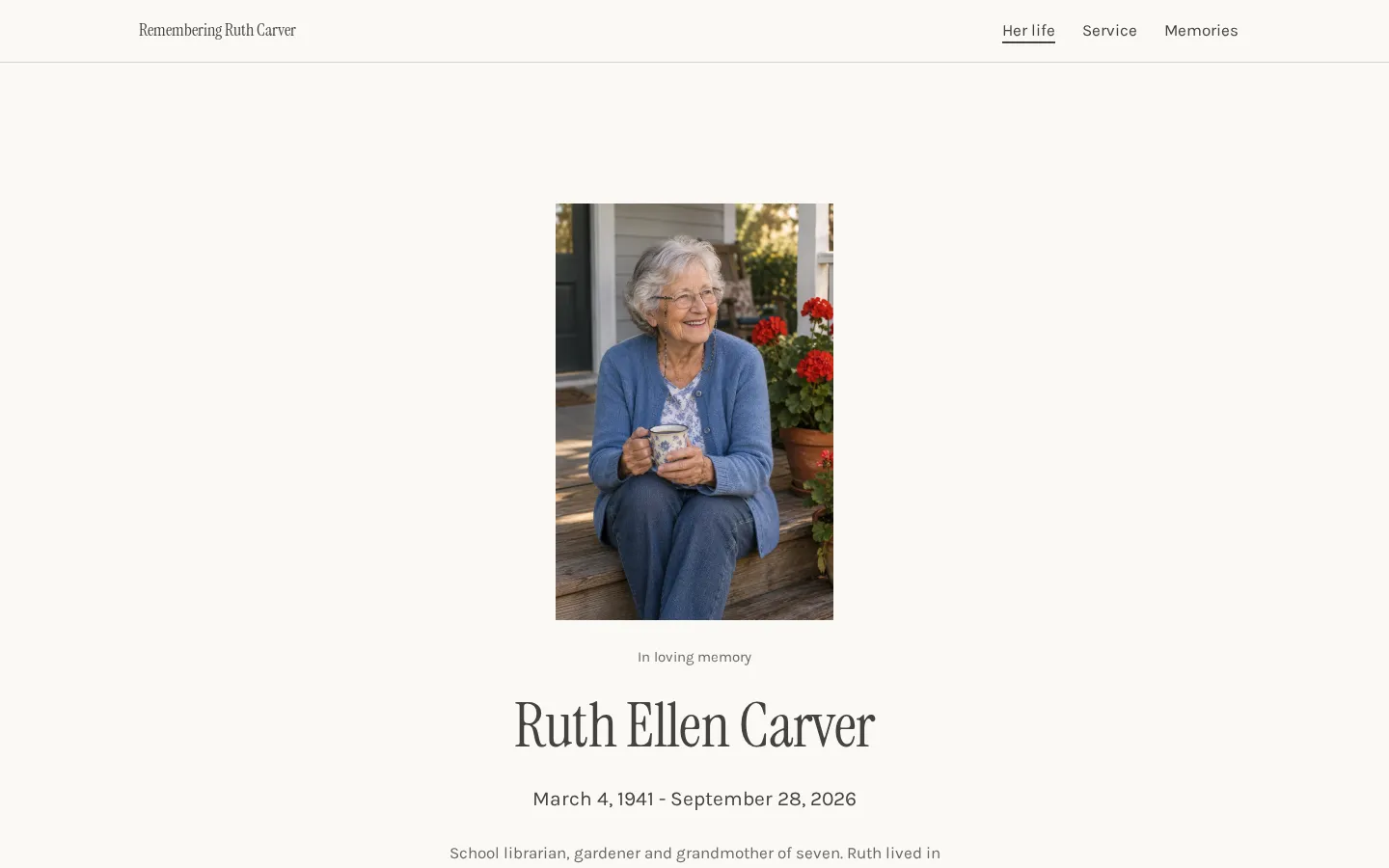
Memorial websiteA free memorial website template with a life story, service times, directions, a donation link
and shared memories.Open the live demoStart from it
What to include on a memorial page
Start with the person's name and a photo you'd like people to see. Add their birth and death dates if
you want them included. The tribute doesn't have to cover their whole life. A few words about what
mattered to them, or a memory you want to keep, can be enough.
What would you like others to add? You might invite a short story, a photo or a message for the
family. Give that invitation its own place on the page, with the Guest Book or form link beside it.
Keep service information separate from the tribute (if there's a service to share). Include the date,
time, location and anything guests need to know before attending.
Before publishing, read through names and dates with another family member. Check that any photos or
personal details you're sharing are ones the family is comfortable making public. You can leave some
things private.
Sharing service details
Give the service details a clear place on the page. Write out the date, start time and venue name,
then add the full address. If people will be joining from elsewhere, include the time zone. Add an
online service link if there is one.
Keep instructions plain. If guests need to reply, say how to do that and include any deadline the
family has set. If attendance is by invitation, say that rather than leaving readers to guess.
And check the location link before you share the page. On Heya, you can show the location with a
Google Maps embed and use a button to send guests to a Google Form or Tally form for replies.
Not everything settled yet? Publish only what's confirmed. When a detail changes, update the page and
tell anyone who already received the earlier information. Keep private gathering details out of the
public page if they're only for invited guests.
How long the page stays up
Check the plan's terms before you publish, especially if you want the page to remain available without
further payments. A free plan, an annual plan and a lifetime plan make different commitments. Don't
assume they're the same.
Ever Loved says its free and Premium memorial websites remain active indefinitely, until the family
decides to take them down. There's no need to choose Premium just to keep the memorial online.
ForeverMissed's Lifetime plan keeps the memorial online permanently, with all features and no future
bills or renewals. Its Premium plan costs $79.95 per year. Heya Free has no time limit.
For any option, keep your original tribute and photos somewhere you control, separate from the
published page. Decide who in the family will look after the page and keep access details somewhere
they can find them. If you're unsure about a plan's duration, check before committing to it.
Plans change often. If a number here is out of date, email hello@heya.page and we'll fix it.
FAQ
How do I make an online memorial for free?+
You can use Ever Loved's free standard memorial website or obituary, or ForeverMissed's free Basic
plan, which allows 5 photos. Heya also has a free plan with no time limit and a small "Made with
Heya" badge. Start with a name, photo and short tribute, then add confirmed service details before
sharing.
What should a memorial page include?+
Include the person's name, a photo and a tribute in words that feel right to you. You can add
birth and death dates, service details and an invitation to share memories. Keep practical
information easy to find, and check with the family before publishing personal details or photos
they may want kept private.
Can people share memories on a memorial page?+
Yes, depending on the tool and how you set up the page. Legacy.com includes an optional Guest Book
for memories and condolences with its online obituary. On Heya, you can add a button linking to a
Google Form where people can send memories. Say on the page what you'd like people to share.
How long does an online memorial stay up?+
It depends on the service and plan. Ever Loved's free and Premium memorial websites stay active
indefinitely until the family takes them down. ForeverMissed's Lifetime plan keeps the memorial
online permanently without future bills or renewals. Heya Free has no time limit. Check the terms
of the plan you choose before publishing.
Start from the memorial website template, edit it on your phone or laptop, and publish on Heya's
Free plan for $0, with no time limit and no credit card.