How to make a link in bio site on your phone in 2026
Pick a tool that works on a phone, add your links, publish, then paste the page address into your
profile bio. Linktree and Beacons have apps, Milkshake builds pages from your phone, and Heya runs in
your phone's browser. All four have free plans: Linktree's includes unlimited basic links, and Heya Free
gives you 3 sites with up to 5 pages each.
Heya is made by the team that wrote this guide, so read its row with that in mind. Prices come from each
company's own pages, checked on November 17, 2026.
The short answer
-
Basic link page Linktree suits someone who wants unlimited basic links alongside
email and phone sign-ups.
-
Digital product sales Beacons suits creators who want to sell digital products,
create affiliate links and host a media kit.
-
Phone-first page builder Milkshake is the clearest fit for someone who wants a mobile
website builder with swipeable pages.
-
Small website builder Heya suits someone who wants to build and edit a one-page or
small site fully on their phone.
How to make a link in bio site on your phone, step by step
-
Pick your builderChoose Linktree for basic links, Beacons for digital products,
Milkshake for swipeable Cards or Heya for a one-page or small site. Check the free plan before
choosing a paid one.
-
Gather your contentKeep your destination links, page name, short introduction and any
images ready on your phone.
-
Start your pageOpen your chosen tool and follow its setup process. If it offers a
starting design, choose one you can use without much changing.
-
Add your linksGive each link a clear name and put the action you care about most near
the top. Add more content only where you need it.
-
Check the pageOpen the preview on your phone, read through the text and tap every
link. Check that each destination is the one you meant to share.
-
Publish and shareComplete the tool's publishing process, copy the published page
address and add it to your profiles. Open it from a profile once it's saved.
Link in bio tools on a phone
Compare Linktree, Beacons, Milkshake and Heya side by side for phone access, free-plan features, paid
options and sales fees.
| Tool |
Free plan |
On your phone |
Paid from |
Best for |
| Linktree |
Free, unlimited basic links |
Linktree app |
$7/mo billed annually ($9 monthly) |
Link-in-bio pages for social profiles |
| Beacons |
$0 plan, free forever |
App on the App Store and Google Play |
$8.33/mo billed annually ($10 monthly) |
Creator media kits, stores and links |
| Milkshake |
Free plan, no credit card |
Built on a phone, card by card |
US$2.99/mo billed monthly (Lite) |
Phone-first link-in-bio cards |
| Heya |
Free: 3 sites, 5 pages each, yourname.heya.bio |
Build and edit the whole site in a phone browser |
$5/mo (Pro Lite) |
Building the whole page in a phone browser |
Swipe the table sideways to see every column.
Each tool up close
Linktree
Free; Starter $7, Pro $14, Premium $30 a month (annual)
Linktree has an app, and its Free plan includes unlimited basic links plus email and phone sign-ups.
Starter costs $7 per month when billed annually or $9 monthly; Pro, which lets you remove Linktree
branding, costs $14 per month when billed annually or $17 monthly. Linktree shows local-currency
prices that vary by region and says transaction and processing fees may apply.
- Better at
- Link-in-bio pages for social profiles.
- Watch out
- Removing Linktree branding takes Pro, $14/mo billed annually.
Beacons
Free; Creator $8.33 a month billed annually
Beacons has an app on the App Store and Google Play, and its free-forever plan lets you sell
unlimited digital products and create affiliate links. Creator includes a free custom domain and
costs $10 monthly or $8.33/mo when billed annually at $100; Beacons also supports media kits and
product pages at a custom domain. Watch the sales commission: Free and Creator charge 9%, while
Creator Plus and Creator Max charge 0%.
- Better at
- Creator media kits, stores and links.
- Watch out
- A 9% commission applies to sales on Free and Creator.
Milkshake
Free; Lite US$2.99 a month
Milkshake is a mobile website builder built around swipeable pages called Cards, with unlimited
links and Cards on its Free plan, free hosting forever and no credit card needed to start free. You
can personalize Cards with text, images, GIFs, YouTube videos, blog posts, podcast episodes, contact
details and links. Lite removes Milkshake branding for US$2.99 per month, billed monthly; connecting
a custom domain is available on Pro+, at US$8.33 per month, billed yearly at US$99.99 per year.
- Better at
- Phone-first link-in-bio cards.
- Watch out
- Custom domains are only on Pro+.
Heya
Free; Pro Lite $5, Pro Standard $9, Pro Plus $19 a month
Heya is a no-code builder you can build and edit fully on a phone, with 68 templates or a blank-page
start; drafts stay in your browser without an account until you publish, when you sign in with
Google or email. Free costs $0 a month with no time limit or credit card, supports up to 3 sites
with up to 5 pages per site and shows a small "Made with Heya" badge. Pro Lite removes the badge for
$5 a month, while custom domains start on Pro Standard at $9 a month, which also includes an HTML
(ZIP) download of your site.
- Better at
- Building the whole page in a phone browser.
- Watch out
- Free sites show a small "Made with Heya" badge.
Templates to start from
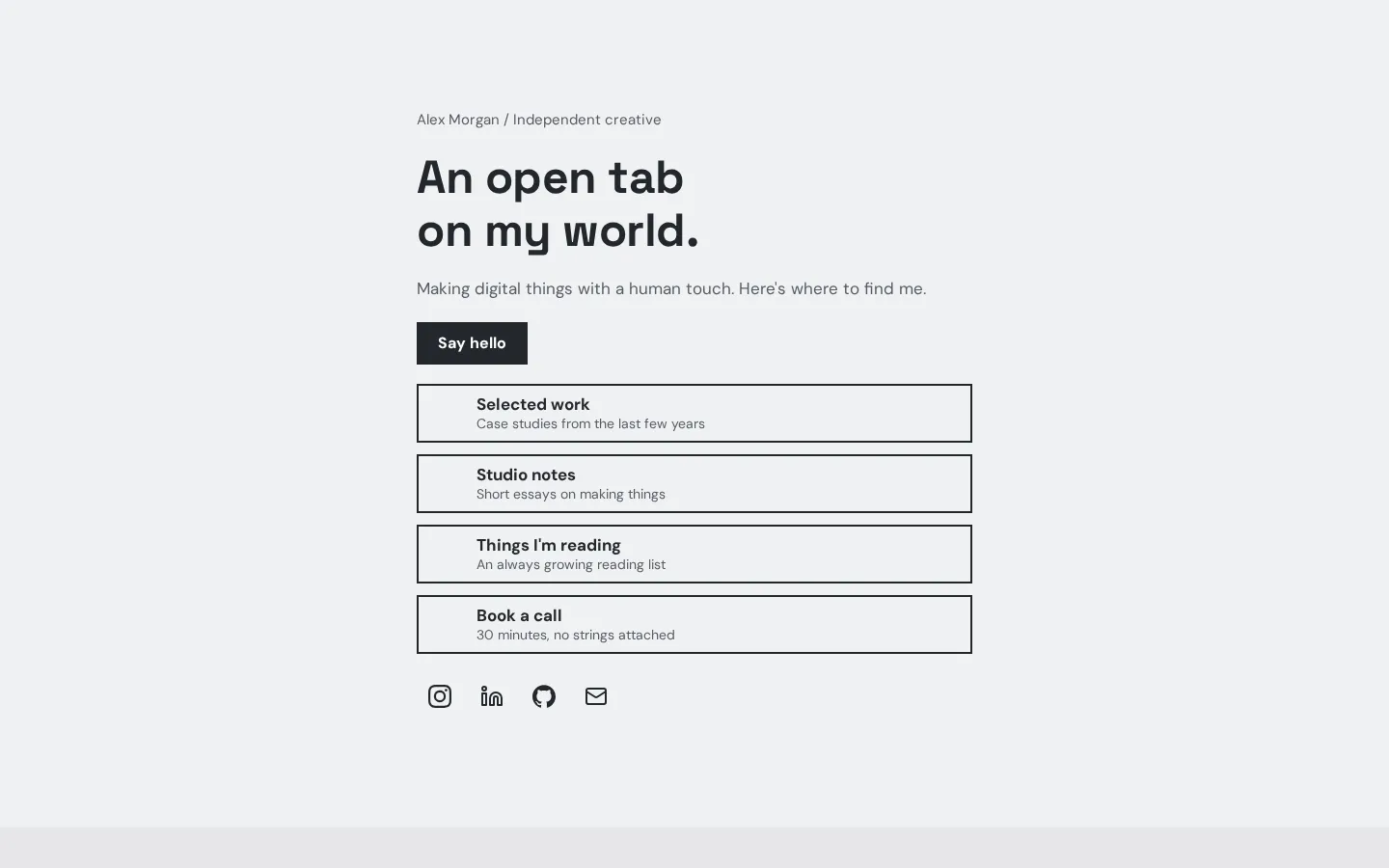
These are Heya templates. Each one is live: open the demo, or start your own from it.
What to put on a link in bio page
Start with the name people know you by and a short line about what they'll find on the page. Then add
the link you most want them to open. What should someone do after landing here? Use your answer to
choose what goes at the top.
Keep the link names plain. Name the destination or the action rather than making someone guess what a
button does. If you're sharing a shop, booking page, sign-up form and your latest work, give each its
own label, then look at the order on your phone before you publish.
You don't need everything.
Add a photo or other content if you want it on the page, but don't fill every available space just
because it's there. Keep contact details where you want people to use them (only share details you're
comfortable making public). And check the text as well as the links before you publish.
Phone apps versus a phone browser
Milkshake is the clearest starting point if your main requirement is a website builder made for your
phone. Its pages are swipeable Cards, and you can add links or use the Cards for other content. That's
the format to choose if you want more than a list of buttons.
Prefer an app? Linktree has one, with download information in its homepage FAQ, and Beacons has a
mobile app on the App Store and Google Play. Choose between them by what you want on the page:
Linktree offers basic links and sign-ups, while Beacons includes digital-product sales and affiliate
links.
An app isn't required.
Heya supports building and editing fully on a phone, with drafts saved in your browser until you
publish. You can start without an account (publishing requires a Google or email sign-in). Keep that
sign-in requirement in mind before spending time on a draft.
Adding the link to your profiles
Copy the address of your published page, not the address of the editor or a preview. Open the profile
where you want to share it and look for its website or link field. Paste the address there, save the
change and return to your profile.
Does it open the right page? Tap it from the profile itself, then try the links on the page. Check the
page title and any contact details while you're there, and make sure you haven't left text from a
starting design that you meant to replace.
Check each profile separately.
Repeat this for the other profiles where you want the page to appear. Use the same published address
if you want them all to point to that page (keep it handy while you're updating them). And if you
later change the page's address, go back through those profiles and replace the old one.
How we checked
We took every price, limit and feature from each company's own pages, checked on November 17, 2026.
Heya's details come from its pricing page and docs, checked on November 17, 2026. The facts come from
linktr.ee/s/pricing,
linktr.ee,
beacons.ai/i/pricing,
milkshake.app/pricing,
milkshake.app,
heya.page/pricing and
heya.page/docs.
Plans change often. If a number here is out of date, email hello@heya.page and we'll fix it.
FAQ
Can I make a link in bio page on my phone?+
Yes. Choose a builder, add your content, check the page and publish it from your phone. Milkshake
is a mobile website builder, and Heya supports building and editing fully on a phone. Linktree and
Beacons also have mobile apps. Start with the free option that fits what you want to publish.
Do I need an app to make a link in bio?+
No. Heya lets you build and edit fully on your phone, with drafts saved in your browser until you
publish. Publishing requires a Google or email sign-in. If you'd rather use an app, Linktree has
one, and Beacons is available on the App Store and Google Play.
Is there a free link in bio app?+
Yes. Linktree has an app and a Free plan with unlimited basic links and email and phone sign-ups.
Beacons also has a mobile app and a $0 per month plan that's free forever, including unlimited
digital products and affiliate links. Beacons charges a 9% commission on sales on that plan.
Can I edit my link in bio page later from my phone?+
Yes, you can use a phone-based builder for later changes as well as the first version. Heya
explicitly supports building and editing fully on a phone, and Milkshake is a mobile website
builder. After making changes, check the published page again and test any links you've added or
replaced.
Try Heya free
Start from the Index design or any of the 68 templates, edit it on your phone or laptop, and publish
on Heya's Free plan for $0, with no time limit and no credit card.