Free website builders with nice templates in 2026
Wix has the biggest library, with over 2000 templates you can customize by hand or with AI, and its Free
plan costs $0. Webflow and Framer mix free and paid templates, and Webflow's free Starter plan allows 2
static pages. Canva's templates cover far more than websites. Heya's free plan includes all 68 of its
templates, with 3 sites and up to 5 pages each.
Heya is made by the team that wrote this guide, so read its row with that in mind. Prices come from each
company's own pages, checked on November 17, 2026.
The short answer
-
Lots of starting points Wix suits people who want a large choice of website templates
they can customize manually or with AI.
-
Drag-and-drop design Canva suits individuals who want a drag-and-drop editor and
access to templates across many design types.
-
Small free sites Webflow suits people who want to customize a free or paid template
and can work within the free plan's 2 static pages.
-
Community template choice Framer suits people looking for free or paid community
templates, with a Free plan it recommends for non-commercial use.
-
Small sites on mobile Heya suits people making one-page or small sites who want to
build and edit fully on a phone.
Templates on free website builders
The comparison table puts Wix, Canva, Webflow, Framer, Heya, WordPress.com and Carrd side by side for
template choice, free-plan limits and paid options.
| Builder |
Free plan |
Templates |
Paid from |
Best for |
| Wix |
$0 Free plan, no credit card |
Over 2000 templates |
$17/mo (Light), yearly price |
Big template library and business tools |
| Canva |
Canva Free, US$0 |
1.6M+ design templates on Free |
Pro plan, billed monthly or yearly |
Designing graphics, PDFs and print pieces |
| Webflow |
Free Starter plan, 2 static pages |
Free and paid templates |
$15/mo billed yearly (Basic) |
Custom layouts with full design control |
| Framer |
$0, for non-commercial use |
Free and paid community templates |
$10/mo with yearly billing (Basic) |
Design-heavy marketing sites |
| Heya |
Free: 3 sites, 5 pages each, yourname.heya.bio |
68 templates and a blank page |
$5/mo (Pro Lite) |
One-page and small sites started from a template |
| WordPress.com |
Free plan, no expiry, no credit card |
Themes and patterns with drag-and-drop layouts |
$4/mo billed annually |
Blogs and sites that grow with plugins |
| Carrd |
Free Basic plan |
Free templates, premium ones on Pro |
$9/year (Pro Lite, 3 sites) |
One-page sites and landing pages |
Swipe the table sideways to see every column.
Each builder up close
Wix
Free; Light $17, Core $29, Business $39 a month (yearly)
Wix has over 2000 business-ready website templates, with manual or AI customization, and its Free
plan doesn't require a credit card. Connecting your own domain and removing Wix branding require
Premium; the cheapest paid plan is Light at $17 per month, with USD prices shown for yearly
subscriptions paid in full at purchase. Don't treat the template choice and the publishing plan as
the same decision.
- Better at
- Big template library and business tools.
- Watch out
- Listed prices are for yearly plans paid up front.
Canva
Free; Pro and Business are paid plans
Canva Free gives one person a drag-and-drop editor, 1,000+ design types and 1.6M+ templates, but
that's a design-wide count, not a website-template count. Free includes 1 Brand Kit limited to 3
colors and 5GB of cloud storage; Pro includes 3.6M+ templates and premium media. Check the
particular design you want rather than assuming everything you see belongs to Free.
- Better at
- Designing graphics, PDFs and print pieces.
- Watch out
- The free plan has 1 Brand Kit and 5GB of storage.
Webflow
Free; Basic $15, Premium $25 a month billed yearly
Webflow offers free and paid templates, and you can build and customize a template for free on a
Starter workspace. Its free Starter site plan includes 2 static pages, limited CMS, 1 GB bandwidth
and 50 form submissions, with publishing on a Webflow subdomain and a Made in Webflow badge. Basic
adds a custom domain and costs $15 a month billed yearly, or $25 a month billed monthly, in USD per
site before applicable taxes.
- Better at
- Custom layouts with full design control.
- Watch out
- Free Starter sites get 2 static pages and 50 form submissions.
Framer
Free; Basic $10, Pro $30 a month with yearly billing
Framer's marketplace has free and paid community templates, and its $0 Free plan publishes on a free
Framer domain with 1 GB bandwidth and 500 AI credits to try. Framer describes Free as ideal for
non-commercial use; connecting a custom domain needs a paid plan. Basic costs $10 a month with
yearly billing and includes 30 site pages, 2 CMS collections and 50 GB bandwidth.
- Better at
- Design-heavy marketing sites.
- Watch out
- The free plan is meant for non-commercial use.
Heya
Free; Pro Lite $5, Pro Standard $9, Pro Plus $19 a month
Heya is a no-code builder for one-page and small sites, with 68 templates: 12 designs and 56 made
for specific uses, including plumbers, photographers, restaurants and weddings; it also supports
building and editing fully on a phone. You can start without an account, with drafts saved in your
browser until publishing, when you sign in with Google or email; Free costs $0 with no time limit or
credit card and includes up to 3 sites, up to 5 pages each, on a Heya subdomain with a small "Made
with Heya" badge. Pro Lite costs $5 a month and removes the badge, while Pro Standard costs $9 a
month and includes 1 custom domain per account and an HTML download of your site as a ZIP.
- Better at
- One-page and small sites started from a template.
- Watch out
- Free sites show a small "Made with Heya" badge.
WordPress.com
Free; paid from $4 a month billed annually
WordPress.com offers custom-made patterns and themes with drag-and-drop layouts, and its free plan
has no expiration date or credit-card requirement. Free includes unlimited pages and posts, 1 GB of
storage and basic stats for the last 7 days, using a WordPress.com subdomain. Custom domains need a
paid plan: Personal starts at $2.75 per month when billed every 3 years, while paid plans start at
$4 per month when billed annually.
- Better at
- Blogs and sites that grow with plugins.
- Watch out
- The free plan has 1 GB of storage and a wordpress.com subdomain.
Carrd
Free; Pro Lite $9, Pro Standard $19, Pro Plus $49 a year
Carrd has a free Basic plan, while every Pro plan includes premium templates. Pro Lite costs $9 a
year for 3 sites and removes Made with Carrd branding; Pro Standard costs $19 a year for 10 sites
and adds custom domains with SSL, forms and widgets. There's a 7-day free Pro trial with no payment
or credit card required, so keep trial access separate from what you intend to use on Basic.
- Better at
- One-page sites and landing pages.
- Watch out
- Pro Lite does not include custom domains.
Templates to start from
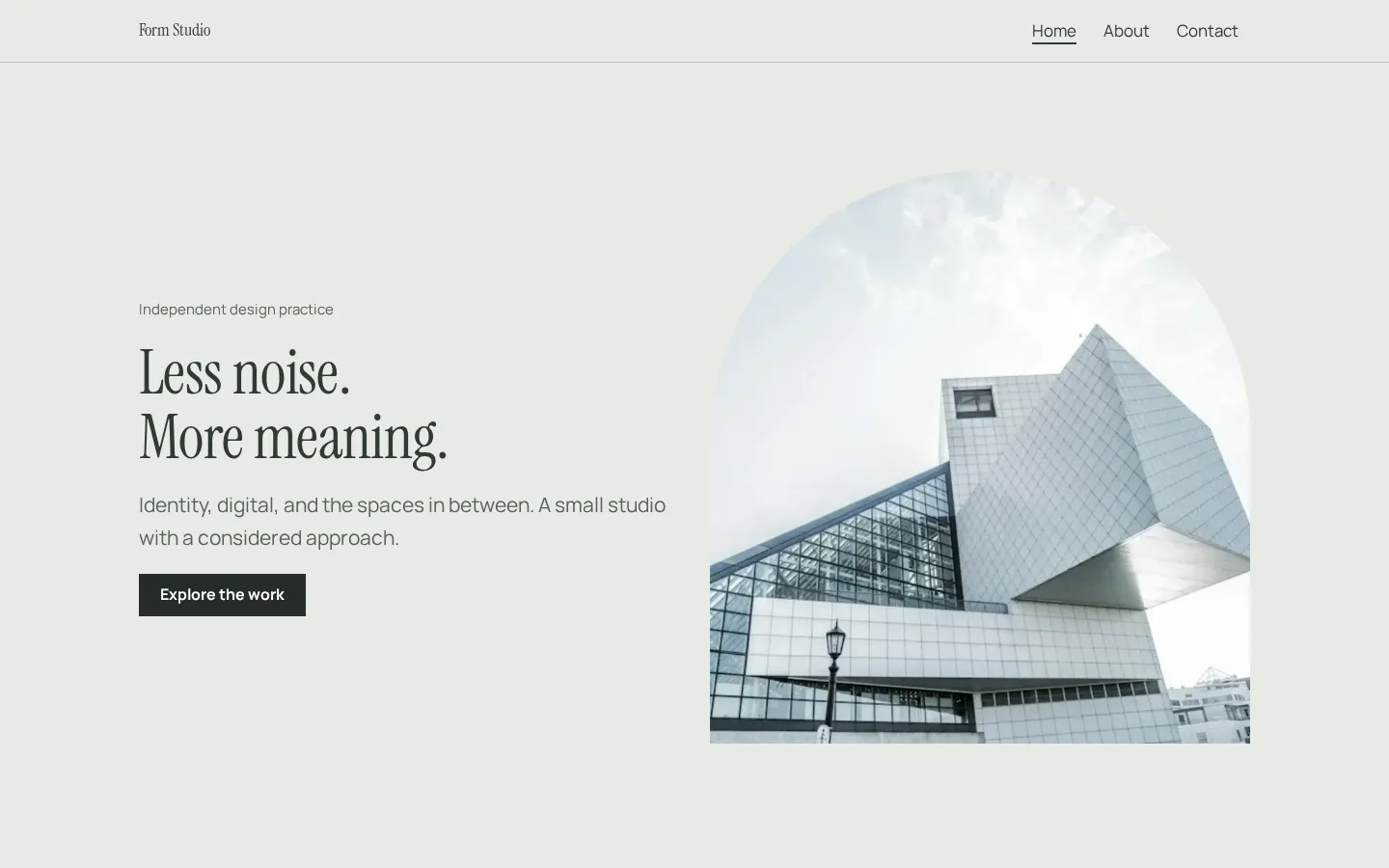
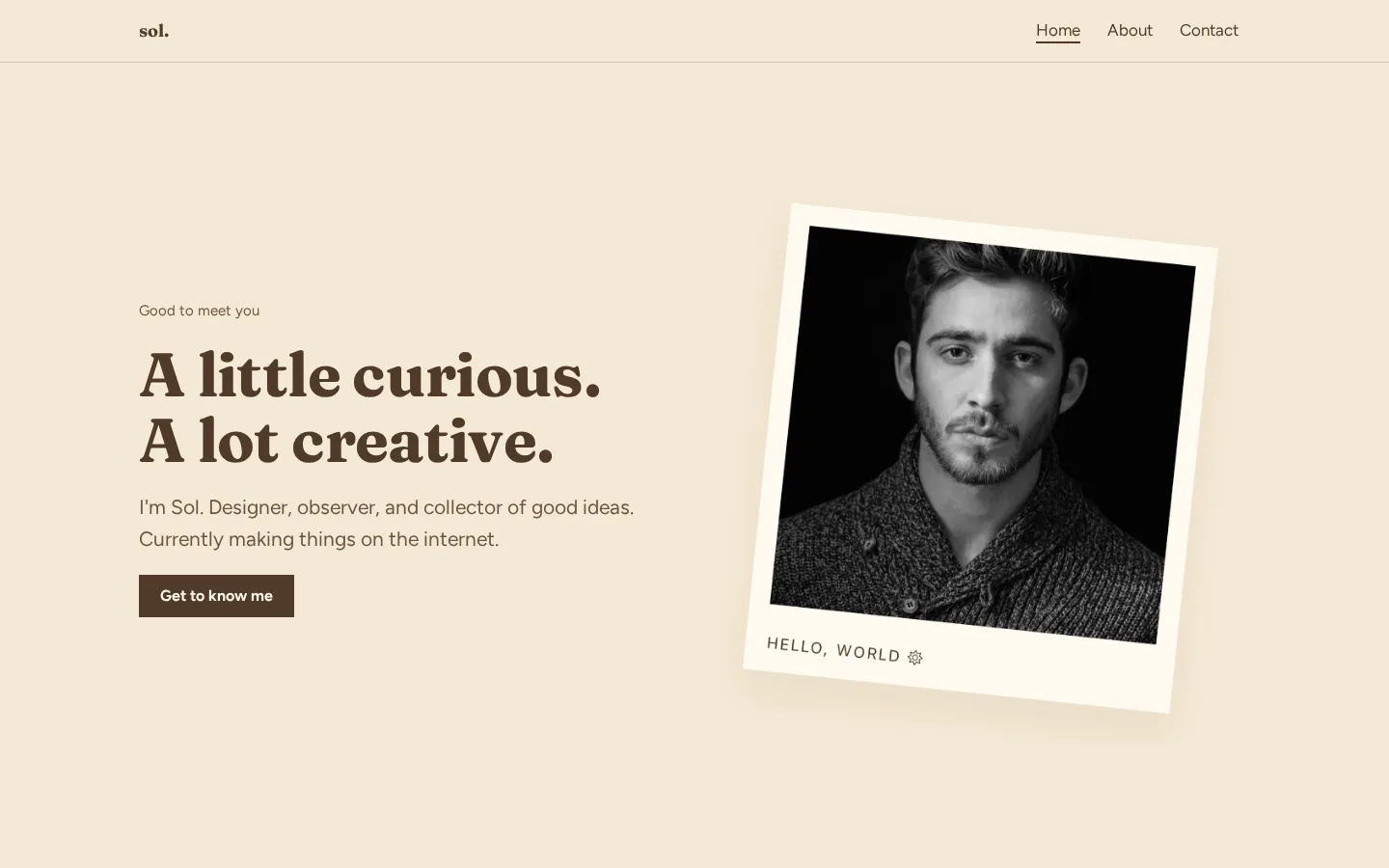
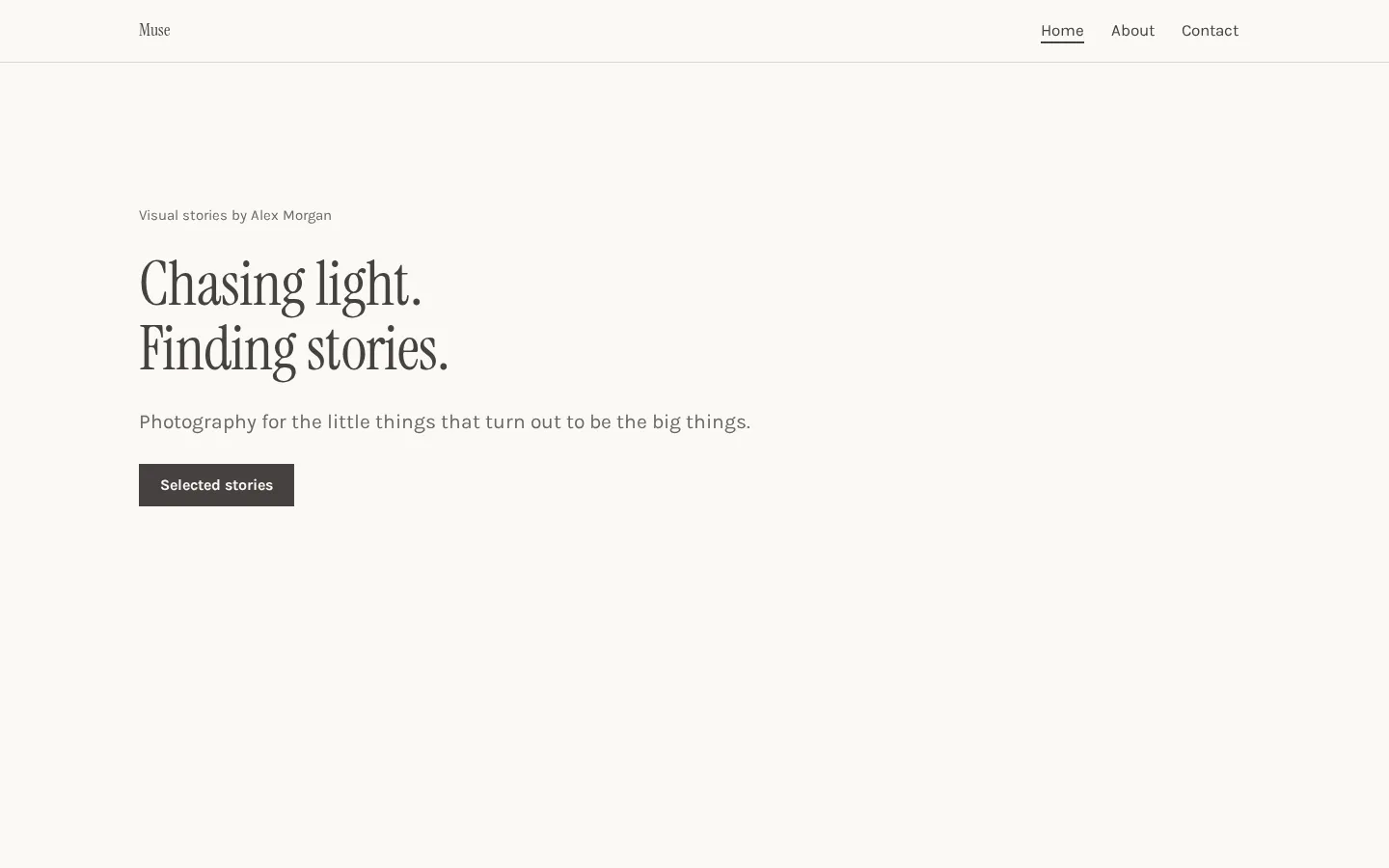
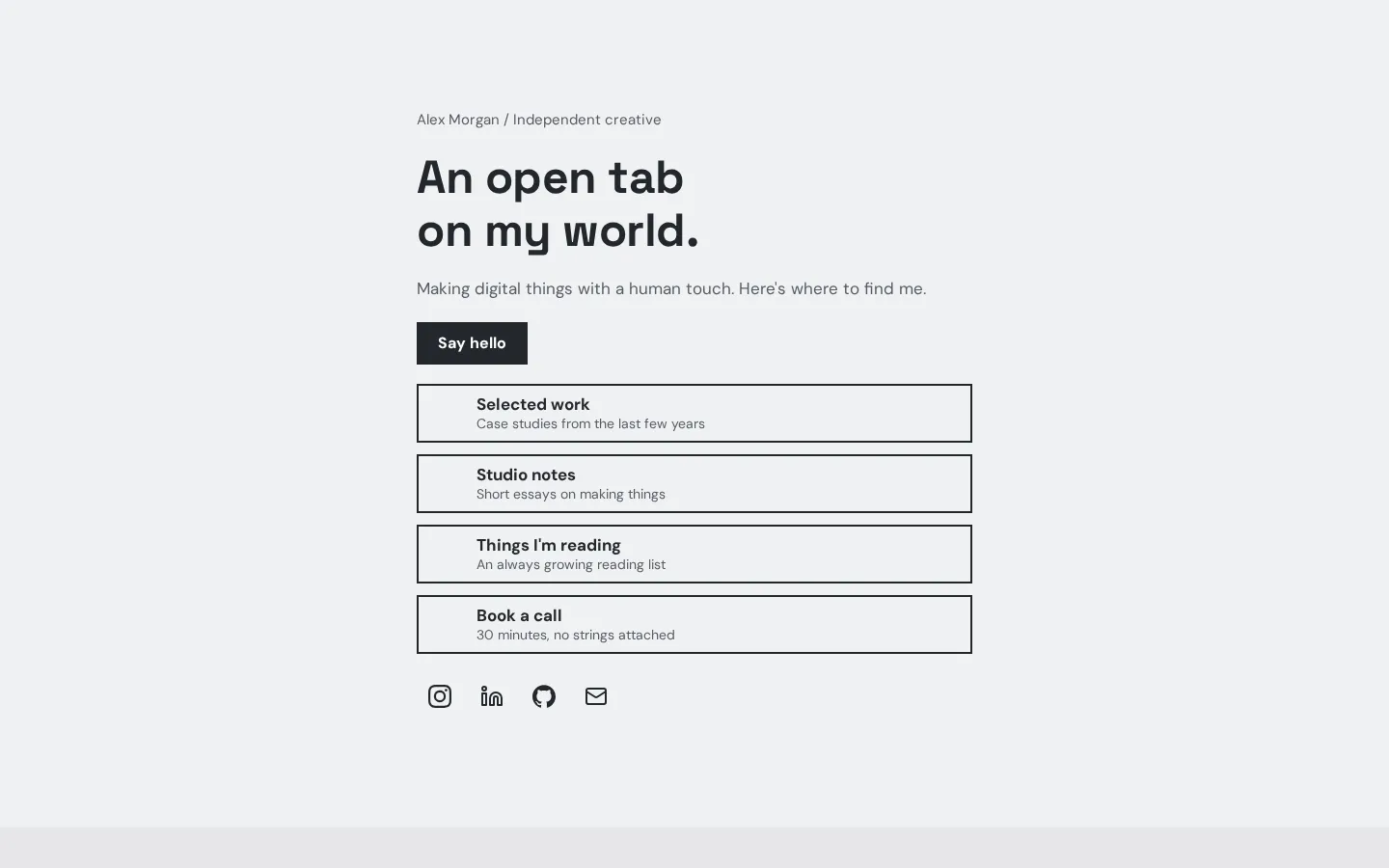
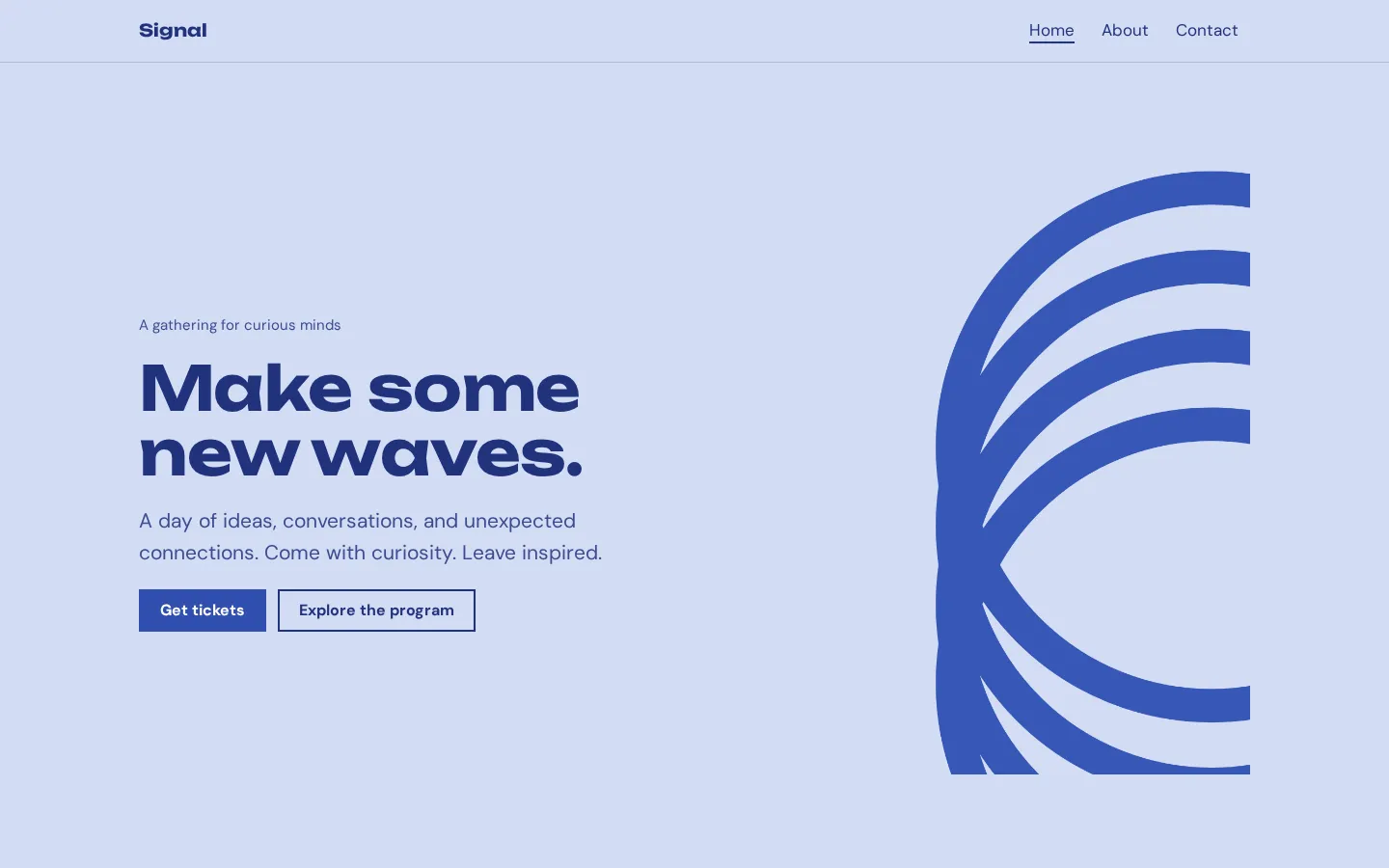
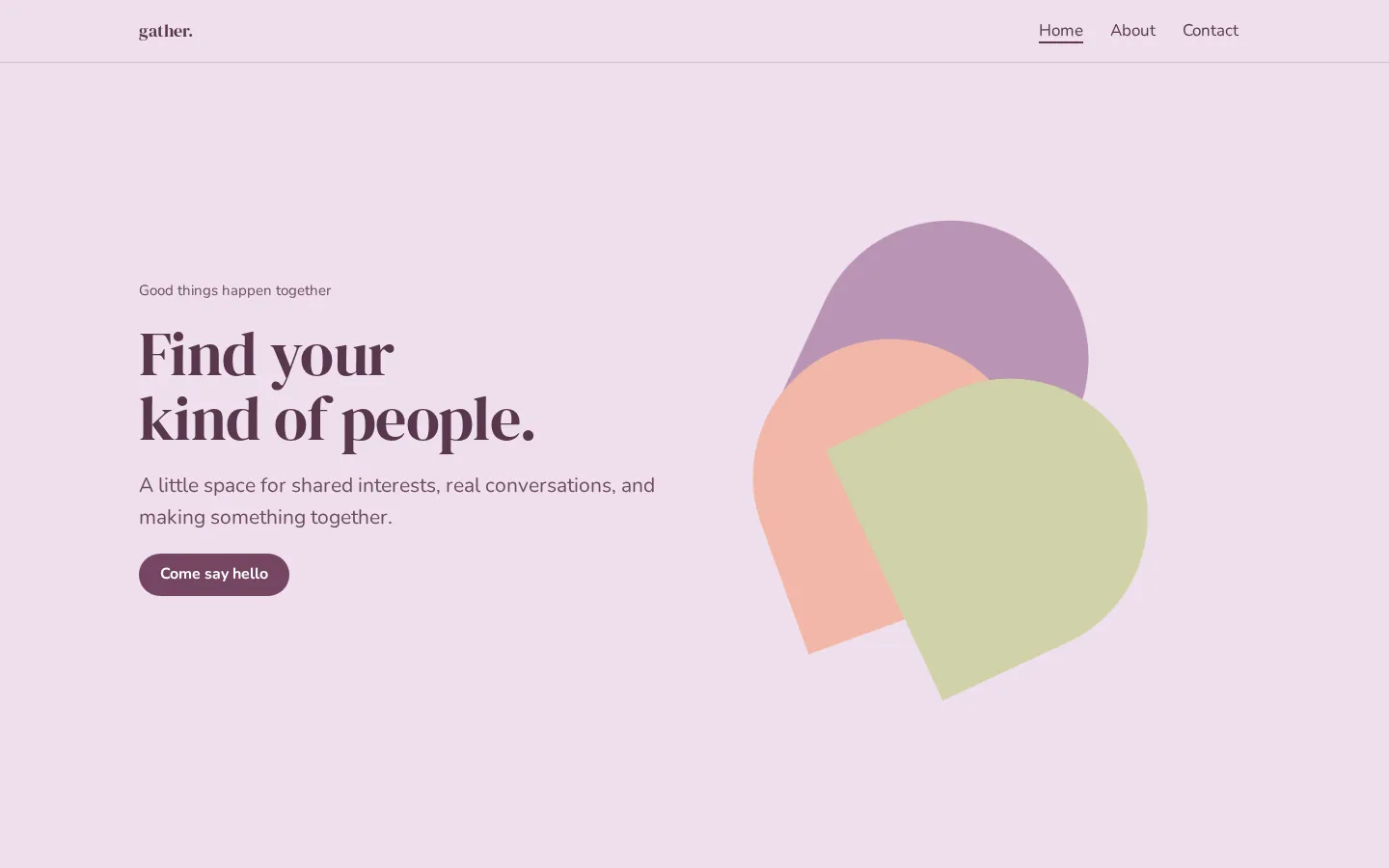
These are Heya templates. Each one is live: open the demo, or start your own from it.
What makes a template worth starting from
Start with your actual content. Does the template have a place for the text and images you want to
use, or are you already planning to replace most of its layout? Pick it for your site, not just its
preview.
Look at the kind of site you're making. Heya has templates for specific uses such as restaurants and
weddings. Wix offers business-ready website templates. WordPress.com has themes and patterns with
drag-and-drop layouts. Those are different starting points; compare the ones that match what you need.
Then check the page allowance. Webflow's free Starter site plan includes 2 static pages, Heya Free
allows up to 5 pages per site, and WordPress.com Free includes unlimited pages and posts. Write down
the pages you want before choosing.
Keep your content nearby. Try your own heading and image in the design before spending time on smaller
choices.
Free templates versus paid ones
A free builder and a free template aren't the same thing. Webflow and Framer both offer free and paid
templates. Carrd includes premium templates with every Pro plan. Check the template's cost on its own,
then check the plan you'll use to publish it.
Canva needs a careful comparison here. Free includes 1.6M+ templates across its design types, while
Pro includes 3.6M+ templates and premium photos, videos, graphics and audio. Those totals aren't
counts of website templates. Don't compare them directly with Wix's over 2000 website templates.
Publishing has separate conditions. Wix requires Premium for a custom domain and removal of Wix
branding. Webflow Starter keeps its badge, and Framer requires a paid plan to connect a custom domain.
Want to stay free? Choose a free template, then check the publishing address, branding and page limits
before you commit to the layout. A trial isn't an ongoing free plan.
Making a template look like yours
Put your own words in first. Replace the sample heading with what you want to say, add your text, then
try your images. Leave the smaller design choices until you can see your content in place.
What needs changing? Start there. You don't have to alter every part of a template just because you
can.
Wix lets you customize templates manually or with AI. Canva has a drag-and-drop editor, and
WordPress.com offers drag-and-drop layouts through its patterns and themes. Choose the editing
approach you want to work with, not only the preview you like most.
Heya provides 42 fonts, 14 theme presets and a 5-color palette (and you can build and edit fully on a
phone). Its buttons can link to a Google Form or Tally form for sign-ups, a Calendly page for
bookings, or your own shop, ticketing or payment page. Use the destination you already have.
How we checked
We took every price, limit and feature from each company's own pages, checked on November 17, 2026.
Heya's details come from its pricing page and docs, checked on November 17, 2026. The facts come from
wix.com/plans, wix.com,
canva.com/pricing,
webflow.com/pricing,
webflow.com/templates,
framer.com/pricing,
framer.com/marketplace/templates,
wordpress.com/pricing,
carrd.com/docs/pro/plans,
carrd.com/pro,
heya.page/pricing and
heya.page/docs.
Plans change often. If a number here is out of date, email hello@heya.page and we'll fix it.
FAQ
Which free website builder has the best templates?+
There isn't a single winner for every site. Wix is worth starting with for its over 2000
business-ready website templates. Webflow and Framer both offer free and paid templates. Heya has
68 templates, including designs for specific uses. Compare a few with your own content, and check
the template price before choosing.
Are website templates free to use?+
Some are, but don't assume that a free builder makes every template free. Webflow and Framer
explicitly offer both free and paid templates, while Carrd includes premium templates in its Pro
plans. Canva also separates Free and Pro template collections. Check the individual template and
the publishing plan as separate items.
Can I change a template after I publish?+
Check the builder's rules for the change you mean: editing your content and switching to another
template are different questions. Wix offers manual or AI customization, but that alone doesn't
establish how a published site handles a template switch. Before publishing, check that specific
workflow rather than assuming you can swap the whole design later.
Do I need design skills to use a template?+
You don't need to start with a blank design. Canva has a drag-and-drop editor, WordPress.com
offers drag-and-drop layouts, and Heya is a no-code builder. You'll still choose your text, images
and layout. Start with a template close to what you want, then try your content before making
bigger changes.
Try Heya free
Pick one of 68 templates or a blank page, edit it on your phone or laptop, and publish on Heya's
Free plan for $0, with no time limit and no credit card.