DJ EPK guide for 2026: what goes in a DJ press kit and where to host it
A DJ EPK is an electronic press kit: a page that brings together your bio, mixes, photos, booking
contact and the details someone needs to consider you for a gig. You can send it to clubs, promoters,
festivals or event clients as a single link, with a separate PDF available if they ask for one.
Heya is made by the team that wrote this guide, so read its row with that in mind. Prices come from each
company's own pages, checked on November 9, 2026.
The short answer
-
Dedicated press kit Bandzoogle suits DJs who want a one-page EPK with audio tracks
and photos hosted on the plan.
-
Kit and sales Beacons suits DJs who want a media kit alongside digital products and
affiliate links.
-
Simple page builder Carrd suits DJs who want a small site with a choice of free and
paid plans.
-
Build on your phone Heya suits DJs who want to make a one-page or small site,
including editing it fully on a phone.
How to build a DJ EPK page
-
Gather your materialPut your bio, photos, mix links and booking details together
before you start building. Add any press quotes or gig credits you can verify.
-
Choose your builderCompare the publishing address, media options and price of the
plan you'll use. Check whether a custom domain is included, supported or something you'll need to buy
separately.
-
Introduce your actPut your DJ name, a short description of what you play and your
booking contact near the top. Make it clear what someone is enquiring about.
-
Add music and photosUse a mix that represents the bookings you want, then add your
photos and any relevant performance video. Label links plainly.
-
Link supporting filesAdd buttons for downloadable press photos, a PDF one-sheet or a
tech rider where relevant. If a file lives elsewhere, check that someone can open it without
requesting access.
-
Check and publishOpen the published page on your phone, play the media and test every
contact link. Send the page link with your booking enquiry.
Where DJs host an EPK
Compare Bandzoogle, Beacons, Carrd, Heya and Wix below by their plans, media options and custom-domain
support.
| Builder |
Free plan |
Paid from |
Custom domain |
Best for |
| Bandzoogle |
14-day free trial |
$6.37/mo billed annually (EPK plan) |
Free .com, .net or .org on website plans |
Musicians who want a one-page EPK |
| Beacons |
$0 plan, free forever |
$8.33/mo billed annually ($10 monthly) |
Free custom domain on Creator |
Creator media kits, stores and links |
| Carrd |
Free Basic plan |
$9/year (Pro Lite, 3 sites) |
Pro Standard ($19/year) and Pro Plus |
One-page sites and landing pages |
| Heya |
Free: 3 sites, 5 pages each, yourname.heya.bio |
$3/mo (Pro Lite) |
Pro Standard (1) or Pro Plus (up to 10) |
Small sites built and edited on a phone |
| Wix |
$0 Free plan, no credit card |
$17/mo (Light), yearly price |
Connect one on Premium plans; 1 year free domain voucher on most |
Big template library and business tools |
Swipe the table sideways to see every column.
Each option up close
Bandzoogle
EPK plan $6.37 a month billed annually
Bandzoogle's EPK plan is built for a one-page press kit and includes 10 audio tracks, up to 250MB
each, plus 25 photos. It costs $6.95 per month or $76.45 per year, with a 14-day free trial before
you need to upgrade to keep the site active. Bandzoogle website plans include a free custom .com,
.net, or .org domain name.
- Better at
- Musicians who want a one-page EPK.
- Watch out
- The EPK plan holds 10 audio tracks and 25 photos.
Beacons
Free; Creator $8.33 a month billed annually
Beacons combines a media kit with product pages, and its $0 per month Free plan includes unlimited
digital products and affiliate links. The Creator plan includes a free custom domain and costs $10
monthly or $8.33/mo when billed annually at $100. Watch the sales fees: Free and Creator charge 9%
commission on all sales, while Creator Plus and Creator Max charge 0%.
- Better at
- Creator media kits, stores and links.
- Watch out
- A 9% commission applies to sales on Free and Creator.
Carrd
Free; Pro Lite $9, Pro Standard $19, Pro Plus $49 a year
Carrd has a free Basic plan; Carrd Pro Lite costs $9 a year for 3 sites and removes Carrd branding,
while Carrd Pro Standard costs $19 a year for 10 sites and adds custom domains with SSL, forms and
widgets. Every Carrd Pro plan includes premium templates, video uploads, slideshows, QR codes, site
icons and share images, but Carrd Pro Lite is intended for people who don't need custom domains or
business features such as forms and widgets. There's a 7-day free Pro trial with no payment or
credit card required.
- Better at
- One-page sites and landing pages.
- Watch out
- Pro Lite does not include custom domains.
Heya
Free; Pro Lite $3, Pro Standard $6, Pro Plus $15 a month
Heya is a no-code builder for one-page and small sites that you can build and edit fully on a phone;
you can start without an account, with drafts saved in your browser, then sign in with Google to
publish. Heya Free costs $0 with no time limit or credit card and includes up to 3 sites with up to
5 pages each and a small badge; Pro Lite costs $3 a month and removes the badge, while Pro Standard
costs $6 a month and includes 1 custom domain per account, connected from a domain you already own.
Its embeds support Spotify, SoundCloud, YouTube, Vimeo and Calendly, while buttons can link to
externally hosted PDFs, forms or ticketing pages.
- Better at
- Small sites built and edited on a phone.
- Watch out
- Free sites show a small "Made with Heya" badge.
Wix
Free; Light $17, Core $29, Business $39 a month (yearly)
Wix offers over 2000 templates you can customize manually or with AI, plus a $0 Free plan with no
credit card required. Its cheapest paid plan, Light, is $17 per month and includes 2 GB of storage
and 2 site collaborators; the displayed USD prices are for yearly subscriptions paid in full at
purchase. Premium plans support connecting your own domain and removing Wix branding, and most
include a 1 year voucher for a new domain purchased from Wix; Wix also offers a 14-day money-back
guarantee.
- Better at
- Big template library and business tools.
- Watch out
- Listed prices are for yearly plans paid up front.
Templates to start from
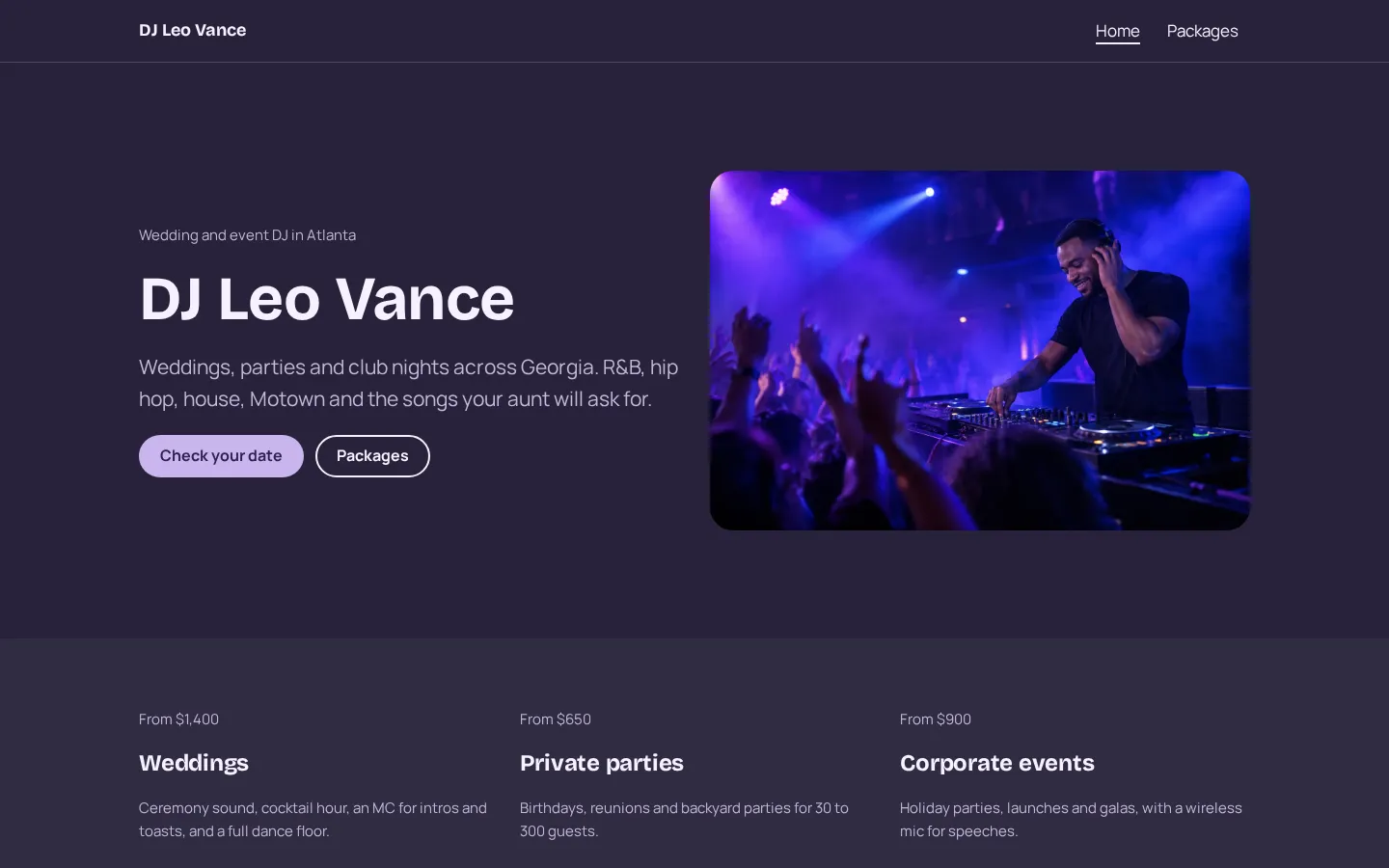
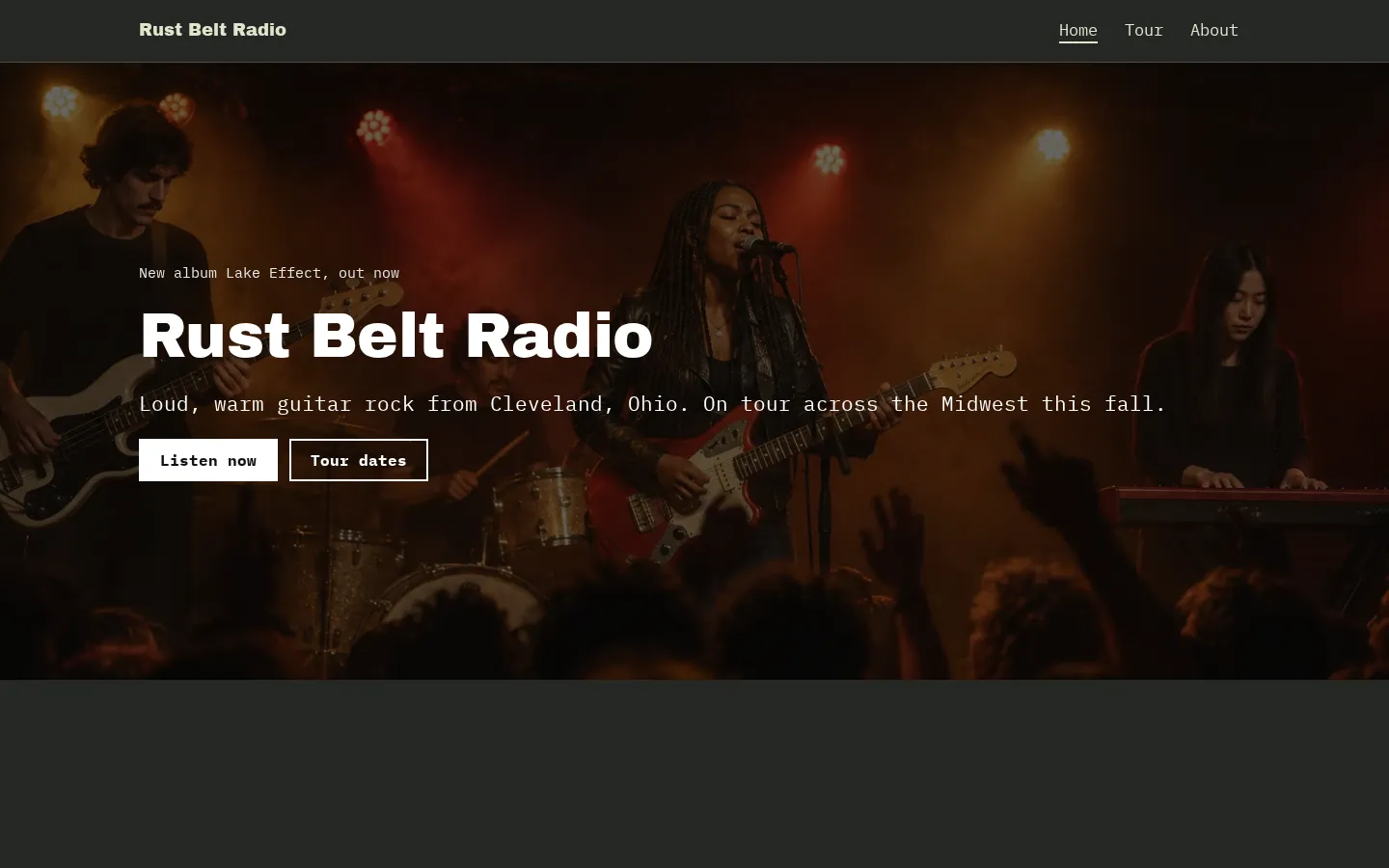
These are Heya templates. Each one is live: open the demo, or start your own from it.
What goes in a DJ EPK
Start with your DJ name and a short bio. Say what you play, where you're based and what kind of
booking you're putting yourself forward for. Don't make the reader dig through a long personal story
before they reach your music.
Keep it specific.
Add photos that you're happy for a promoter to use, with a clearly labelled download link if the page
images aren't the files you want published. Include photo credits where needed.
What belongs beside that? A representative mix, relevant performance video if you have it, selected
gig credits and press quotes you can attribute. Leave out anything you can't back up.
Put your booking email somewhere easy to find, and name the booking contact if someone else handles
enquiries (use their current details). Your social links can sit alongside it, but keep the booking
route explicit.
Mixes, links and the tech rider
Choose the mix for the person you're sending the page to. If you're approaching a club, lead with a
set that represents what you'd play there; if you're pitching event work, use material that reflects
that work.
Label each mix with enough detail to tell the reader what they're opening, and if you include several,
put the one you want them to hear first at the top rather than leaving them to choose.
Then test playback.
Use hosted tracks where your plan supports them, or embeds from a supported service. On Heya, music
comes through Spotify or SoundCloud embeds, and video through YouTube or Vimeo. A PDF one-sheet or
tech rider needs to live elsewhere, linked from a button.
Keep the rider separate from the bio. State your actual setup requirements and contact details, and
don't list equipment needs you haven't checked. Can the recipient open the file without signing in?
Check that too.
Keeping it current between gigs
After a gig, check whether anything on the page needs changing. Add a new credit if it belongs there,
replace a mix when you have a better fit, and remove dates or details that are no longer current.
You don't need to rewrite everything.
Keep your booking contact current, including the name of anyone handling enquiries for you. If you're
changing who receives those messages, test the contact link after editing it (not just the text beside
it).
What about the files you've linked? Open the photo downloads and rider from the published page, check
their access settings, and replace old versions wherever they're hosted.
And before you send the EPK to a different kind of client, read the introduction and listen to the mix
you've put first. Keep the material that fits the booking you're asking for, without adding claims you
can't support.
How we checked
We took every price, limit and feature from each company's own pages, checked on November 9, 2026.
Heya's details come from its pricing page and docs, checked on October 30, 2026. The facts come from
bandzoogle.com/help/articles/363-bandzoogle-pricing, bandzoogle.com/pricing,
beacons.ai/i/pricing,
carrd.com/docs/pro/plans,
carrd.com/pro,
wix.com/plans, wix.com,
heya.page/pricing and
heya.page/docs.
Plans change often. If a number here is out of date, email hello@heya.page and we'll fix it.
FAQ
What is a DJ EPK?+
A DJ EPK is your electronic press kit: an online page or document you send to someone considering
you for a booking. It brings your introduction, music, photos and contact details together. Think
of it as the material you want a club, promoter, festival or event client to review, rather than
your full archive.
What should a DJ press kit include?+
Include your DJ name, a short bio, representative mixes, press photos and a clear booking contact.
Add relevant gig credits, attributed press quotes and performance video if you have them. A tech
rider can sit behind a separate link. You don't need to fill every category if you don't have
material for it.
Should a DJ EPK be a PDF or a website?+
Use a website as the main link if you want a page with playable media and content you can update.
Keep a PDF one-sheet available if a recipient asks for one, and link your tech rider separately.
On Heya, PDFs are hosted elsewhere and reached through a button; the page itself holds text,
images, buttons and embeds.
Is there a free DJ EPK maker?+
Yes. Beacons has a free-forever plan, Carrd has a free Basic plan, Heya has a free plan with no
time limit, and Wix offers a Free plan. Check each plan's publishing address, branding and
features before choosing. Bandzoogle instead offers a 14-day free trial, after which an upgrade is
required to keep the site active.
Try Heya free
Start from the DJ website template, edit it on your phone or laptop, and publish on Heya's Free plan
for $0, with no time limit and no credit card.