How to make a fan website in 2026: a beginner guide to fan site builders
Pick a free builder, plan a few pages (news, a photo wall, links for other fans), add your own words and
photos you have permission to use, then publish and share the link. Neocities and WordPress.com both
have free plans with 1 GB of storage. Carrd has a free Basic plan, and Heya Free gives you 3 sites with
up to 5 pages each.
Heya is made by the team that wrote this guide, so read its row with that in mind. Prices come from each
company's own pages, checked on November 17, 2026.
The short answer
-
Build with HTML Neocities suits fans who want to build their own site and are willing
to work with HTML.
-
Posts and archives WordPress.com suits fans planning to publish regular posts
alongside pages.
-
Drag and drop Google Sites suits beginners who want to arrange a site without
programming.
-
A compact introduction Carrd suits fans looking for a place to start with its free
Basic plan.
-
Small no-code sites Heya suits fans who want a small site they can build and edit on
a phone.
How to make a fan website, step by step
-
Choose your subjectDecide whether your site covers an artist, show, game or team,
then pick the part you want to focus on. It could be your reviews, a collection of useful references
or your own fan work.
-
Pick a builderChoose from the options below based on how you want to make the site
and what you want to publish. Stay on a free plan if you have no budget.
-
Gather your materialDraft your introduction, collect your source credits and choose
your own photos or images you have permission to use.
-
Build the homepageGive the site a name and explain what visitors will find there. Add
your first finished piece of content, then make any other pages you need.
-
Check your workRead through the text, test the links and look at the site on your
phone. Check that image credits are included.
-
Publish and shareUse your builder's publishing controls, open the published site and
check it again. Share it with fans in places where sharing your own work is welcome.
Free builders for a fan site
Compare Neocities, WordPress.com, Google Sites, Carrd, Heya and Wix below by their free options, editing
tools and paid upgrades.
| Builder |
Free plan |
Paid from |
Custom domain |
Best for |
| Neocities |
Free site with 1 GB of storage |
$5/mo (Supporter) |
Supporter plan |
Hand-made fan sites in HTML |
| WordPress.com |
Free plan, no expiry, no credit card |
$4/mo billed annually |
Paid plans; free first year on annual plans |
Blogs and sites that grow with plugins |
| Google Sites |
Not stated |
Not stated |
Up to five per site (needs a subdomain like www) |
Quick sites inside Google Workspace |
| Carrd |
Free Basic plan |
$9/year (Pro Lite, 3 sites) |
Pro Standard ($19/year) and Pro Plus |
One-page sites and landing pages |
| Heya |
Free: 3 sites, 5 pages each, yourname.heya.bio |
$5/mo (Pro Lite) |
Pro Standard (1) or Pro Plus (up to 10) |
A fan site with embeds and up to 5 pages on Free |
| Wix |
$0 Free plan, no credit card |
$17/mo (Light), yearly price |
Connect one on Premium plans; 1 year free domain voucher on most |
Big template library and business tools |
Swipe the table sideways to see every column.
Each option up close
Neocities
Free; Supporter $5 a month
Neocities provides free static hosting and an in-browser HTML editor, with zero ads, 1 GB of storage
and 200 GB of bandwidth on the free plan. It's also a social network of websites, where site tags
help people find sites about their interests. You'll be working with HTML; custom domains require
Supporter, which costs $5 a month and raises storage to 50 GB and bandwidth to 3000 GB.
- Better at
- Hand-made fan sites in HTML.
- Watch out
- You build pages in HTML, and custom domains need Supporter.
WordPress.com
Free; paid from $4 a month billed annually
WordPress.com's free plan has no expiration date, requires no credit card and includes unlimited
pages and posts, 1 GB of storage and basic stats for the last 7 days. Free sites use a WordPress.com
subdomain and show ads; Personal removes those ads, and paid plans allow custom domains and access
to over 60,000 plugins. Personal starts at $2.75 per month when billed every 3 years, while paid
plans start at $4 per month when billed annually.
- Better at
- Blogs and sites that grow with plugins.
- Watch out
- The free plan has 1 GB of storage and a wordpress.com subdomain.
Google Sites
No plan prices listed
Google Sites lets you build without programming, using drag-and-drop editing, pre-made templates and
an automatic grid that scales content across devices. It also integrates with Google Workspace. A
published site can use up to five custom domains, but a custom address must include a subdomain.
- Better at
- Quick sites inside Google Workspace.
- Watch out
- A custom URL must include a subdomain such as www.
Carrd
Free; Pro Lite $9, Pro Standard $19, Pro Plus $49 a year
Carrd offers a free Basic plan, plus a 7-day Pro trial with no payment or credit card required. Pro
Lite costs $9 a year for 3 sites and removes Carrd branding; Pro Standard costs $19 a year for 10
sites and adds custom domains with SSL, forms and widgets. Every Pro plan includes premium
templates, video uploads and slideshows, so check which plan includes the features you intend to use
before building around them.
- Better at
- One-page sites and landing pages.
- Watch out
- Pro Lite does not include custom domains.
Heya
Free; Pro Lite $5, Pro Standard $9, Pro Plus $19 a month
Heya is a no-code builder for one-page and small sites, with 68 templates, a blank-page option and
full building and editing on a phone. You can start without an account, with drafts saved in your
browser, but publishing requires a Google or email sign-in; Free costs $0 with no time limit or
credit card and allows up to 3 sites with up to 5 pages per site, with a small "Made with Heya"
badge. Pro Lite costs $5 a month and removes the badge, while Pro Standard costs $9 a month and
includes 1 custom domain per account and an HTML download of your site.
- Better at
- A fan site with embeds and up to 5 pages on Free.
- Watch out
- Free sites show a small "Made with Heya" badge.
Wix
Free; Light $17, Core $29, Business $39 a month (yearly)
Wix has a Free plan for $0 with no credit card required and offers over 2000 templates you can
customize manually or with AI. Connecting your own domain and removing Wix branding require a
Premium plan; the cheapest paid option, Light, includes 2 GB of storage and 2 site collaborators.
Light costs $17 per month, with Wix's USD prices shown for yearly subscriptions paid in full at
purchase.
- Better at
- Big template library and business tools.
- Watch out
- Listed prices are for yearly plans paid up front.
Templates to start from
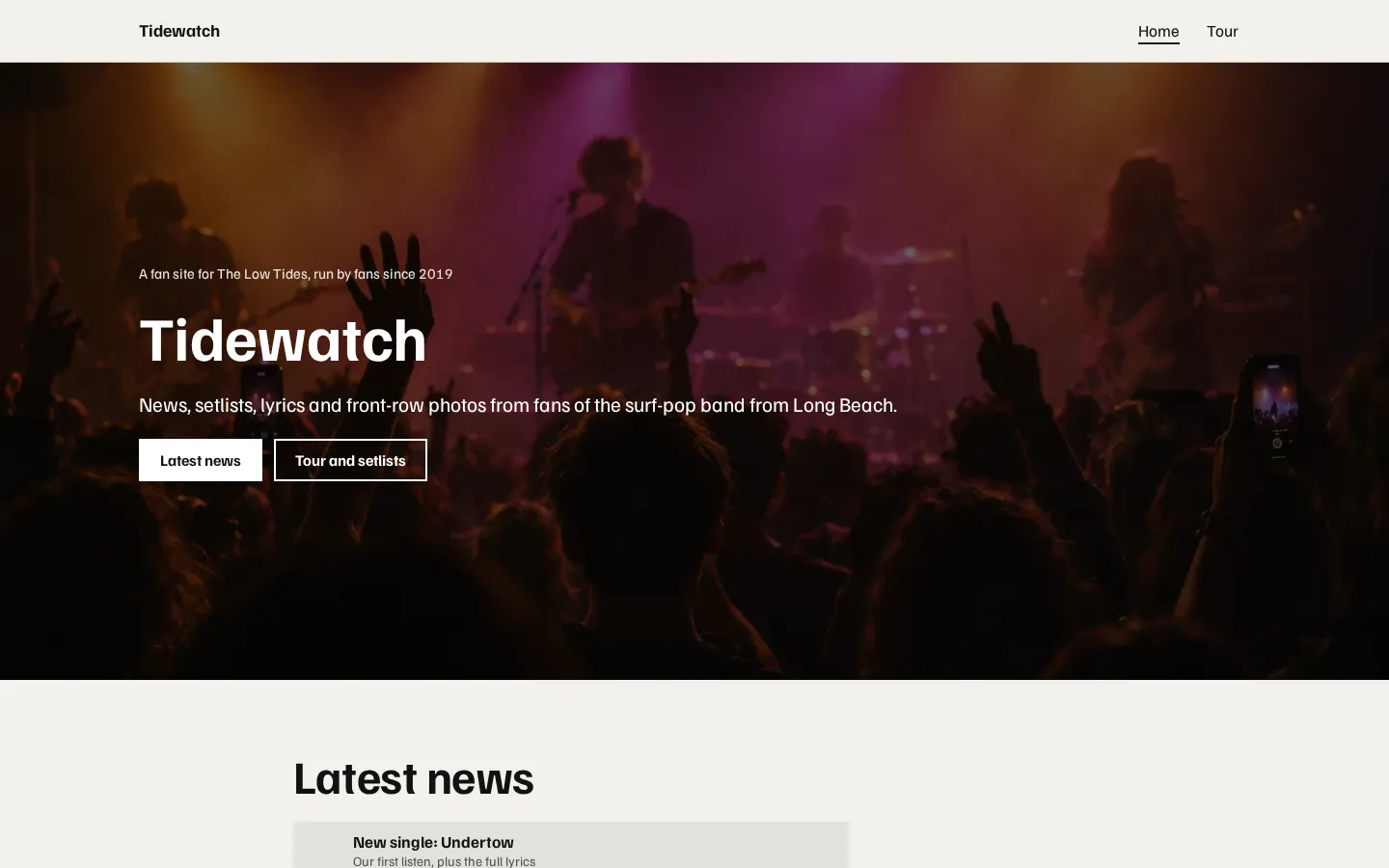
These are Heya templates. Each one is live: open the demo, or start your own from it.
What to put on a fan site
Start with the thing you wanted to make the site for. Is it your match write-ups, thoughts on an
album, a guide to a game or somewhere to collect your fan art? Put that on the homepage rather than
leaving it behind a long introduction.
Keep the introduction short. Say what the site covers and what you've made, then let visitors get to
it.
You could add:
- An about page with your connection to the subject.
-
Reviews or personal notes. Give each piece a title that says what it's about, and mark spoilers
before the text that contains them.
- A source list.
- A collection of your own work, with a short description beside each piece.
You don't need everything at launch. If you've finished an introduction and a review, publish those.
Leave the empty sections out for now (including the ones you have big plans for).
Photos, clips and credit
Use your own photos or ones you have permission to use. If you don't have an image you can use, leave
it out and publish the writing on its own.
Keep a note of where your material came from while you're collecting it, including the creator's name
and any credit wording they've asked you to use, rather than trying to reconstruct it when the page is
finished.
Put credits beside the relevant image or clip. For quotes and information you've drawn from elsewhere,
name the source where you use it.
What about a page built around music or video? Use an embed where your builder supports it. Heya's
embed block supports YouTube, Vimeo, Spotify and SoundCloud, among its supported services.
And keep your own comments separate from quoted material. If you're sharing a reaction, say it in your
own words; when you quote someone, make the quotation and its source clear.
Getting other fans to find it
Give each page a title that names its subject. Use the artist, show, game or team name where it
belongs in your writing, and explain what the page contains rather than filling it with repeated
names.
Then share something specific. Instead of posting only that you've launched a website, point people to
the review, guide or fan work you've finished and tell them what it covers.
Where should you share it? Start with fan spaces you already take part in, check their rules about
self-promotion, and share where it's welcome (not in every conversation).
On Neocities, add tags that match your interests; its tags help people discover related sites. Heya
sites can be found by search engines by default and include a sitemap, while its "Hide from Google"
setting turns that off.
Keep links to your finished pages handy. When you add something, share that page rather than making
everyone search your homepage for it.
How we checked
We took every price, limit and feature from each company's own pages, checked on November 17, 2026.
Heya's details come from its pricing page and docs, checked on November 17, 2026. The facts come from
neocities.org,
neocities.org/supporter,
wordpress.com/pricing,
workspace.google.com/products/sites,
support.google.com/sites/answer/9068867,
carrd.com/docs/pro/plans,
carrd.com/pro,
wix.com/plans, wix.com,
heya.page/pricing and
heya.page/docs.
Plans change often. If a number here is out of date, email hello@heya.page and we'll fix it.
FAQ
How do I make a fan website for free?+
Choose a free option such as Neocities, WordPress.com, Carrd, Heya or Wix, then build a homepage
and add your first finished content. Check the free plan's limits before you commit. WordPress.com
displays ads, Heya includes a small badge, and Neocities promises zero ads but asks you to work
with HTML.
What is the best website builder for a fan site?+
For a small site without coding, start by looking at Google Sites or Heya. Choose WordPress.com if
you want unlimited pages and posts on a free plan, or Neocities if you want to build with HTML.
Carrd has a free Basic option, and Wix offers customizable templates. Match the choice to what you
want to publish.
Can I use photos of the artist on my fan site?+
Use photos you took yourself or photos you have permission to use, and credit the source. Don't
treat a photo you found online as permission to publish it. If you don't have a suitable photo,
your page can stay text-only while you look for an image you're allowed to use.
Can I make a fan website on my phone?+
Yes. Heya supports building and editing a site fully on a phone. You can begin without an account,
and drafts stay in your browser until you publish. Publishing requires a Google or email sign-in.
Its free plan allows up to 3 sites with up to 5 pages per site.
Try Heya free
Start from the fan site template, edit it on your phone or laptop, and publish on Heya's Free plan
for $0, with no time limit and no credit card.