Free HOA website template
HOA website template with announcements, documents and board contacts
A free 3-page HOA website with announcements, dues and pool hours, 12 document and form links, quick answers for owners, and your board, committees and management office. Edit it in your browser without code and publish it on yourname.heya.bio in about 30 minutes, no credit card. Pro Lite removes the small badge for $9 a year.
The free plan includes 3 sites with up to 5 pages each, HTTPS, and a ZIP download of your files.
What's in the template
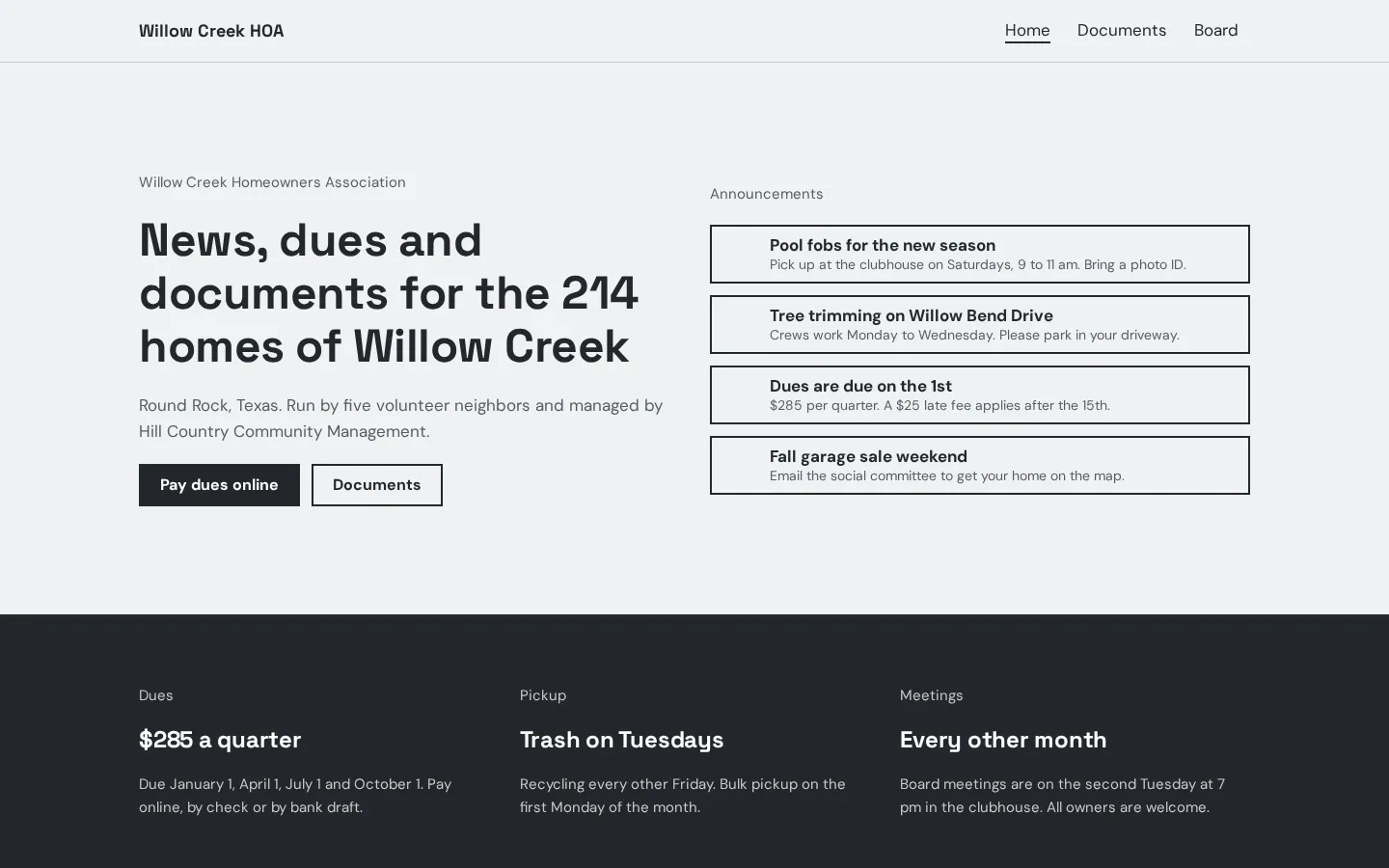
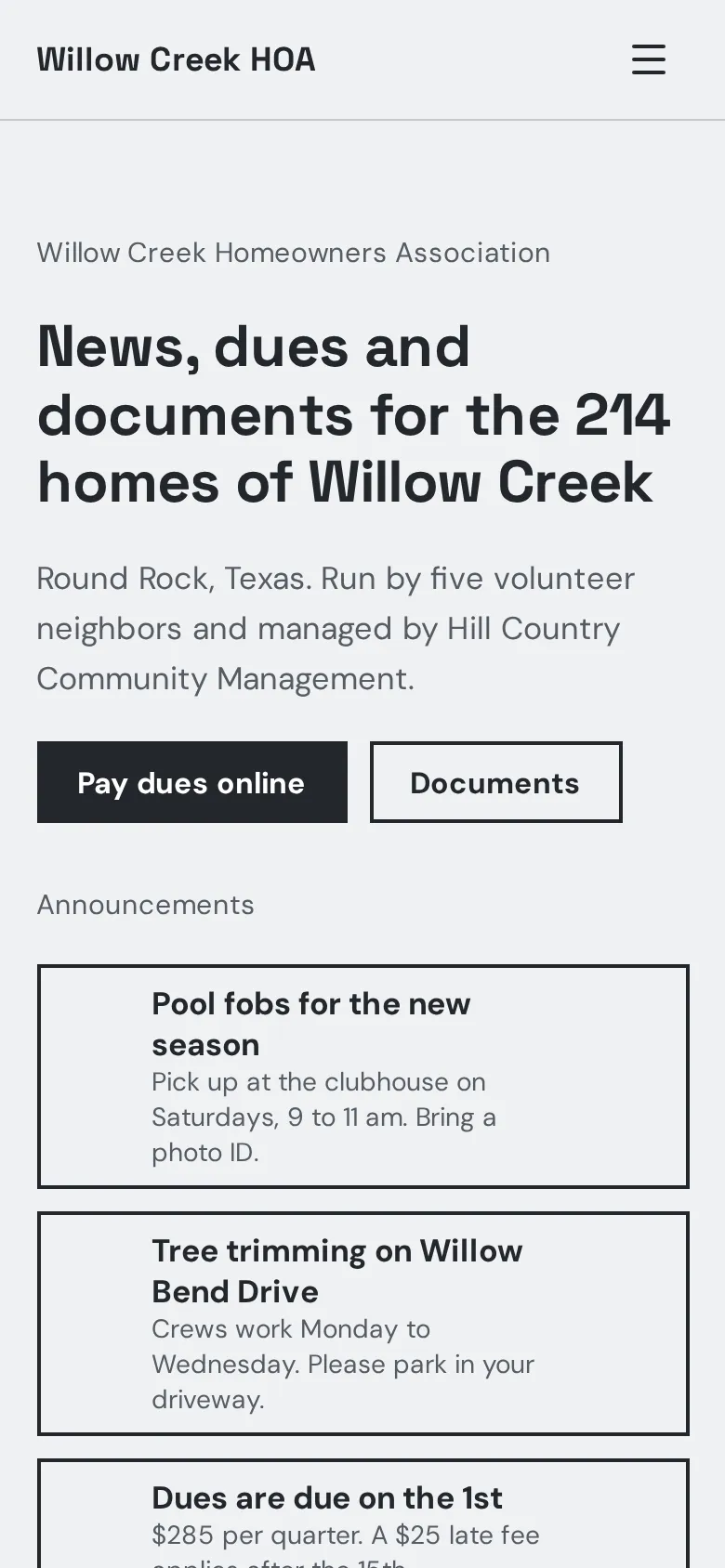
- Home page The neighborhood name and number of homes, a Pay dues online button, and 4 announcements with a line each.
- Dues, trash and meetings A band with the quarterly dues and due dates, trash and recycling days, and when the board meets.
- Pool and clubhouse A pool photo with the season, daily hours, fob rules, and clubhouse rental prices with a reserve button.
- Quick answers Short notes on remodeling approvals, reporting problems, moving in and selling a home, then a street photo with buttons to email the office or find the board.
- Documents page Links to your CC&Rs, bylaws, rules, architectural guidelines, 4 forms, meeting minutes, the budget and the reserve study.
- Board page Five board members with their roles and email links, the management office with hours and contact buttons, 4 committees and an after-hours emergency line.
Make your HOA website in 6 steps
- Open the templateIt opens in the Heya builder with all 3 pages, the photos and the text in place. You do not need an account to start.
- Update the basicsClick any text to change the neighborhood name, the dues, the trash days and the pool hours.
- Link your documentsUpload your PDFs to a shared Google Drive folder or your management portal, and paste each link into its document button.
- Link dues and reservationsPaste your management company's payment page into Pay dues online, and your booking page or a Google Form into Reserve the clubhouse.
- Add your boardPut in your board members, their roles and a shared email for each role. Keep personal phone numbers off the site.
- Publish and shareSign in with Google, pick an address like willow-creek-hoa.heya.bio and publish. Print the link on your next dues statement.
HOA website checklist
- Dues amount, due dates and how to pay
- Your CC&Rs, bylaws and rules
- How to get approval before you build or remodel
- Pool and amenity hours and rules
- Trash and recycling days
- Meeting dates and minutes
- Board members and their roles
- The management company's contact details
- An after-hours emergency number
What it costs
The free plan covers everything this template needs. Pro Lite removes the badge and raises the page limit.
| Plan | Free | Pro Lite |
|---|---|---|
| Price | $0, no credit card | $9 a year |
| Sites | 3 | 3 |
| Pages per site | Up to 5 | Up to 20 |
| Address | name.heya.bio with HTTPS | name.heya.bio with HTTPS |
| Made with Heya badge | Small badge | No badge |
| HTML download | Yes | Yes |
| Built-in forms | Not yet, link to an outside form | Not yet, link to an outside form |
Swipe the table sideways to see both plans.
What Heya doesn't do yet
Heya does not take payments, so the Pay dues online button links to your management company's portal or your bank's payment page. There are no built-in forms yet either, so architectural and fob requests link to a PDF, a Google Form or the portal. Forms are planned for Pro Standard ($19 a year), which isn't live.
There is no password protection or owner login yet, so anyone with the link can see the site. Keep owner directories, violation notices and anything private off it. You can ask search engines not to list it in the site settings.
Questions
Is this HOA website template free?
Yes. The template and publishing are free: up to 3 sites with up to 5 pages each on a name.heya.bio address with HTTPS, no credit card and no time limit. Free sites show a small "Made with Heya" badge, which Pro Lite removes for $9 a year.
Can owners pay dues on the site?
Not on the site itself. The Pay dues online button links to wherever you already collect dues, like your management company's portal. Heya does not handle payments.
How do I post our documents?
Upload each PDF to a shared Google Drive or Dropbox folder and paste its link into the matching button on the Documents page. Swap the link when a document changes.
Can we keep the site private?
Not with a password yet. That is planned for Pro Plus, which isn't live. You can ask search engines not to list it in the site settings, but anyone with the link can still open it.
How do I post a new announcement?
Open the site in the builder, edit or add an item in the announcements list on the home page, and publish again.
Can I download a copy of the site?
Yes. Every plan can download the site as a ZIP of plain HTML, CSS, fonts and images, which is handy when the board changes hands.
More templates like this
Start your HOA website
Open the template, add your details and publish free on name.heya.bio. No code and no credit card.