Free newsletter website template
Newsletter website template with signup buttons, past issues and sponsor info
A free 2-page newsletter website with signup buttons that open your newsletter tool, the 3 things readers get in each issue, your latest issues, reader quotes and an about page with sponsor details. Edit it in your browser without code and publish it on yourname.heya.bio in about 15 minutes, no credit card. Pro Lite removes the small badge for $9 a year.
The free plan includes 3 sites with up to 5 pages each, HTTPS, and a ZIP download of your files.
What's in the template
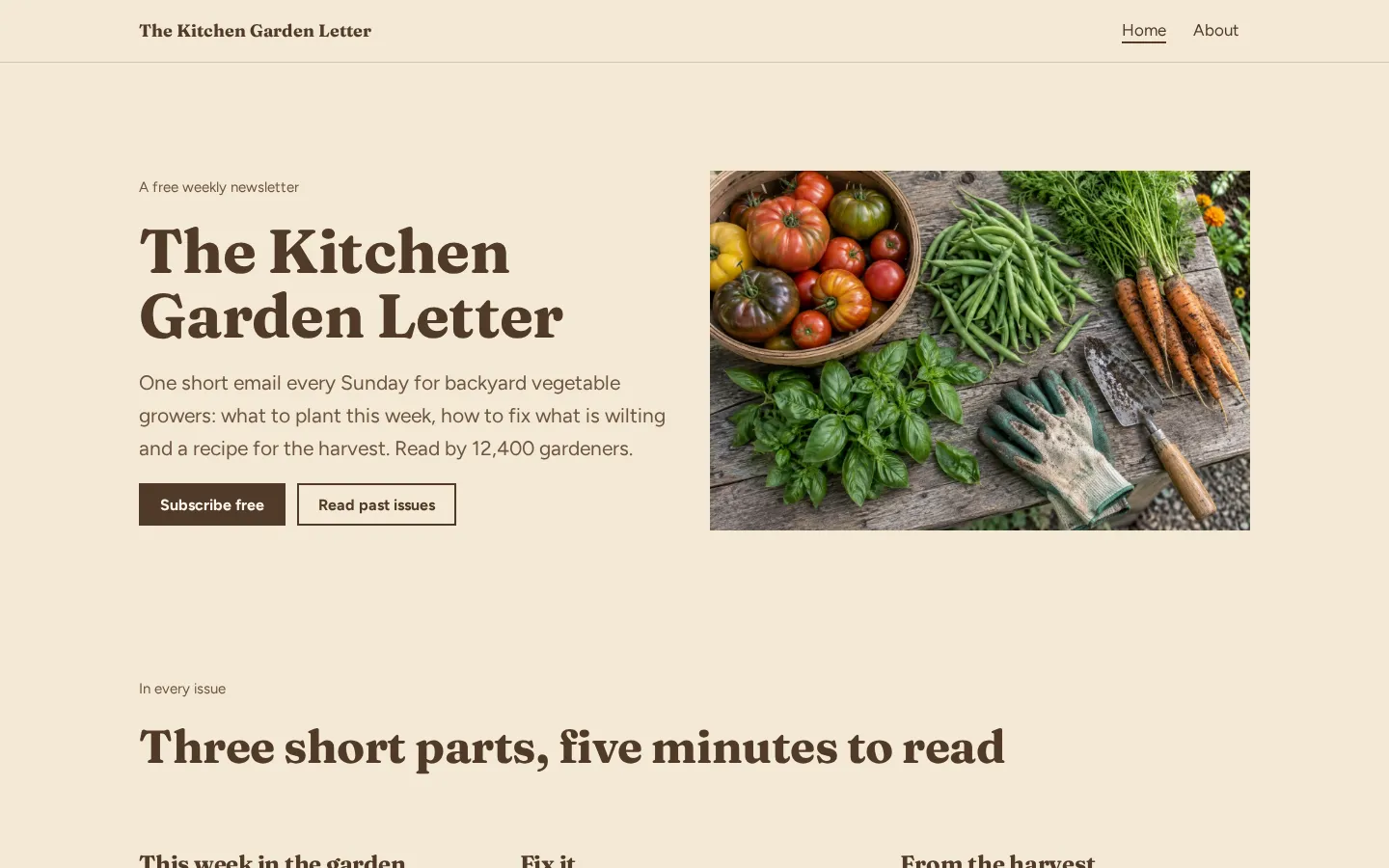
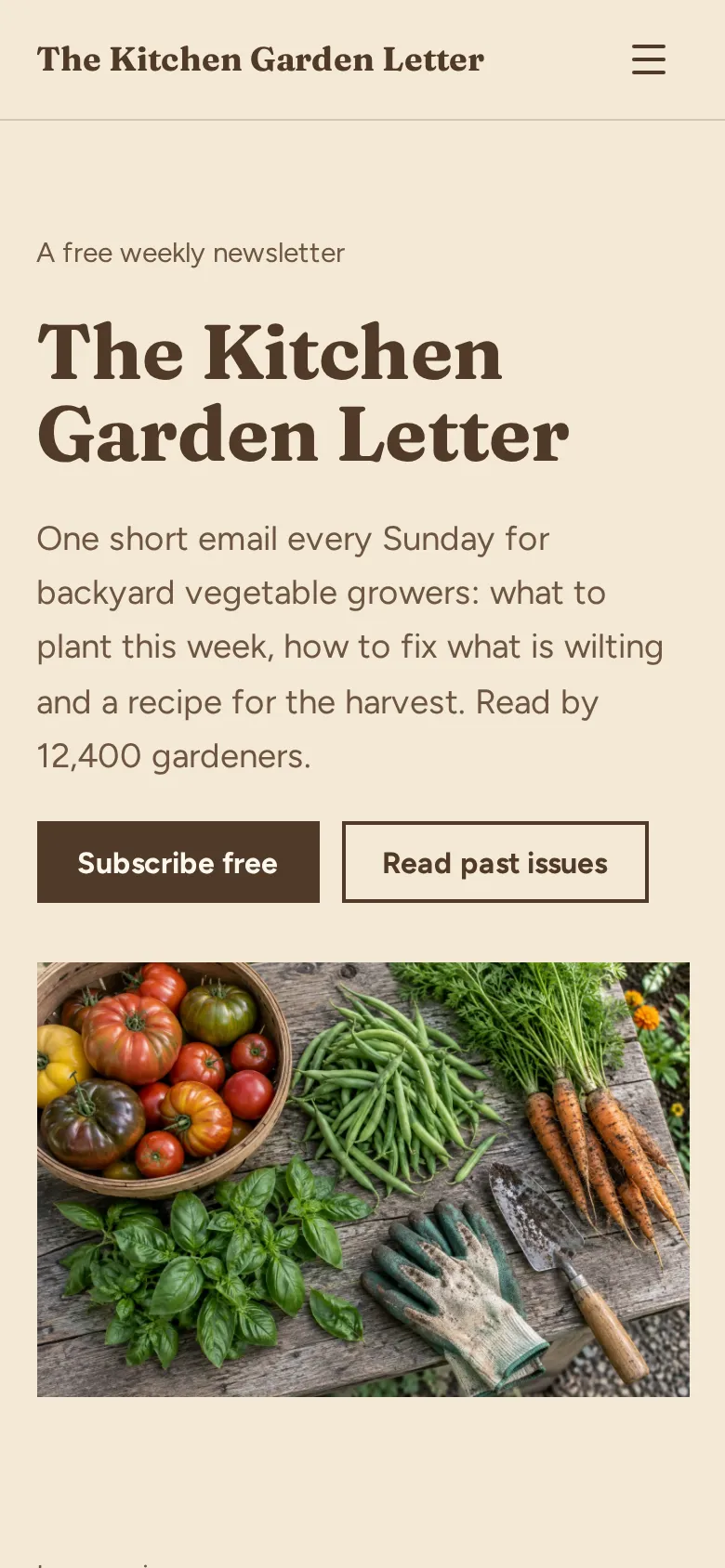
- Home page The newsletter name, who it is for, how often it goes out and how many people read it, with a photo and a Subscribe free button.
- In every issue The three parts readers get each week, so they know what they are signing up for.
- Recent issues Your last three issues with a one-line summary each and a button to the full archive.
- Reader quotes Three short quotes from subscribers, with where they live.
- Signup band A colored band near the end with one more Subscribe free button.
- About page Your photo, your story and social links, plus a sponsor section with your audience size, open rate and price per issue.
Make your newsletter website in 5 steps
- Open the templateIt opens in the Heya builder with both pages, the photos and the text in place. You do not need an account to start.
- Describe your newsletterChange the name, who it is for and how often it goes out. Sum up each issue in three short parts.
- Link the signup buttonsPaste the signup page link from Substack, Beehiiv, Kit or Buttondown into every Subscribe free button.
- Add recent issuesType the titles of your last three issues and link each one to its web version.
- Publish and shareSign in with Google, pick an address like kitchengardenletter.heya.bio and publish. Put the link in your social bios and your email footer.
Newsletter website checklist
- The newsletter name and who it is for
- How often it goes out, and on what day
- What readers get in each issue
- A signup button near the top
- Links to a few recent issues
- Your subscriber count, once it helps
- Quotes from readers
- Who writes it and why
- Sponsor rates and how to get in touch
What it costs
The free plan covers everything this template needs. Pro Lite removes the badge and raises the page limit.
| Plan | Free | Pro Lite |
|---|---|---|
| Price | $0, no credit card | $9 a year |
| Sites | 3 | 3 |
| Pages per site | Up to 5 | Up to 20 |
| Address | name.heya.bio with HTTPS | name.heya.bio with HTTPS |
| Made with Heya badge | Small badge | No badge |
| HTML download | Yes | Yes |
| Built-in forms | Not yet, link to an outside form | Not yet, link to an outside form |
Swipe the table sideways to see both plans.
What Heya doesn't do yet
Heya does not send email or collect signups. Forms are planned for Pro Standard ($19 a year), which isn't live. Until then, the Subscribe buttons open the signup page of your newsletter tool, like Substack, Beehiiv, Kit or Buttondown, which keeps your list and sends the emails.
There's no blog or archive feature, so past issues stay on your newsletter tool and you link to them from the recent issues list. Heya has no analytics yet either, so check signups in your newsletter tool.
Questions
Is this newsletter website template free?
Yes. The template and publishing are free: up to 3 sites with up to 5 pages each on a name.heya.bio address with HTTPS, no credit card and no time limit. Free sites show a small "Made with Heya" badge, which Pro Lite removes for $9 a year.
Which newsletter tools does it work with?
Any tool that gives you a signup link: Substack, Beehiiv, Kit, Buttondown, Mailchimp and others. Paste that link into the Subscribe free buttons.
Can I put a signup form right on the page?
Not yet. Heya does not run custom code, so pasted signup forms will not work. A built-in form is planned for Pro Standard, which is not live yet. For now the buttons link to your signup page.
Why have a website if my newsletter tool has a page?
Your own site holds everything in one place: who you are, what readers get, past issues and sponsor rates. You can also download it as plain HTML any time, so it never depends on one tool.
Can I sell sponsorships with it?
Yes. The about page has a sponsor section with your audience size, open rate and price per issue, and a button that emails you. Heya does not take payments, so send invoices from your usual tool.
Can I use my own domain?
Not yet. Custom domains are on the way, so for now your newsletter website lives on an address like kitchengardenletter.heya.bio with HTTPS.
More templates like this
Start your newsletter website
Open the template, add your details and publish free on name.heya.bio. No code and no credit card.