Free plumber website template
Plumber website template with prices, reviews and a 24/7 call button
A free 3-page plumber website with a call button at the top, an emergency band, services with starting prices, reviews, your license and insurance, a service area and a quote request. Edit it in your browser without code and publish it on yourname.heya.bio in about 20 minutes, no credit card. Pro Lite removes the small badge for $9 a year.
The free plan includes 3 sites with up to 5 pages each, HTTPS, and a ZIP download of your files.
What's in the template
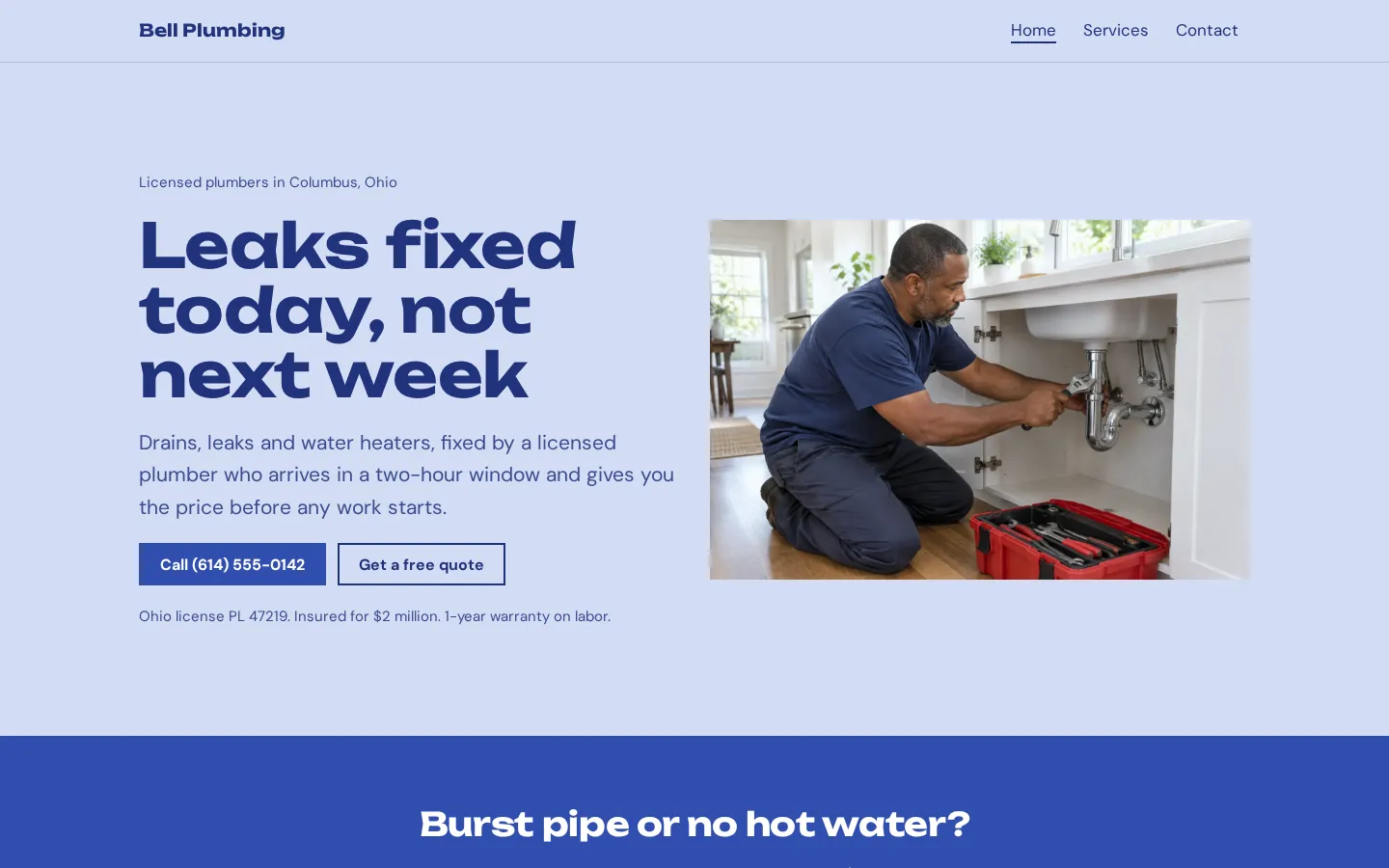
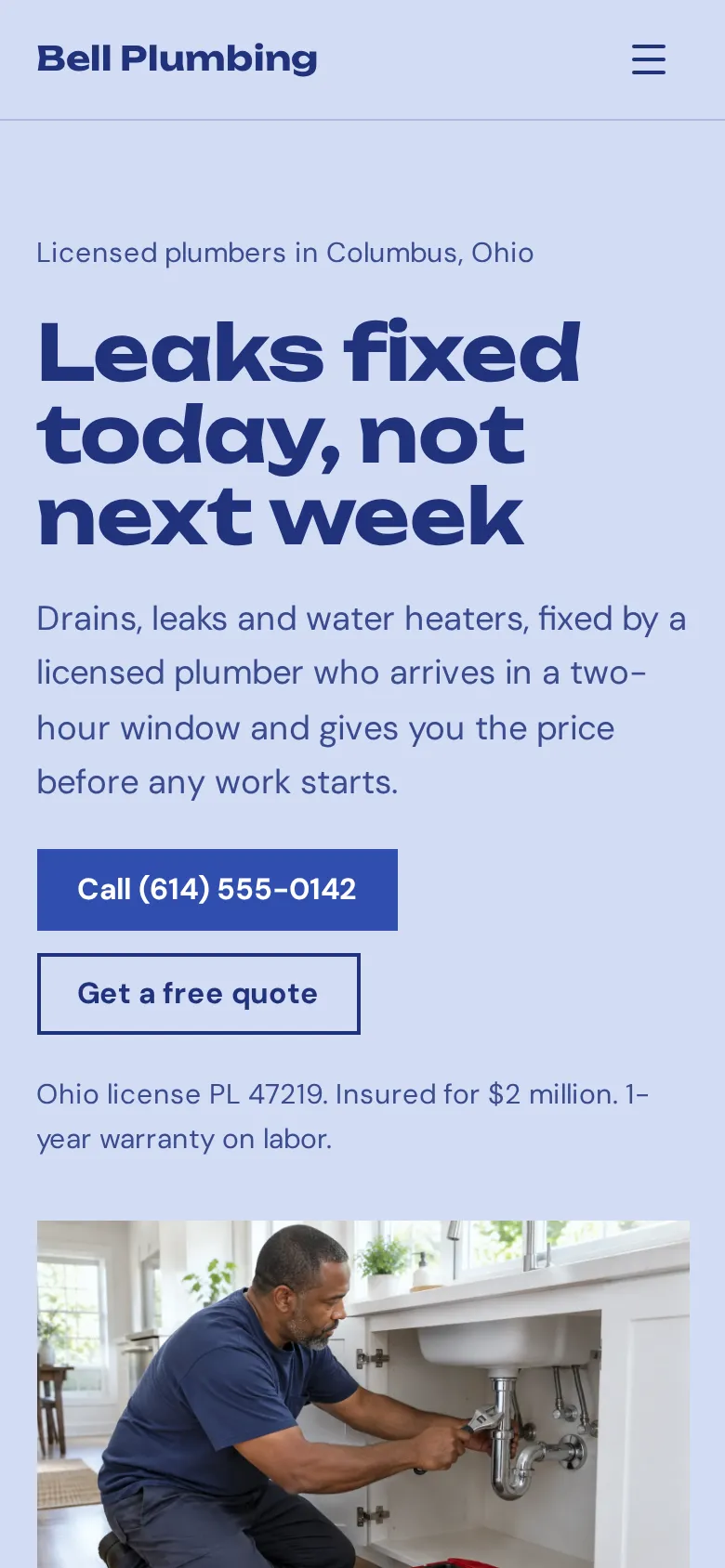
- Home page A headline, a call button with your number, a quote button, your license and insurance line, and a photo of a plumber at work.
- Emergency band A bright band for burst pipes and no hot water, with your 24/7 number and the price of an emergency visit.
- Services and prices Three services with starting prices on the home page and six on the Services page, from drain cleaning to sump pumps.
- Water heater section A photo next to a short note on your water heater crew, with tank and tankless prices.
- Reviews Three short reviews with first names and neighborhoods.
- Service area and license The towns you cover with a Google Maps link, your license number, your insurance and your warranty.
- Contact page Call, quote and email buttons, Facebook and Instagram icons, your hours and the office address.
Make your plumber website in 5 steps
- Open the templateIt opens in the Heya builder with all 3 pages, the photos and the text in place. You do not need an account to start.
- Add your number and licenseClick any text to change the business name, the license line and the towns you cover, then put your number in each call button.
- Set your pricesChange the starting prices to yours and delete any service you do not offer.
- Link your quote formMake a free Google Form that asks for the address and the problem, then paste its link into the Request a quote button.
- Publish and shareSign in with Google, pick an address like bellplumbing.heya.bio and publish. Add the link to your Google Business Profile and your invoices.
Plumber website checklist
- Your phone number at the top, as a button that dials
- Whether you take emergency calls, and what they cost
- The towns and neighborhoods you cover
- Starting prices for your most common jobs
- Your license number and insurance
- The warranty on your work
- Your hours, including weekends
- Three or more reviews with first names
- A real photo of you, your van or your crew
- One clear way to ask for a quote
What it costs
The free plan covers everything this template needs. Pro Lite removes the badge and raises the page limit.
| Plan | Free | Pro Lite |
|---|---|---|
| Price | $0, no credit card | $9 a year |
| Sites | 3 | 3 |
| Pages per site | Up to 5 | Up to 20 |
| Address | name.heya.bio with HTTPS | name.heya.bio with HTTPS |
| Made with Heya badge | Small badge | No badge |
| HTML download | Yes | Yes |
| Built-in forms | Not yet, link to an outside form | Not yet, link to an outside form |
Swipe the table sideways to see both plans.
What Heya doesn't do yet
There's no built-in quote form yet. Forms are planned for Pro Standard ($19 a year), which isn't live. Until then, the Request a quote button opens an outside form: a free Google Form collects the name, the address and the problem, and can email you each new request.
Custom domains are still to come, so your plumbing website lives on name.heya.bio for now. There's no online booking or payment either, so customers call or send the form and you schedule the visit.
Questions
Is this plumber website template free?
Yes. The template and publishing are free: up to 3 sites with up to 5 pages each on a name.heya.bio address with HTTPS, no credit card and no time limit. Free sites show a small "Made with Heya" badge, which Pro Lite removes for $9 a year.
How do customers ask for a quote?
The Request a quote button links to any form you choose, such as a free Google Form. Built-in forms are planned but not live yet. For a leak or a backup, the call buttons are the faster route.
Do the call buttons work on phones?
Yes. Each call button is a tel: link, so a tap on a phone opens the dialer with your number filled in. The rest of the site adjusts to small screens too, see responsive design.
Can I use my own domain?
Not yet. Custom domains are planned for Pro Standard. Until then the site lives on a name.heya.bio address with HTTPS, which you can put on your van, your invoices and your Google Business Profile.
Can I add a page for each service?
Yes. The template has 3 pages and the free plan allows 5 per site, so there is room for a water heater page and a drain cleaning page. Pro Lite allows 20 pages per site.
Can I download my plumbing website?
Yes. Every plan can download the site as a ZIP of plain HTML, CSS, fonts and images, so you can keep a copy or host it anywhere.
More templates like this
Start your plumber website
Open the template, add your details and publish free on name.heya.bio. No code and no credit card.